8.6 Port Forwarding
The EM4700 has a built in firewall that protects your network by blocking unwanted
traffic from the Internet. By Port Forwarding you instruct the router that all the data
packets that come in on a specific port need to be forwarded to a specific device.
Examples:
- allow Internet users to browse or download on your local network (for
example, by providing an FTP or HTTP server)
- play certain games which require accessibility from the Internet.
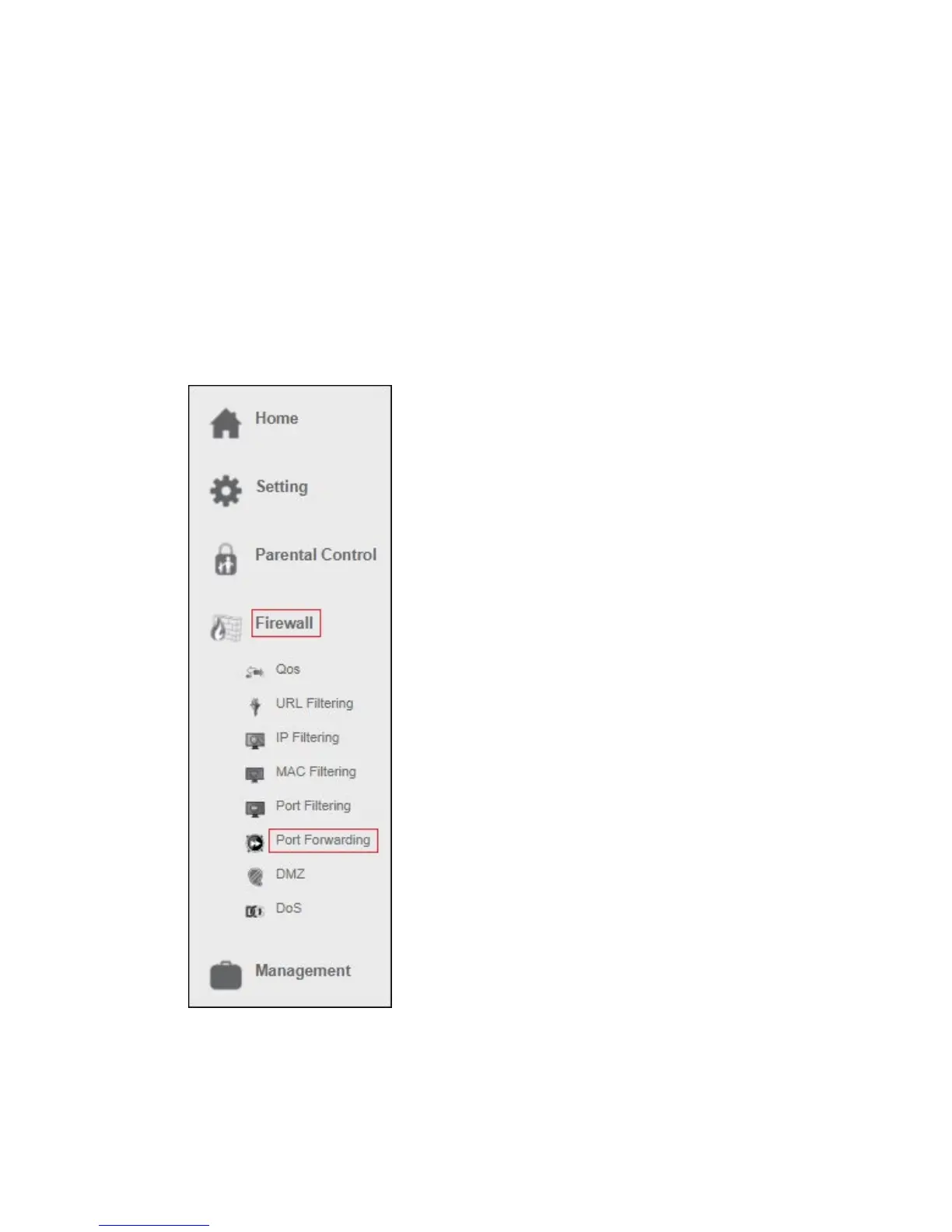
1. From the left-hand menu, click on “Firewall” – “Port Forwarding”.



 To Next Page