3.0 Securing a wireless network
To avoid having uninvited guests probing your wireless network we strongly
recommend securing your wireless network. There are several security methods
which can secure the network at different levels. To apply a method to your network it
is required that all wireless network devices support this method. The strongest
method of security is WPA2 (WiFi Protected Access).
The strongest method of security is WPA2 AES. It is recommended to use this type of
security. However, it is possible that (older) wireless hardware is not able to use this
type of security, but can only use WPA-TKIP or WEP. Refer to the documentation of
your hardware to be sure if your hardware can use WPA2 AES.
If you wish to use WPA2 AES security, continue with paragraph 3.1 (recommended). If
you wish to use WEP security, continue with paragraph 3.2
3.1 WPA2 AES security
1. Launch your internet web browser on your computer and type http://192.168.8.1
in your browsers address bar.
2. Please enter the User Name: admin and Password: admin and then click on
“OK” button. You will see the following screen
:
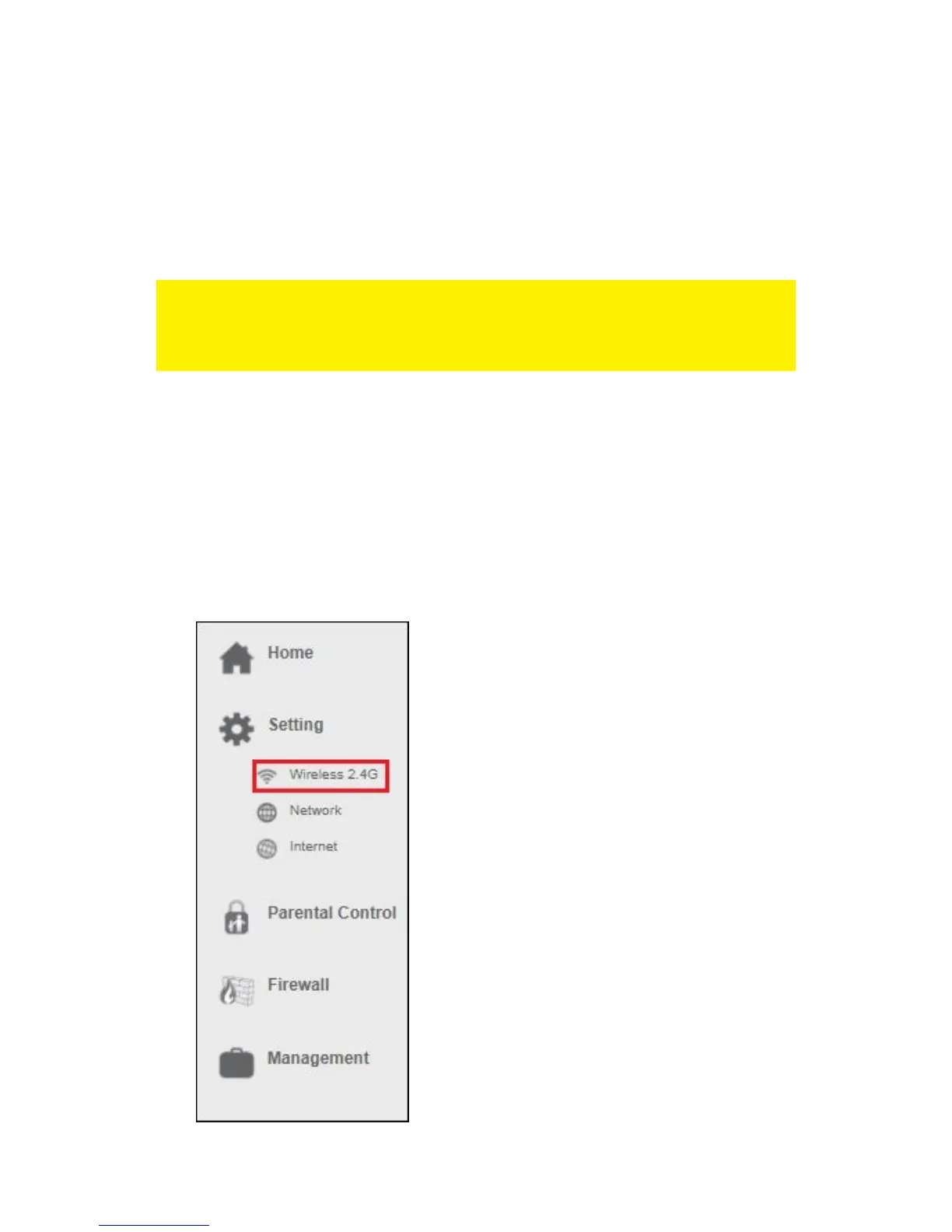
3. From the left-hand menu, click on “Setting” - “WIRELESS 2.4G”.



 To Next Page