5.0 Multi SSID – Guest network
The Multi SSID page allows you to configure up to 4 guest networks.
The main advantage of creating a guest network is because of the increased security
it offers. You can setup a wireless guest network with as example for visiting clients,
customers while your primary wireless network password remains secret. You can
also setup this guest account to have only Internet access. This will keep your private
LAN secured.
1. Launch your internet web browser on your computer and type http://192.168.8.1
in your browsers address bar.
2. Please enter the User Name: admin and Password: admin and then click on
“OK” button.
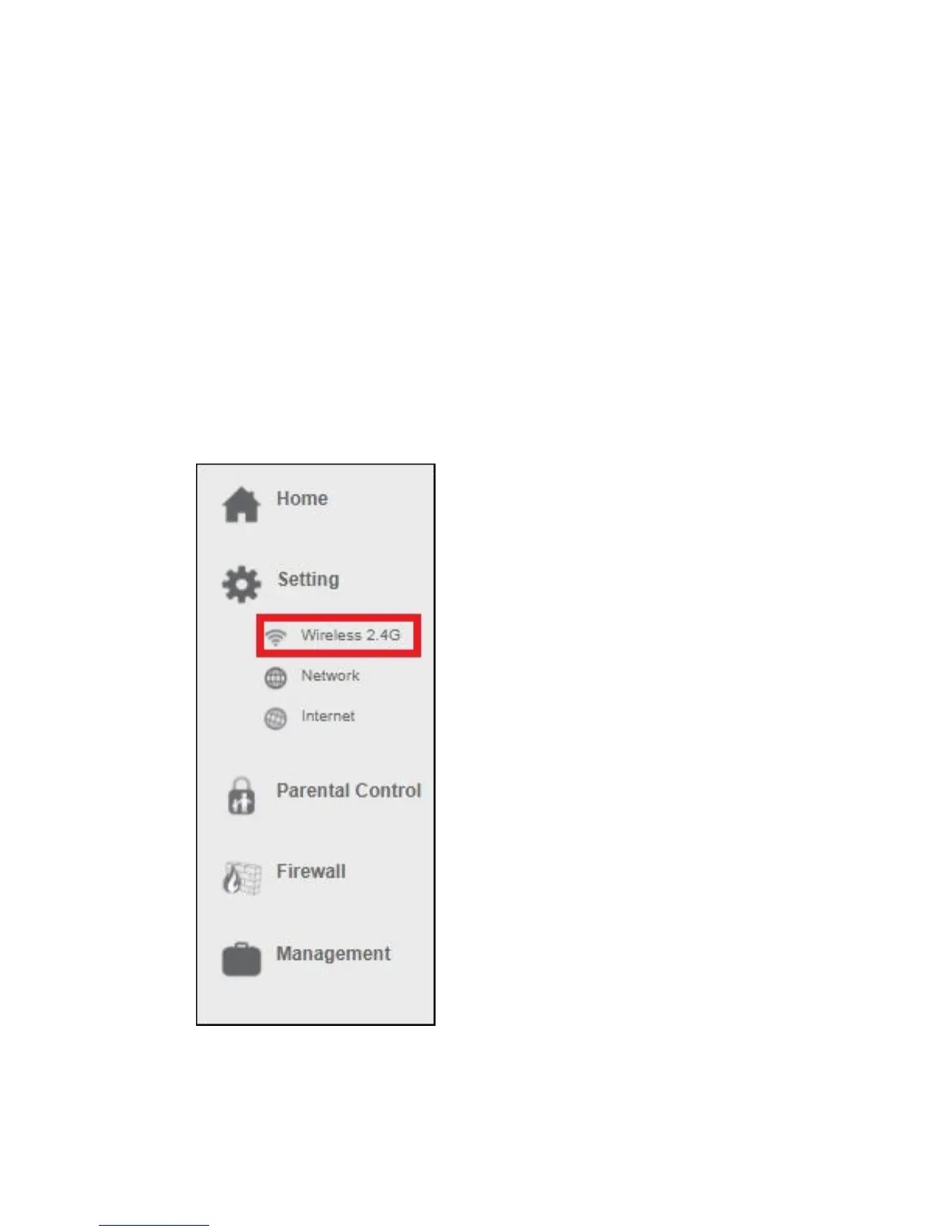
3. From the left-hand menu, click on “Setting” - “WIRELESS 2.4G”.
4. You will see the following screen:



 To Next Page