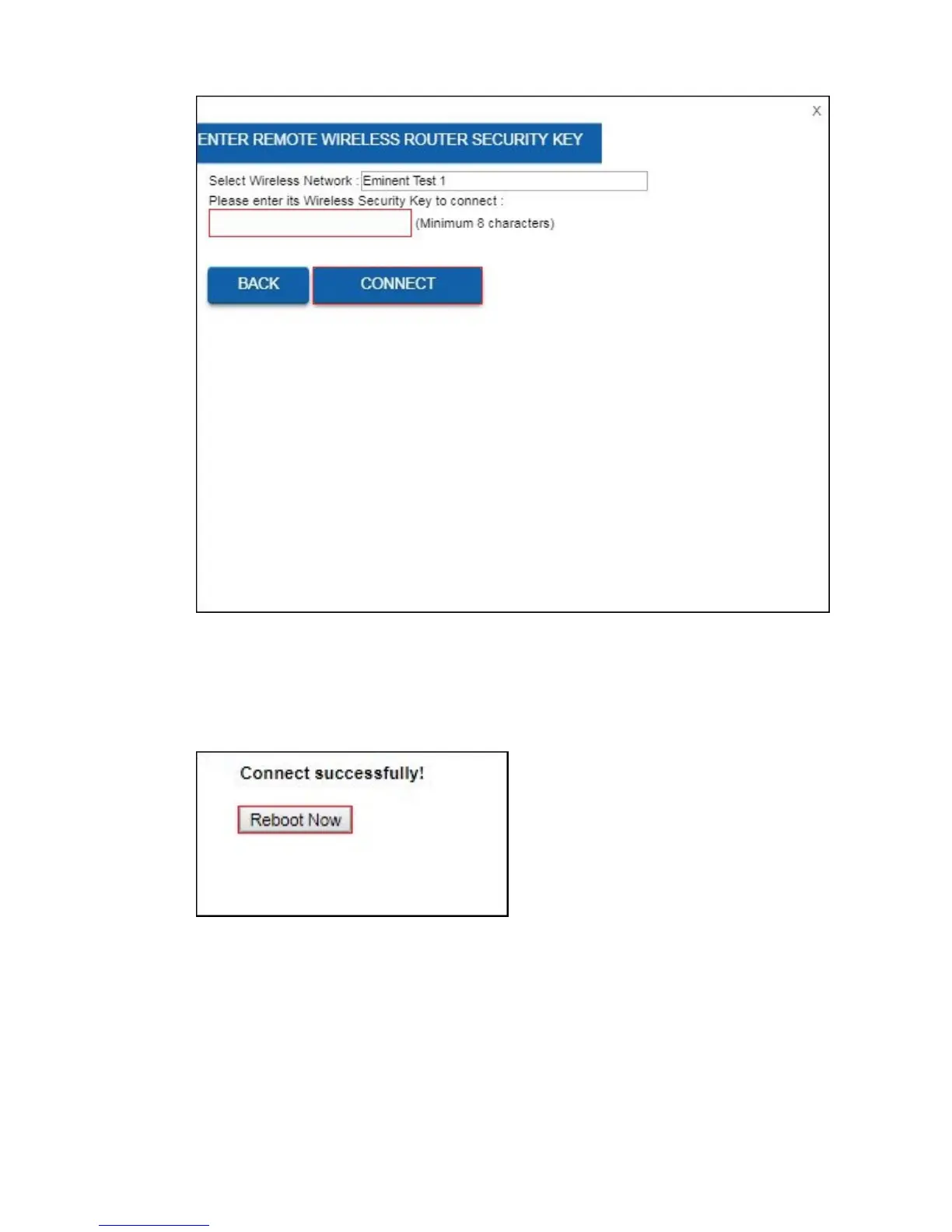
15. Please enter the wireless security key to connect the repeater to your wireless
2.4GHz network. Click “Connect”.
16. After approx. 10-20 seconds your router will notice you that you have connected
successfully. If this notification will not popup then you will most likely entered the
incorrect wireless encryption key.
17. Click “Reboot Now”.
18. The router will now reboot and save and apply the settings.



 To Next Page