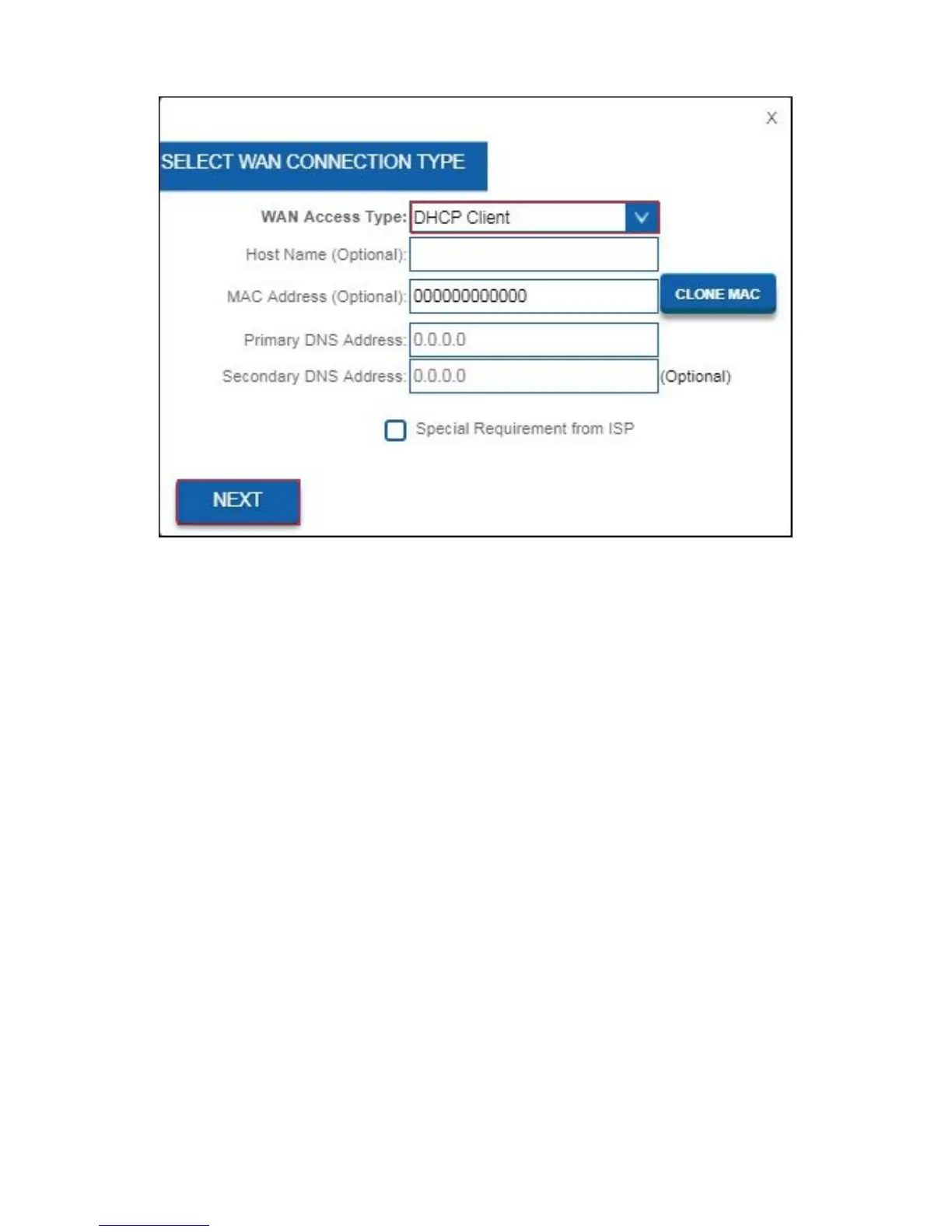
5. If your provider requires you to make a connection by using a Static IP-
address, then please proceed with chapter 2.3.
If your provider requires you to make a connection by using PPPoE (with
username and password), then please proceed with chapter 2.4.
For PPTP internet connection, please proceed with chapter 2.5.
For L2TP internet connection, please proceed with chapter 2.6.
6. Fill out a Wireless Network Name (SSID). Default this is Eminent. Click on
“APPLY & REBOOT”. Wait until the internet configuration is completed



 To Next Page