19
|
ENGLISH
10. It is not necessary but you have the option to set a movie database to collect info
about your video files. For more info about how to set content for your video files
use the following link:
http://kodi.wiki/
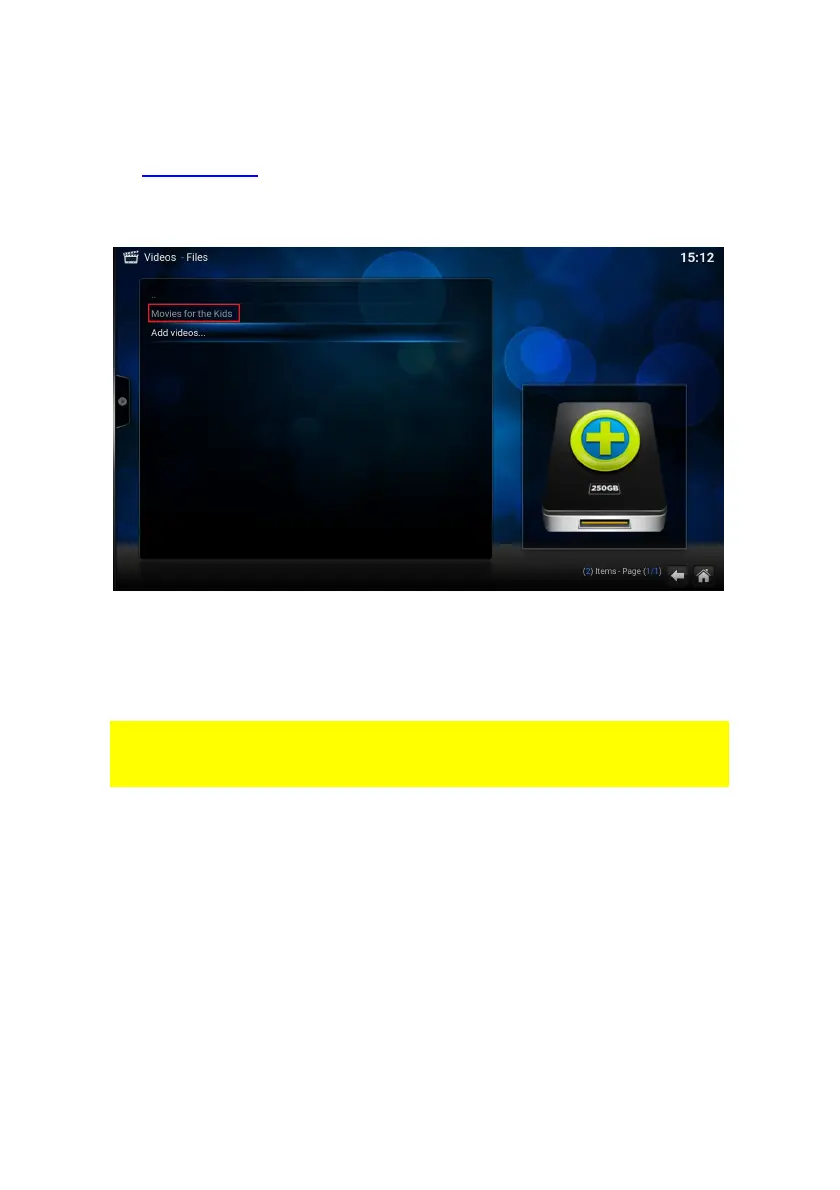
11. Press “OK”. You will be redirected to the Video – Files section where your new
share is saved. The following screen appears:
12. Press the “OK” button to enter the new made share to choose the file(s) you want
to stream.
8.2 Stream your video’s through USB drive
In the following steps we will describe how to stream your videos through an USB
drive. Be aware that these descriptions will be the same if you want to stream “Music”
or “Pictures”
1. Please make sure your TV is powered on and connected to your home network if
you want to stream media via USB.
2. Once the TV streamer has booted, the home screen appears:
3. Connect your USB device. Use the navigation buttons to go to “Video” and select
“Files”. You will see the following notification: “mounted removable storage
device”.



 To Next Page