9
|
ENGLISH
6. You will notice that Samba and SSH for sharing and remote access are at default
enabled. We advise you to leave these options enabled. Click “Next”. The
following screen appear:
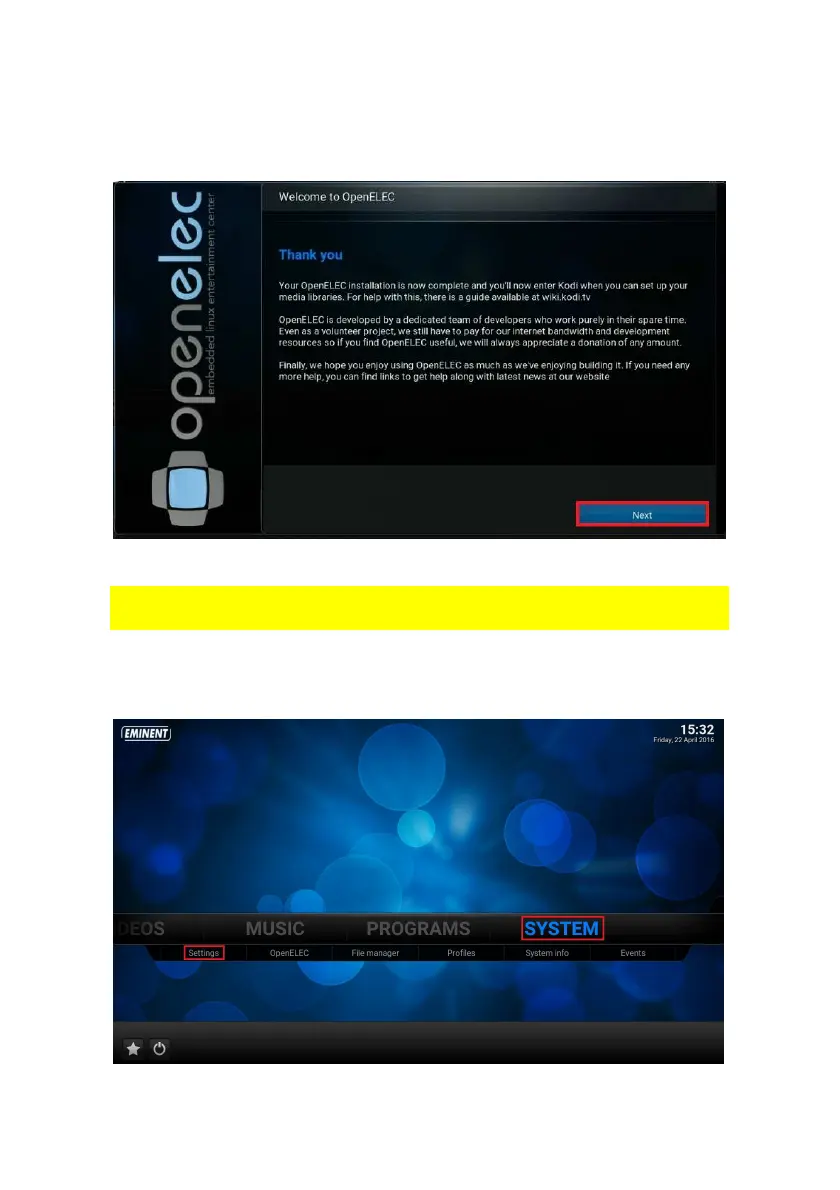
7. Click “Next”. Your TV Streamer is now ready to use.
All these settings you have entered or changed can also be changed in the “Settings”
menu.
6.0 Change Kodi language interface
1. Use the navigation buttons to go to ‘System’, “Settings”.



 To Next Page