6
|
ENGLISH
3. Set the television to the corresponding HDMI channel.
4. Connect the cable of the power supply to the ‘DC-IN’ of the EM7580.
5. Connect the power supply to a wall outlet.
If you want to connect your TV streamer to your HDMI AV receiver, please follow the
steps described in chapter 7 Audio Passthrough setup.
5.0 Setting up the TV streamer.
1. Make sure the “On/Off” switch is switched to ‘On’ to start up the TV streamer.
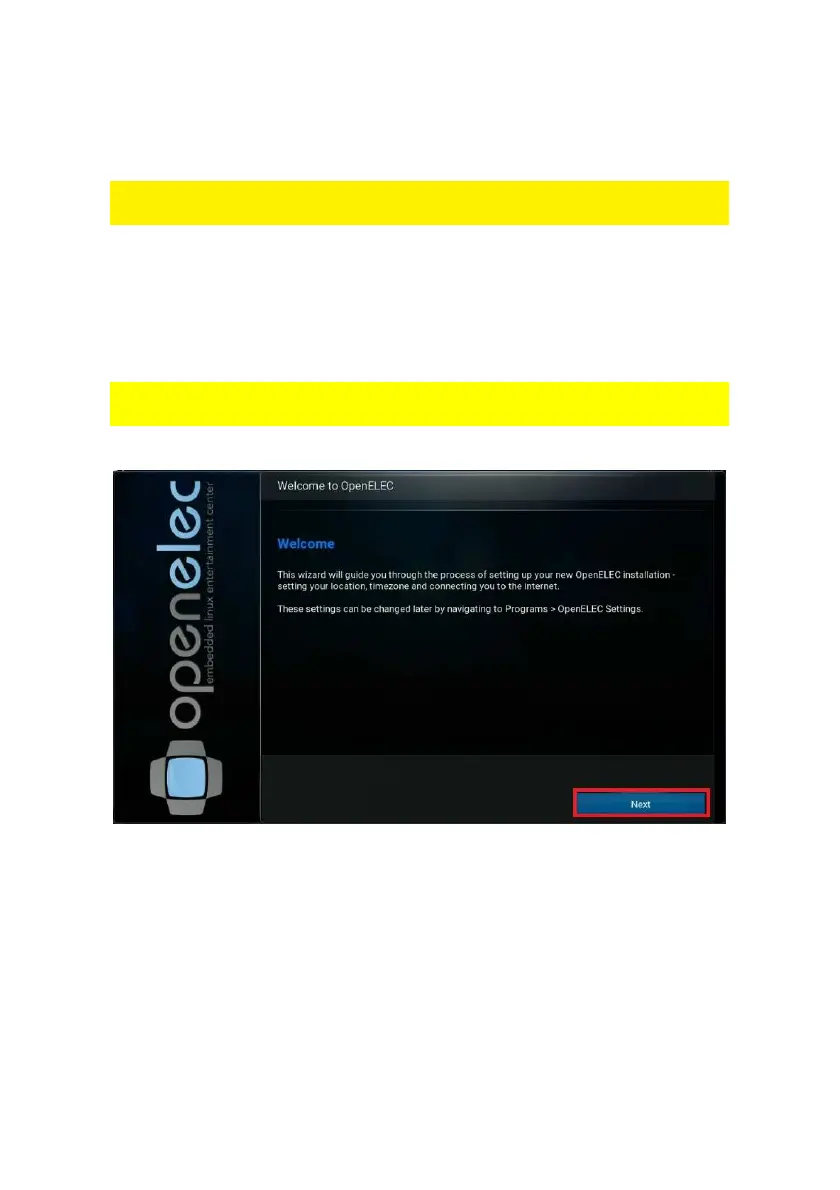
2. Once the EM7580 has booted, a wizard appears. This wizard can be used to
setup the TV streamer.
During the start of the wizard, you will notice some default add-ons, like subtitle and
weather add-on being updated when you have connected the streamer to the Internet.



 To Next Page