21
|
ENGLISH
6. Use the navigation keys to go to “Subtitle” and select your desired subtitle
stream.
7. Use the navigation keys to go to “Audio stream” and select your desired audio
stream.
10.0 Firmware update
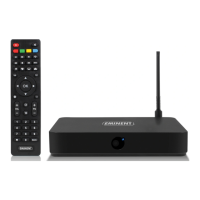
In the following steps we will describe how you can update the TV streamer when a
new FW update has become available.
1. Please make sure your TV streamer is powered on and connected to the internet
if you want to perform a firmware update.
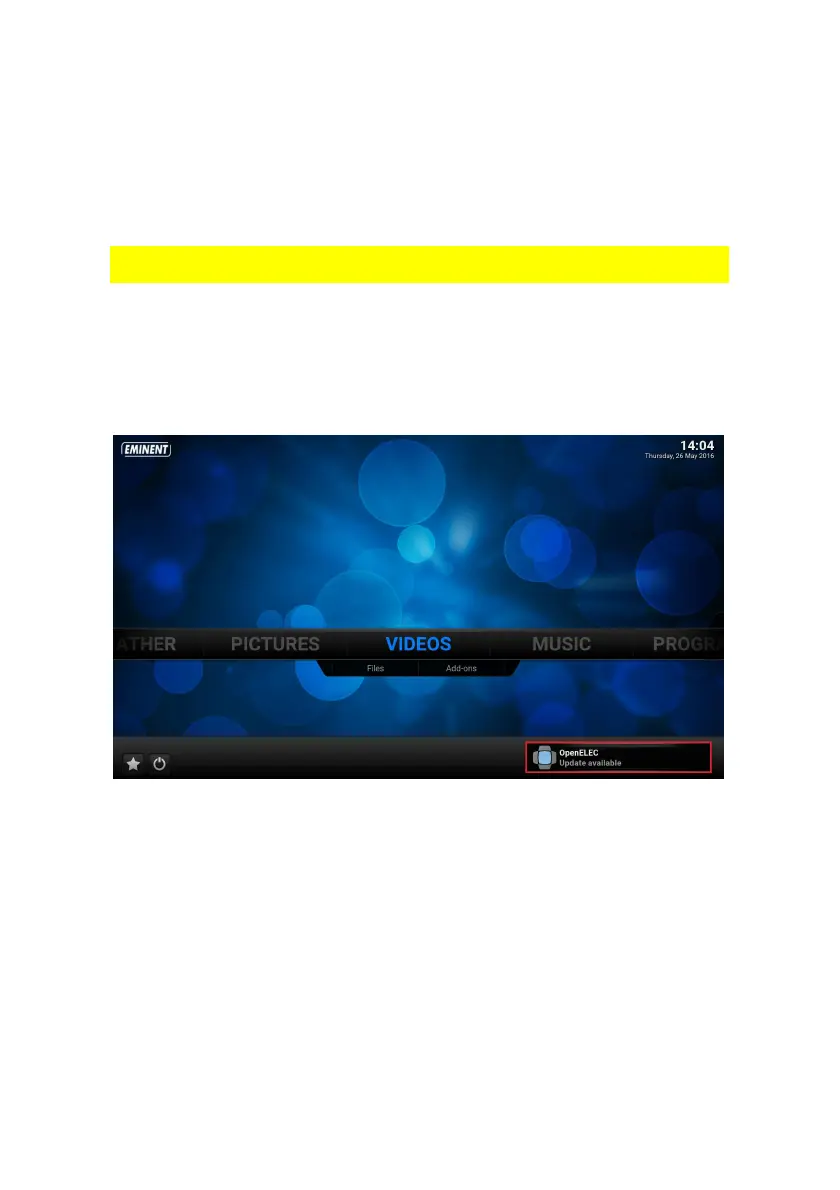
If your TV streamer is connected to the Internet, you will automatically receive an
notification when a new update is available as you can see at the following picture.


 To Next Page