20
|
ENGLISH
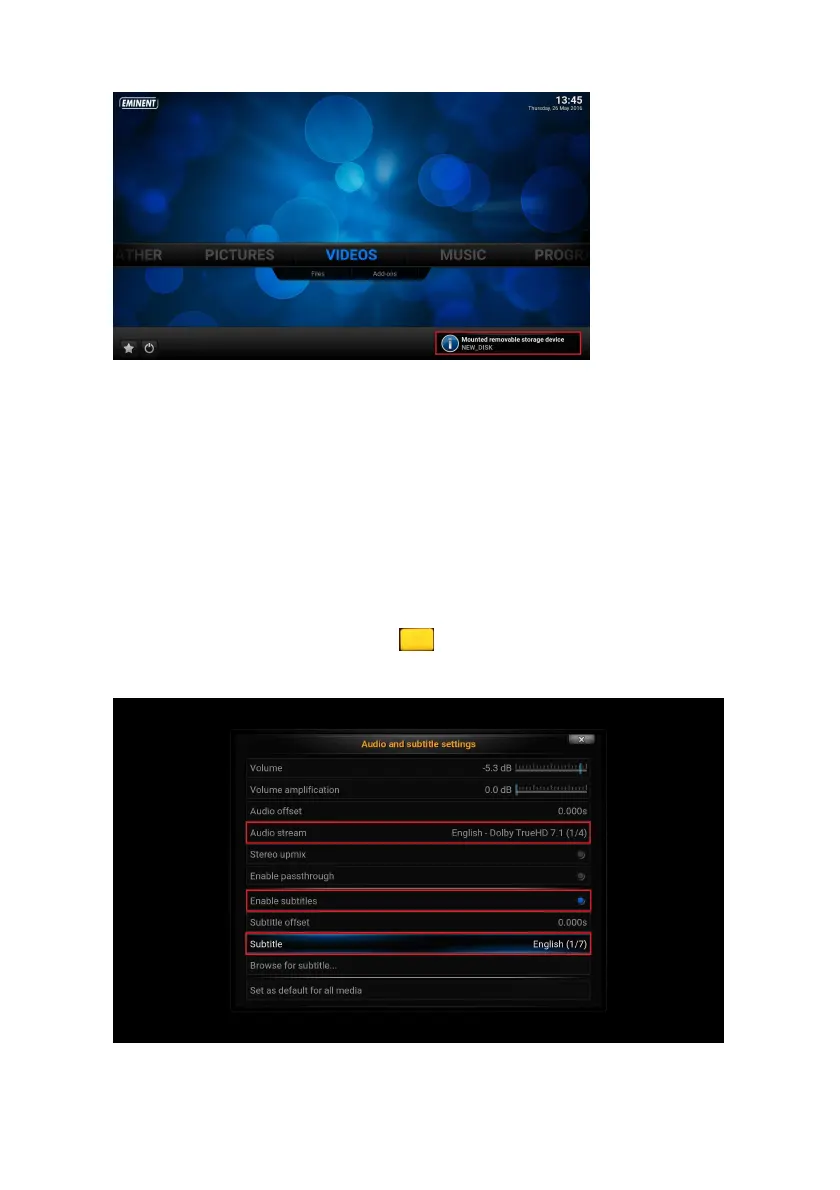
4. You will see in the Files section the name of your external USB drive listed.
5. Enter the USB drive and choose the file(s) you want to stream.
9.0 Audio and Subtitle selection
When more than one subtitle or audio streams are available, you will have the option
to switch between them.
1. Use the navigation buttons to go to “Video” and select “Files”
2. Select your video source and enter the directory you wish to watch videos from.
3. Press the “OK” button to start the movie.
4. Once the movie is playing press the button on your remote control. The
following screen appears:
5. Make sure “Enable subtitles” is enabled.



 To Next Page