23
|
ENGLISH
6. The TV streamer will automatically install the Firmware upgrade and reboot when
installation is completed. Do not interrupt this procedure or shutdown the TV
streamer!
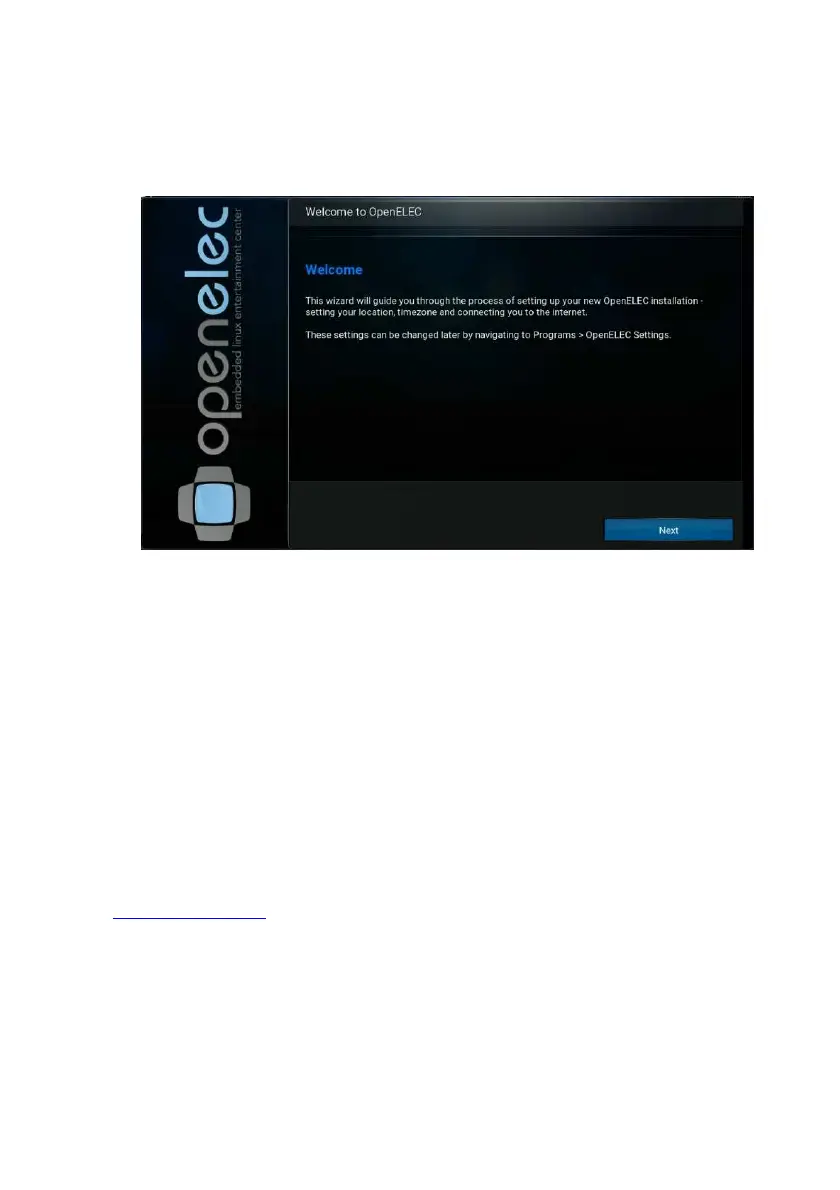
7. After reboot the TV streamer will again show you the first setup wizard.
8. After following the steps from the wizard you are ready to use the TV streamer
running on latest Firmware.
11.0 Extra features
OpenELEC Kodi has many more features to offer. For example adding or changing
the skin appearance in Kodi, adding streaming video add-ons and even control your
TV streamer by using your smartphone or tablet and many more is possible. For more
information how to use all the features Kodi has to offer, please enter the following link
into your web browser:
Kodi support please visit:
http://kodi.wiki
For OpenELEC support please visit:
http://wiki.openelec.tv



 To Next Page