Page 11
OPERATION OF THE CONTROLLER
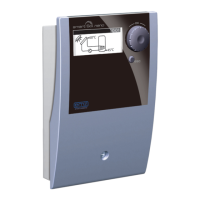
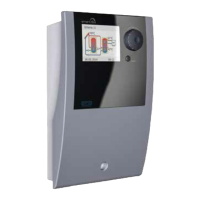
The entire set-up and operation of the differential temperature controller
smart Sol is effected via only two control elements on the device front.
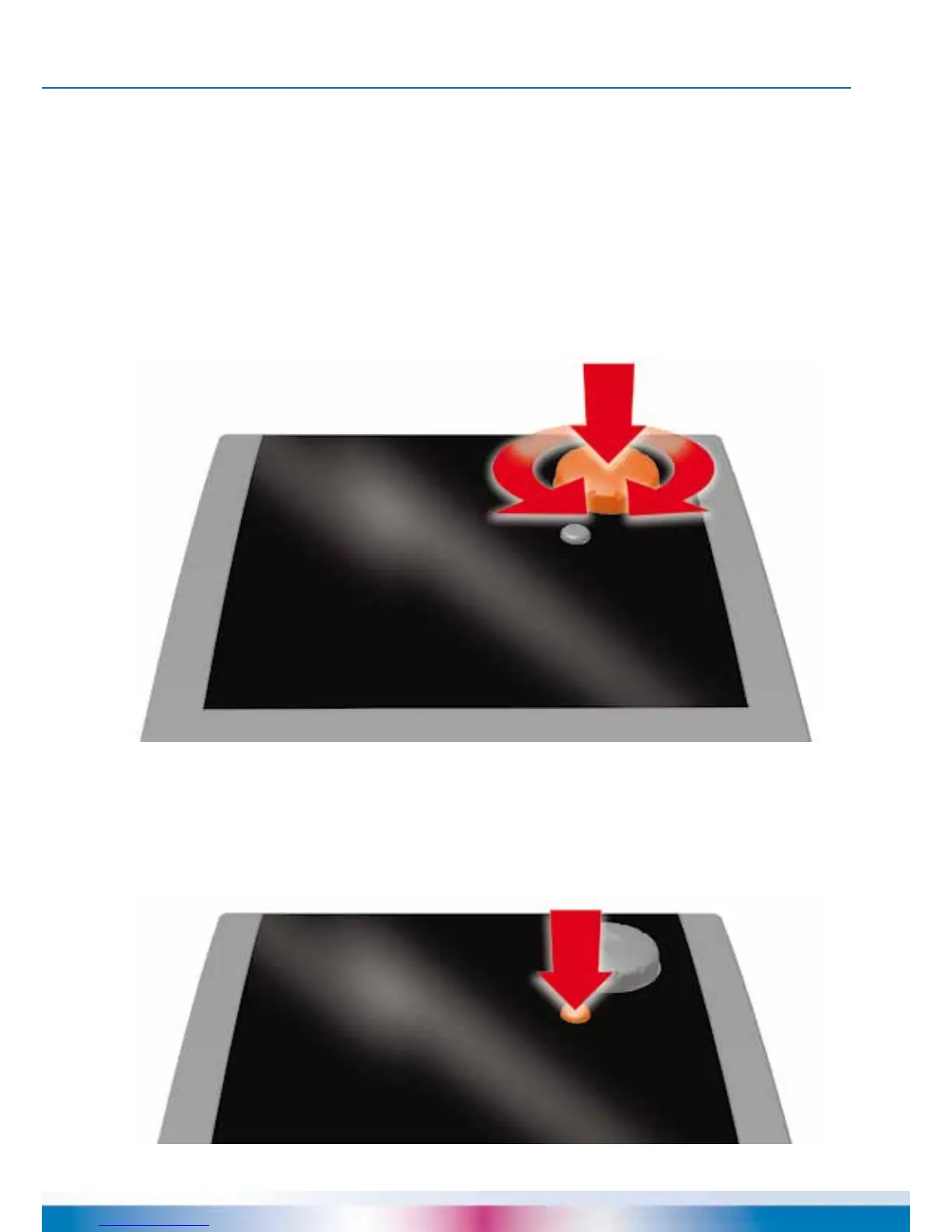
All settings and interrogations are effected via the rotary encoder.
To nd a required menu item, turn the rotary encoder to ›scroll‹
through the menu - the selectable option appears on a coloured
background on the display.
To conrm the selected menu item, press the rotary encoder.
An appropriate submenu is called up, or selection is activated.
Press the esc button to make the menu return by one level from any subitem.
If no input is made within the preset time (30-255 s),
the controller returns automatically to the initial level.


 To Next Page