Page 78
System 1
04. 07. 2015 10:32
1
1.10 Service Wizard
04. 07. 2015 10:32
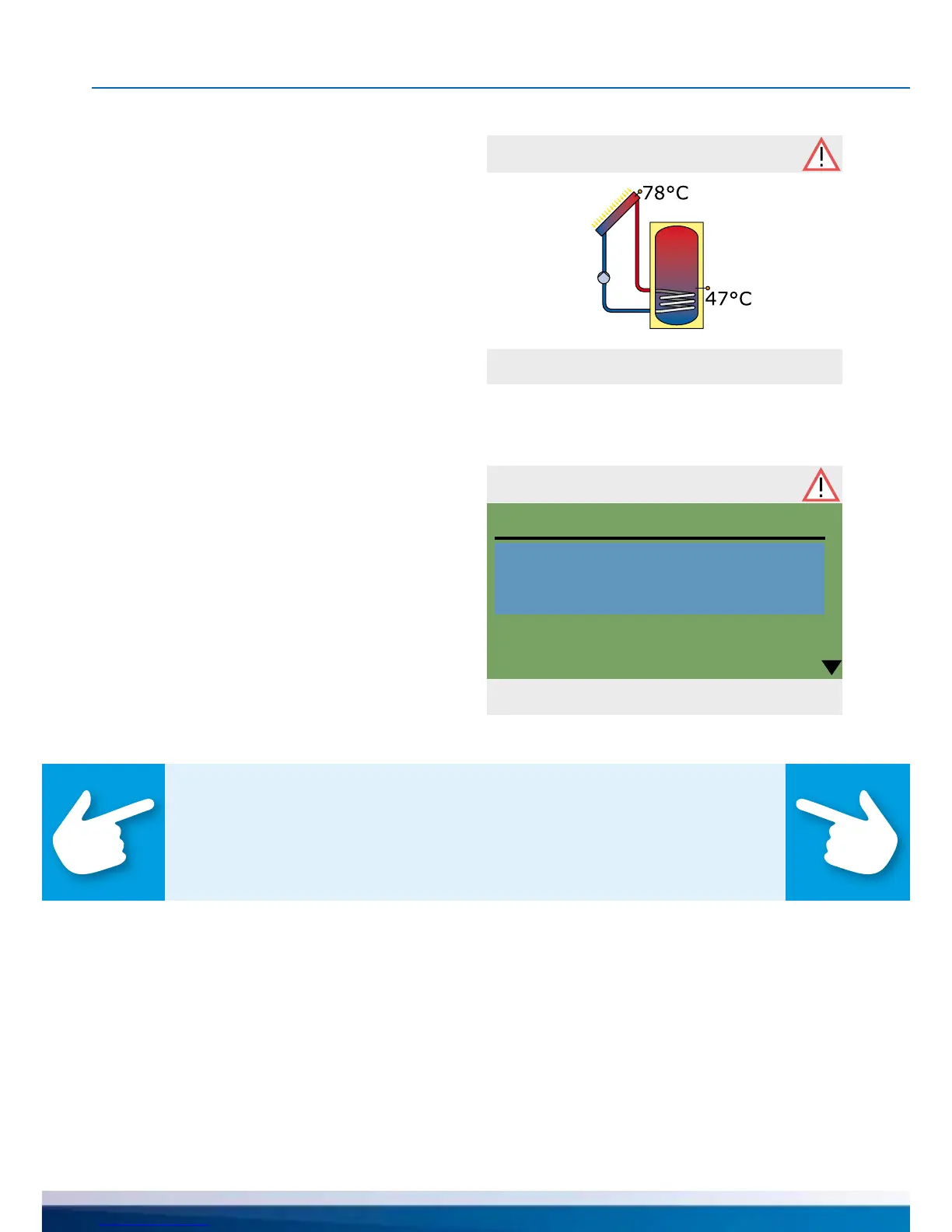
Safety function
Solar circuit
emergency cut-off
The „Attention“ symbol appears at the top
right corner of the display.
A ashing symbol indicates a pending mes-
sage or an active safety function.
A permanent symbol indicates that there is
an active malfunction and the controller is in
failure operation.
Select via ›OK‹.
MALFUNCTION
The differential temperature controller smart Sol communicates malfunction
processes in plain text. The Service Wizard indicates the possible causes of
malfunctions on the basis of the detected symptoms and thus supports
immediate and comfortable detection of deciencies.
There may be various deciencies in a solar thermal system, which require
a wide variety of approaches. The controller communicates every step to
the operator or tter via the screen, so that there is no need to describe
all malfunctions in detail in this operating manual.
Here, a malfunction message with troubleshooting process is presented as an example.
If ›Safety function‹ appears in the display,
this is a message, no malfunction.
In this case, there is no deciency,
but limits have been exceeded.
The controller indicates that a
protective function has been triggered.
The message is only active until
normal operation has been restored.
Note!
If a malfunction message appears in the display, the operator
can dene the possible causes by means of the Service Wizard
so that he/she can provide the tter with precise information.


 To Next Page