Page 85
1.7 Login
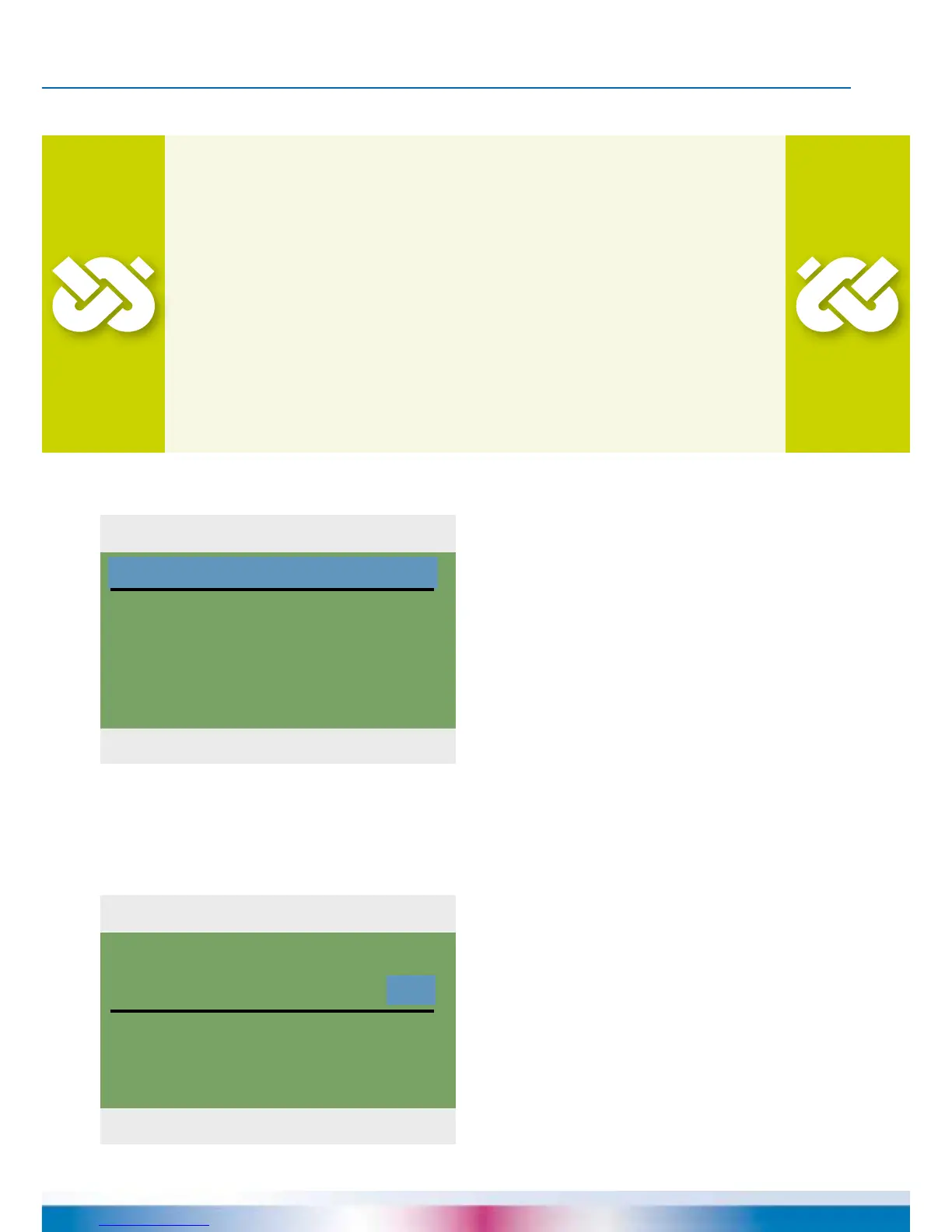
04. 07. 2015 10:29
Access code
350
Edit
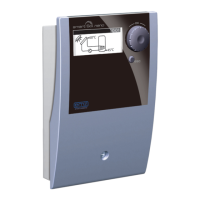
04. 07. 2015 10:31
Access code
365
Restore last value
Factory settings
PROFESSIONAL MODE
To enter the professional mode, select ›1.7
Login‹ from the main menu, activate and ...
... enter the access code.
The access code to
professional mode is ›365‹.
The fact that the tter must be available
for his/her customers on 365 days per
year may serve as a mnemonic trick.
If the professional mode is not exited
actively, the controller automatically
displays the plant layout after the
preset display shut-off time and the
value of the access code is reset to 350.
Important!
In professional mode, settings are made which require detailed
knowledge of the heating and solar plant.
Moreover, solid specialist knowledge regarding control
engineering, hydraulics and solar thermal water heating is required!
If a single parameter is changed, this may affect the safety,
function and efciency of the entire plant!
Leave the settings in professional mode to a
specialist workshop, the tter or heating installer!
Modications by non-experts tend to result in damage to
the plant, rather than to an improvement of its efciency!


 To Next Page