Page 86
1 Main menu
04. 07. 2015 10:32
Evaluation
Settings
Basic functions
Efciency functions
Protective funct.
1.1 Evaluation
04. 07. 2015 10:20
Measured values
Service hours
CO2 savings
Heat quantities
Message list
1.2 Settings
04. 07. 2015 10:33
Date/Time
Language
Display
Temp. limitation
Max.temp.shutoff
PROFESSIONAL MODE
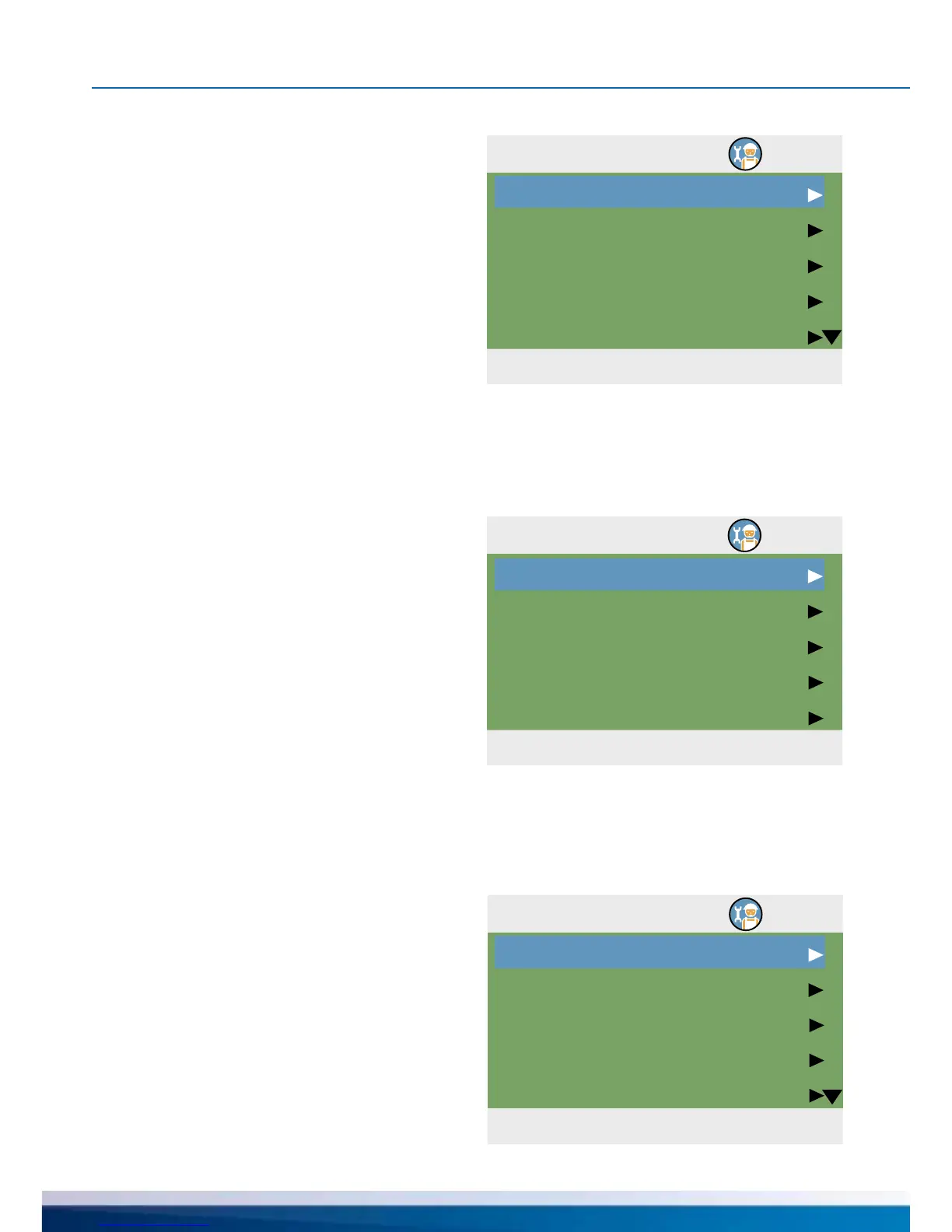
After having returned to ›1 Main menu‹,
the screen shows a list of subitems
as in operation mode.
The menu ›1.1 Evaluation‹ is
identical to the operating mode.
The following items appear under ›1.2.
Settings‹ next to the operation mode menus:
- ›Temp. limitation‹
- ›Max.temp.shutoff‹


 To Next Page