Page 63
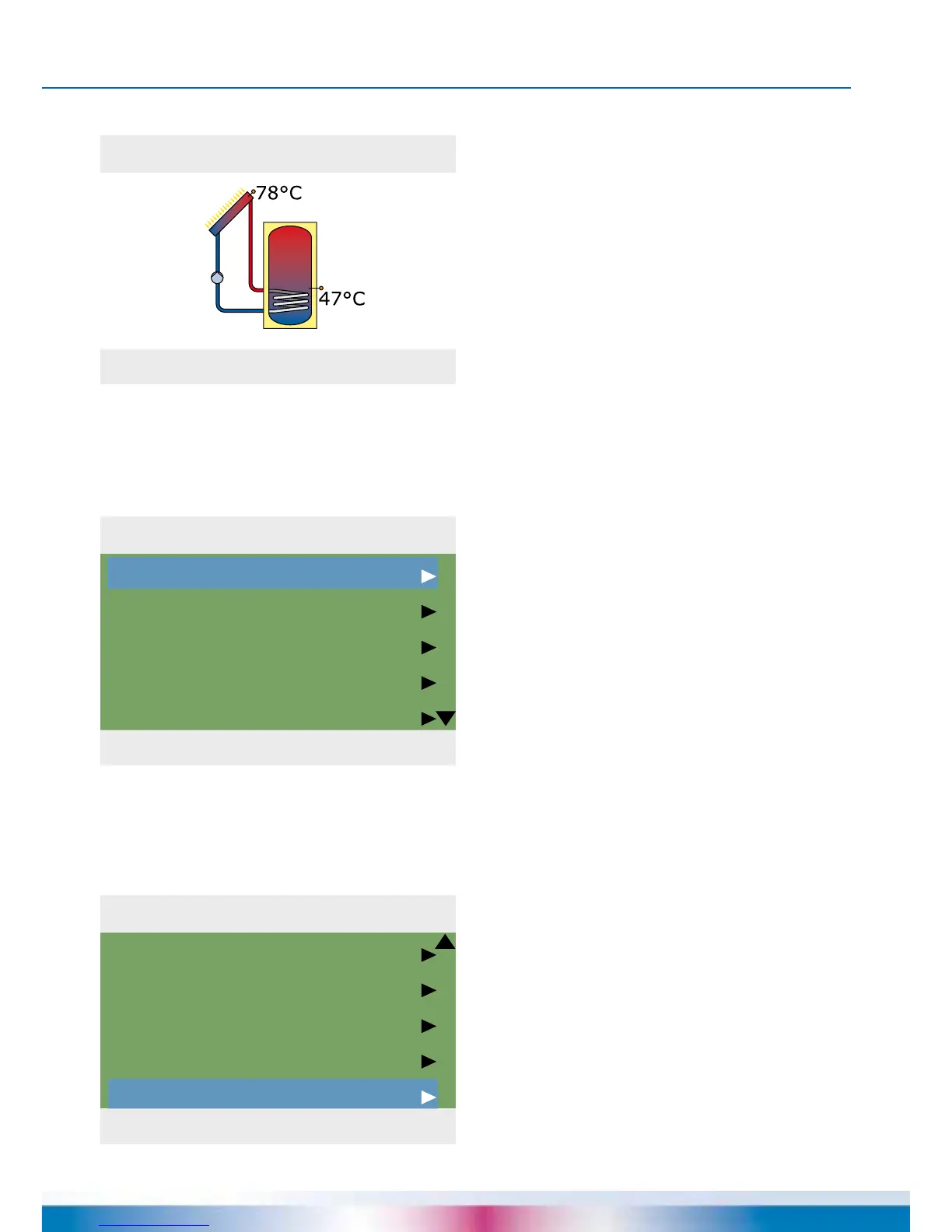
System 1
04. 07. 2015 10:19
1
1 Main Menu
04. 07. 2015 10:19
Evaluation
Settings
Basic functions
Efciency functions
Protective funct.
1 Main Menu
04. 07. 2015 10:19
Efciency functions
Protective funct.
Monitoring
Login
Info
OPERATION MODE
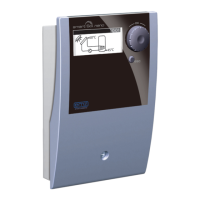
On the controller, the user can make
various settings and obtain information
about states and processes.
To this effect, press the button
›OK‹ in automatic mode.
›1 Main menu‹ appears.
A list of subitems appears
By scrolling ...
...the lower part of the menu is displayed.
Once the rst subitem
›Evaluation‹ is selected, ...


 To Next Page