Page 66
1.1.4 Heat quantities
04. 07. 2015 10:22
Heat qty. 2
Diagram
Heat qty. (calc.)
Reset
Week
108kWh
1.1.4 Heat quantities
04. 07. 2015 10:22
365d [kWh]
800
600
400
200
0
1.1.4.1 heat qty. 1
04. 07. 2015
10:22
Activation
Heat qty. (calc.)
Volume ow
108kWh
---
OPERATION MODE
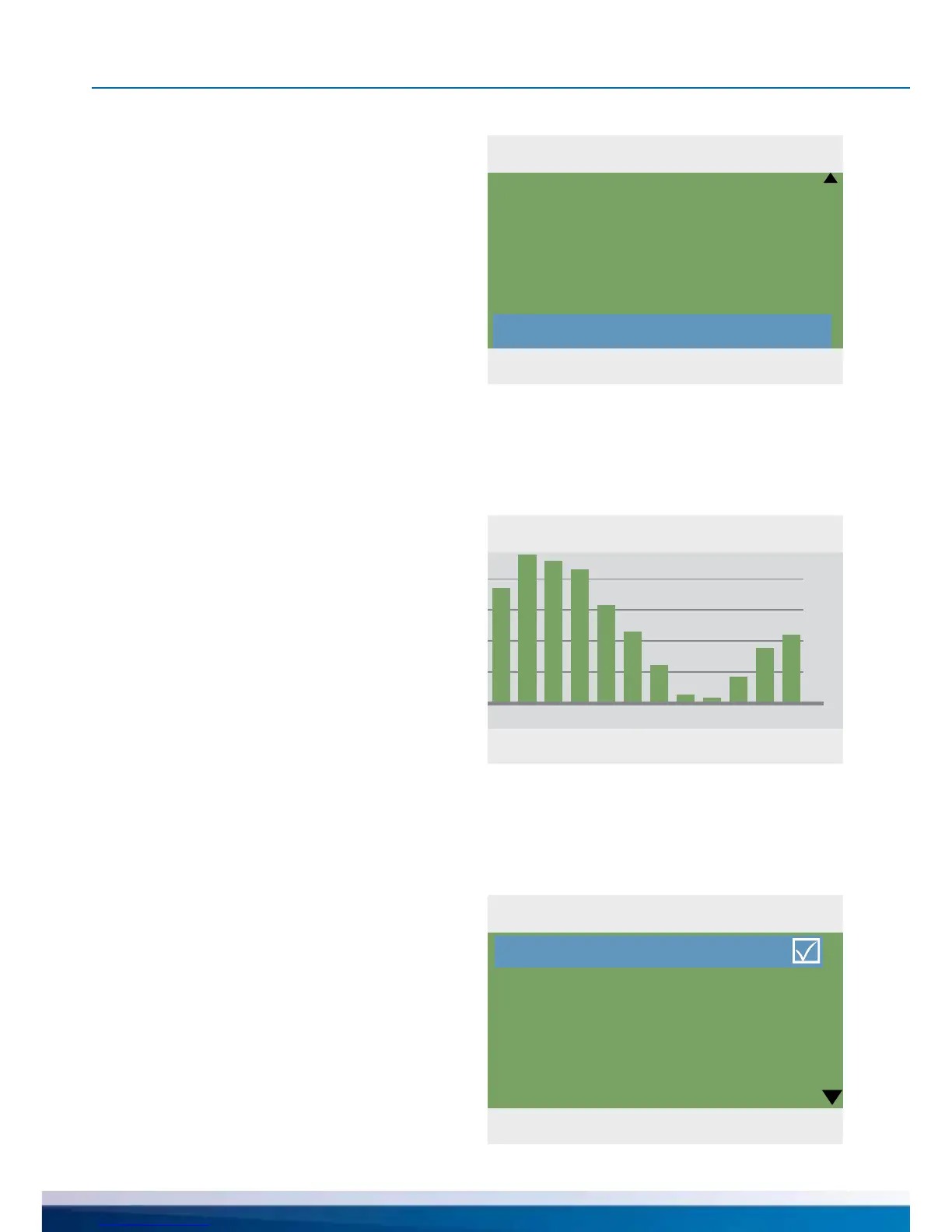
›1.1.4 Heat quantities‹ appears.
Up to two heat counters can be
congured for the collection of
the generated energy quantity.
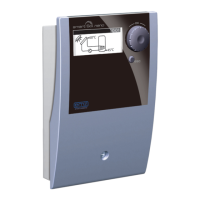
The evaluation period can be selected via
the ›Diagram‹ - ›Week‹, ›Month‹ or ›Year‹
Press ›Reset‹ to reset the counter to 0.
The evaluation appears as a bar graph.
Selecting a submenu, e.g. ›Heat qty. 1‹...
...will access ›1.1.4.1 heat qty. 1‹
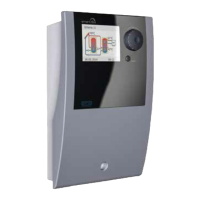
Activation will start a counter
which calculates heat yield.
›Volume ow‹ denes the volume
ow sensor to be used.


 To Next Page