Page 76
1.7 Login
04. 07. 2015 10:29
Access code
350
1.9 About
04. 07. 2015 10:30
HW version
Serial number
Commissioning
8.00
3044
04.07.2015
System 1
04. 07. 2015 10:31
1
OPERATION MODE
If no entry is made within the
preset time (30 - 255 s) on the
smart Sol, the display returns to ›System‹.
›esc‹ is used to return to the home screen
from every menu.
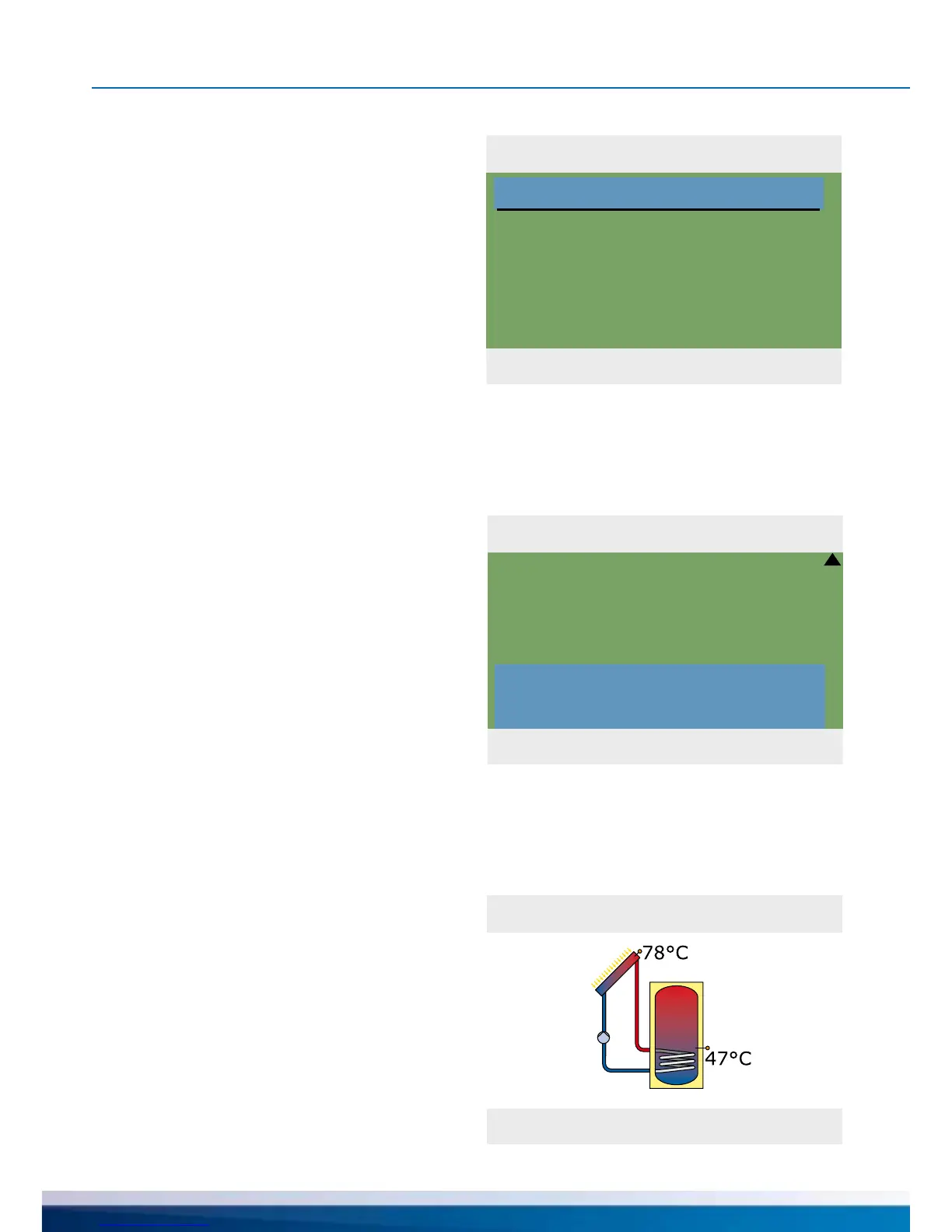
›1.9 About‹ appears.
Here, the software and hardware version
of the controller, the serial number and
the date of commissioning appear.
This information is required for
repairs and for version management.
›1.7 Login‹ appears.
Here, the tter can enter his/her access code
to perform further settings and changes.
Return to ›1 Main menu‹.
Continue with ›About‹.


 To Next Page