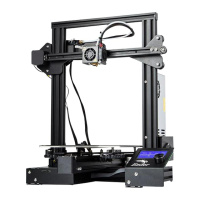
Need help?
Do you have a question about the Ender Ender-3 and is the answer not in the manual?
Inventory check of all parts included in the printer kit before assembly.
Attaching the main vertical aluminum extrusions to the printer's base unit.
Mounting the power supply and the control screen to the printer frame.
Installing the switch that detects the Z-axis homing position.
Securing the motor responsible for Z-axis movement to the frame.
Preparing the components for the X-axis system, including bearings and pulleys.
Assembling the first part of the X-axis gantry, including extrusion and nozzle kit.
Completing the X-axis gantry assembly with the belt tensioner and belt routing.
Installing the bearings for the X and Z axes to ensure smooth movement.
Attaching the horizontal gantry frame profile to the main structure.
Installing the rack system, likely for the Z-axis lead screw or similar.
Connecting the Bowden tube and electrical wiring harnesses to their respective ports.
 General
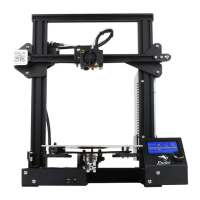
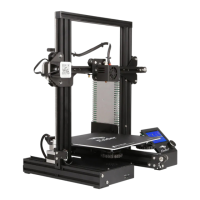
| Brand | Ender |
|---|---|
| Model | Ender-3 |
| Category | 3D Printers |
| Language | English |

 To Next Page