EasyManua.ls Logo

Endress+Hauser Cerabar M PMP51 - User Manual

Endress+Hauser Cerabar M PMP51
134 pages
Print Icon
To Next Page IconTo Next Page
Loading...
BA00382P/00/EN/13.10
71123275
Valid from software version:
01.00.zz
Operating Instructions
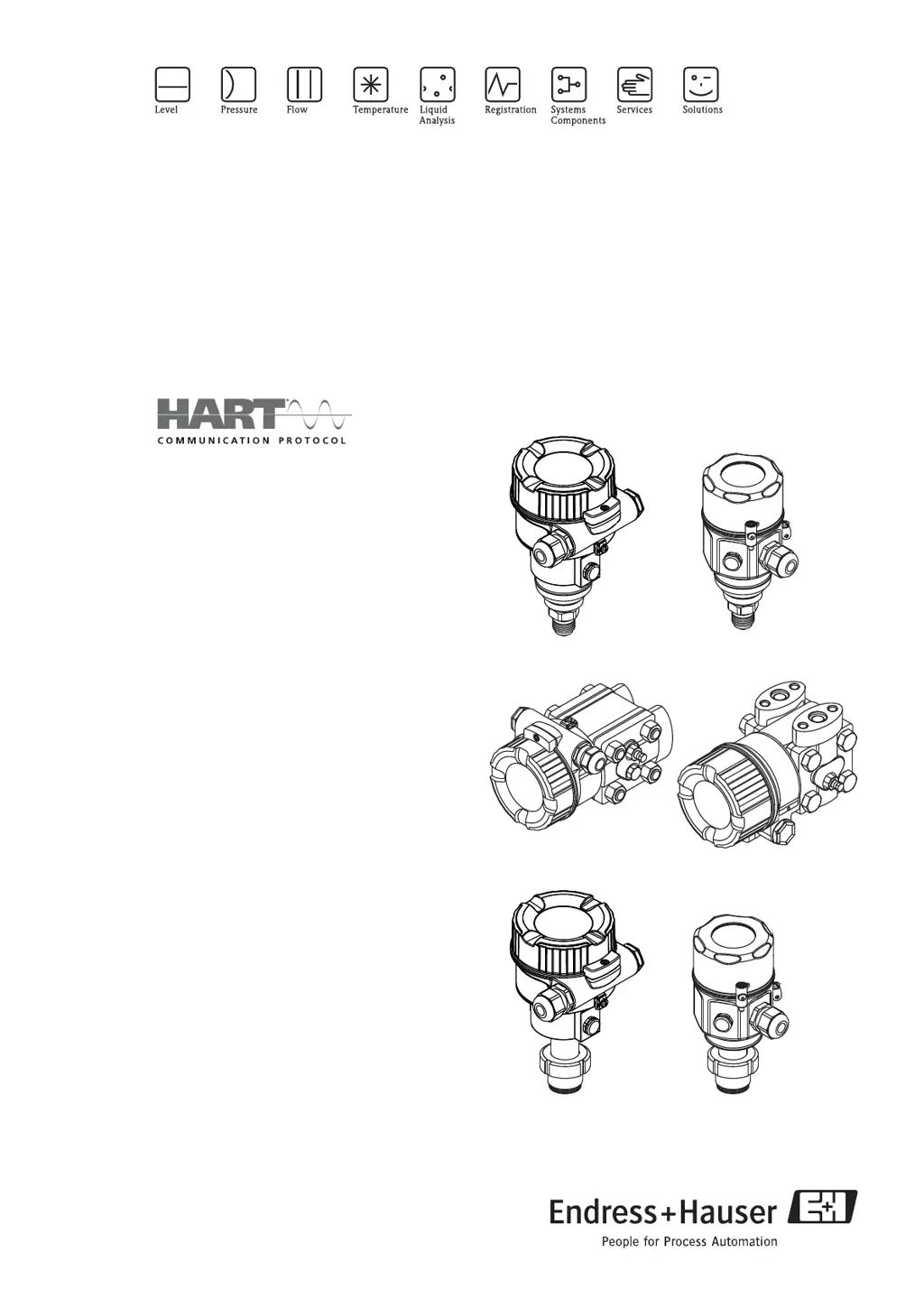
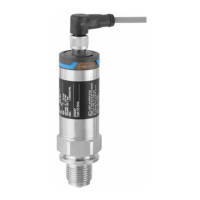
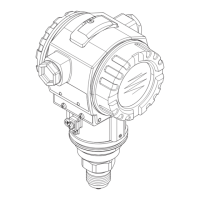
Cerabar M PMC51, PMP51, PMP55
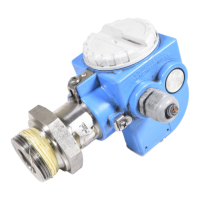
Deltabar M PMD55
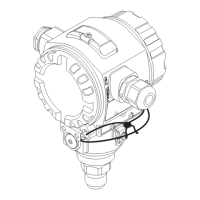
Deltapilot M FMB50/51/52/53
Process pressure / Differential pressure, Flow / Hydrostatic
Deltapilot M
Deltabar M
Cerabar M

Table of Contents

Other manuals for Endress+Hauser Cerabar M PMP51

Questions and Answers

  • V
    Virginia GutierrezAug 15, 2025
    What to do if Endress+Hauser Cerabar M PMP51 show 'Process pressure'?
    • M
      Molly LandryAug 15, 2025
      If the Endress+Hauser Measuring Instruments display 'Process pressure', it could be due to electromagnetic effects exceeding the specifications in the technical data, or the presence of overpressure or low pressure. You should check the pressure value. If this doesn't resolve the issue, try restarting the device or performing a reset.
  • D
    Daniel SmithAug 18, 2025
    Why Endress+Hauser Cerabar M PMP51 show 'Working range P'?
    • L
      laramargaretAug 18, 2025
      The 'Working range P' error on Endress+Hauser Measuring Instruments indicates the presence of overpressure and low pressure, electromagnetic effects exceeding the specifications, or a defective sensor. Check the process pressure and the sensor range to resolve the issue.
  • D
    denisehoustonAug 21, 2025
    What to do if Endress+Hauser Cerabar M PMP51 Measuring Instruments show 'Sensor conn.'?
    • B
      Brenda CarterAug 21, 2025
      If the Endress+Hauser Measuring Instruments display 'Sensor conn.', the cable connection between the sensor and main electronics might be disconnected, the sensor might be defective or electromagnetic effects are greater than specifications in the technical data. Check the sensor cable. If this doesn't resolve the issue, replace the electronics.
  • M
    michellepattersonAug 25, 2025
    What to do if Endress+Hauser Measuring Instruments show 'Initialization'?
    • S
      Sarah McbrideAug 26, 2025
      If the Endress+Hauser Measuring Instruments display 'Initialization', the cable connection between the sensor and main electronics might be disconnected, the sensor might be defective or electromagnetic effects are greater than specifications in the technical data. Perform a reset or check the sensor cable.
  • H
    Hannah ThomasAug 28, 2025
    What to do if Endress+Hauser Cerabar M PMP51 show 'Electronics'?
    • C
      Clinton MillsAug 28, 2025
      If the Endress+Hauser Measuring Instruments display 'Electronics', try restarting the device or replacing the electronics.
  • K
    Karen FrederickAug 31, 2025
    What to do if Endress+Hauser Measuring Instruments show 'Permanent mem.'?
    • M
      Mrs. Gabrielle MayerAug 31, 2025
      If the Endress+Hauser Measuring Instruments display 'Permanent mem.', try restarting the device.
  • V
    Veronica CoxSep 3, 2025
    What to do if Endress+Hauser Cerabar M PMP51 show 'Current simul.'?
    • K
      kenneth55Sep 3, 2025
      If the Endress+Hauser Measuring Instruments are showing 'Current simul.', end the simulation.
  • D
    David NovakSep 7, 2025
    What to do if Endress+Hauser Cerabar M PMP51 show 'Error simul.'?
    • A
      amanda21Sep 7, 2025
      If the Endress+Hauser Measuring Instruments are showing 'Error simul.', end the simulation.
  • M
    Marie SalasSep 10, 2025
    What to do if Endress+Hauser Cerabar M PMP51 show 'Measure simul.'?
    • B
      barryanthonySep 12, 2025
      If the Endress+Hauser Measuring Instruments are showing 'Measure simul.', end the simulation.

Summary

Safety Instructions

Installation, Commissioning, and Operation

Covers crucial steps for safe device installation, commissioning, and operation.

Operational and Process Safety

Highlights safety measures for operation and process integrity.

Installation

Installing Cerabar M

Detailed guide for installing the Cerabar M pressure transmitter.

Installing Deltabar M

Comprehensive instructions for installing the Deltabar M differential pressure transmitter.

Installing Deltapilot M

Step-by-step guide for installing the Deltapilot M hydrostatic pressure sensor.

Installing Cerabar M

Installing Deltabar M

Installing Deltapilot M

Wiring

Connecting the Device

Provides step-by-step instructions for electrical connection of the device.

Connecting the Measuring Unit

Details on connecting the measuring unit, including supply voltage and cable.

Operation

Operation Without Operating Menu

Describes device operation using keys and DIP switches on the electronic insert.

Operation With an Operating Menu

Details device operation using the local display and menu structure.

Operation Without Operating Menu

Operation With an Operating Menu

Operation via HART Handheld Terminal

Instructions for operating the device using a HART handheld terminal.

Operation via FieldCare

Guidance on using FieldCare software for device configuration and management.

Commissioning

Function Check

Describes the function check and pre-commissioning steps.

Commissioning Without an Operating Menu

Details commissioning procedures without using the device's operating menu.

Commissioning With an Operating Menu

Covers commissioning steps using the device's operating menu.

Position Zero Adjustment

Explains how to correct zero point shifts due to device orientation.

Level Measurement (Cerabar M and Deltapilot M)

Information and procedures for level measurement using Cerabar M and Deltapilot M.

Linearization

Procedures for setting up and entering linearization tables for measurement correction.

Pressure Measurement

Describes calibration procedures for pressure measurement.

Electrical Differential Pressure Measurement with Gauge Pressure Sensors

Details setting up differential pressure measurement using two gauge sensors.

Differential Pressure Measurement (Deltabar M)

Covers preparatory steps and setup for differential pressure measurement.

Flow Measurement (Deltabar M)

Information, preparation, and setup for flow measurement with Deltabar M.

Level Measurement (Deltabar M)

Preparatory steps and procedures for level measurement with Deltabar M.

Commissioning Without an Operating Menu

Commissioning With an Operating Menu

Position Zero Adjustment

Level Measurement (Cerabar M and Deltapilot M)

In Pressure Level Selection

Details the 'In Pressure' method for level measurement.

In Height Level Selection

Details the 'In Height' method for level measurement.

In Pressure Level Selection

In Height Level Selection

Calibration with Reference Pressure (Wet Calibration)

Step-by-step guide for wet calibration using reference pressure.

Calibration Without Reference Pressure (Dry Calibration)

Step-by-step guide for dry calibration without reference pressure.

Linearization

Manual Entry of the Linearization Table

Instructions for manually entering points into the linearization table.

Manual Entry of the Linearization Table via the Operating Tool

Using an operating tool for manual entry of the linearization table.

Semi-automatic Entry of the Linearization Table

Procedure for semi-automatic entry of linearization table data.

Pressure Measurement

Calibration With Reference Pressure (Wet Calibration)

Electrical Differential Pressure Measurement with Gauge Pressure Sensors

Differential Pressure Measurement (Deltabar M)

Flow Measurement (Deltabar M)

Level Measurement (Deltabar M)

Preparatory Steps

Includes steps for preparing the device and impulse piping for measurement.

Level Selection In Pressure

Details the 'In Pressure' method for level measurement.

Level Selection In Height

Details the 'In Height' method for level measurement.

Troubleshooting

Messages

Lists potential error and warning messages and their causes/measures.

Response of Output to Errors

Defines how the current output responds to various error conditions.

Description of Parameters

Measurement

Parameters for configuring the measurement mode and settings.

Level

Parameters specific to level measurement configuration.

Diagnosis

Menu for accessing diagnostic information and error logs.

Endress+Hauser Cerabar M PMP51 Specifications

General IconGeneral
Device TypePressure transmitter
Measuring PrinciplePiezoresistive
Measured variablePressure
Output Signal4 to 20 mA HART, PROFIBUS PA, FOUNDATION Fieldbus
Process Temperature-40°C to +150°C
Ambient Temperature-40°C to +85°C
Process Connectionflanges
Housing materialAluminum
Wetted parts materialStainless steel
CommunicationHART, PROFIBUS PA, Foundation Fieldbus
ApprovalsATEX, IECEx, SIL, NEPSI, FM, CSA
Protection ClassIP66
MaterialAluminum
Electrical ConnectionM12 connector
Power supply10.5 to 45 V DC (depending on communication protocol)

Related product manuals