32
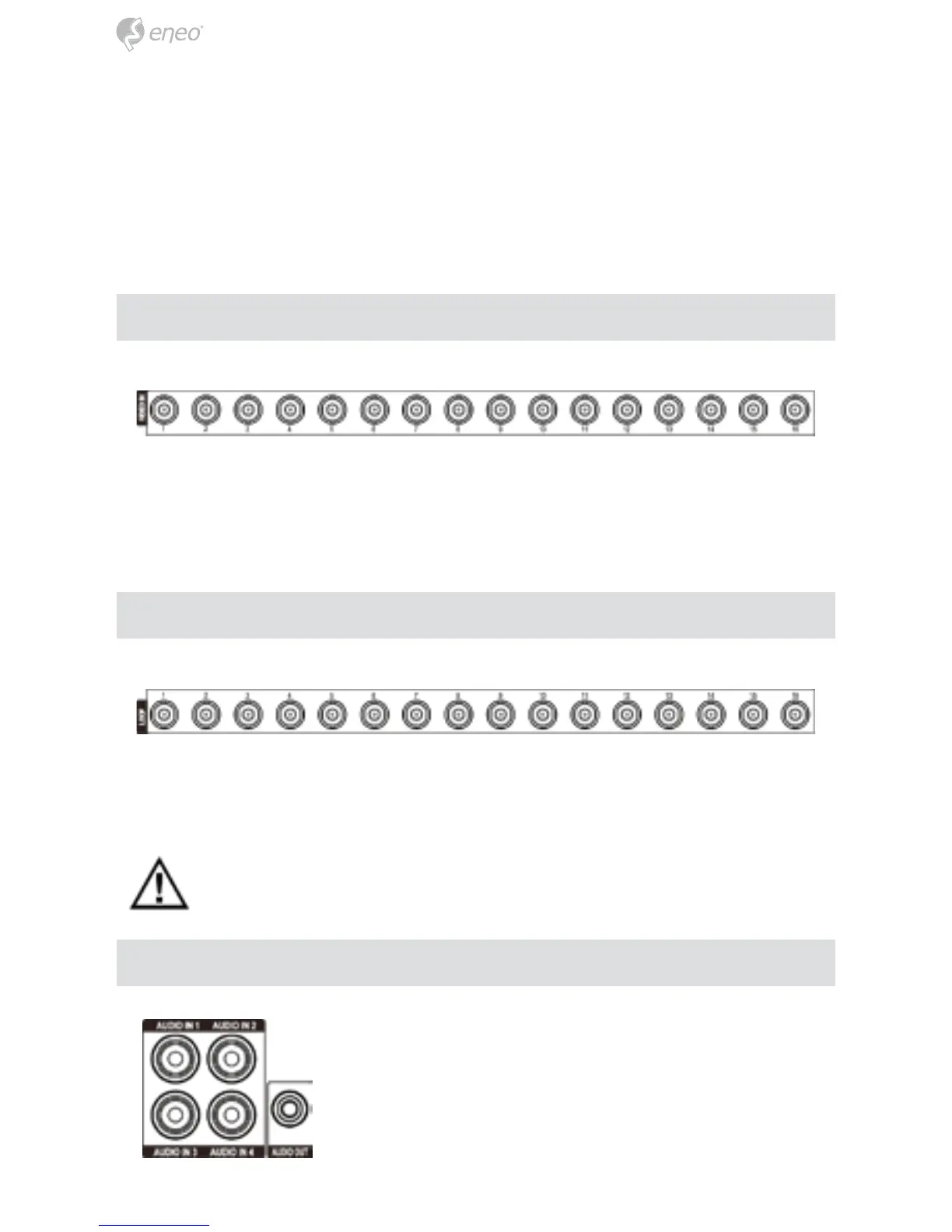
Connect the coaxial cables from the video sources to the BNC Video In connectors.
① Video Input
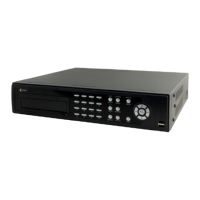
② Video Loop Through
③ Audio In/Out
④ eSATA Port
⑤ Alarm Input/Output
⑥ RS485 Port
⑦ RS232 Port
⑧ Factory Reset Switch
⑨ Video Out
⑩ Network Port
⑪ Power Cord Connector
If you would like to connect your video source to another device, you can use the
Loop BNC connectors.
NOTE: The Loop BNC connectors are auto terminated. Do NOT connect a
cable to the Loop BNC unless it is connected to a terminated device
because it will cause poor quality video.
Your DVR can record audio from up to four sources. Con-
nect the audio sources to Audio In 1, Audio In 2, Audio
In 3 and Audio In 4 as needed using RCA jacks. Connect
Audio Out to your amplifier.
Video Input
Video Loop Through
Audio In/Out



 To Next Page