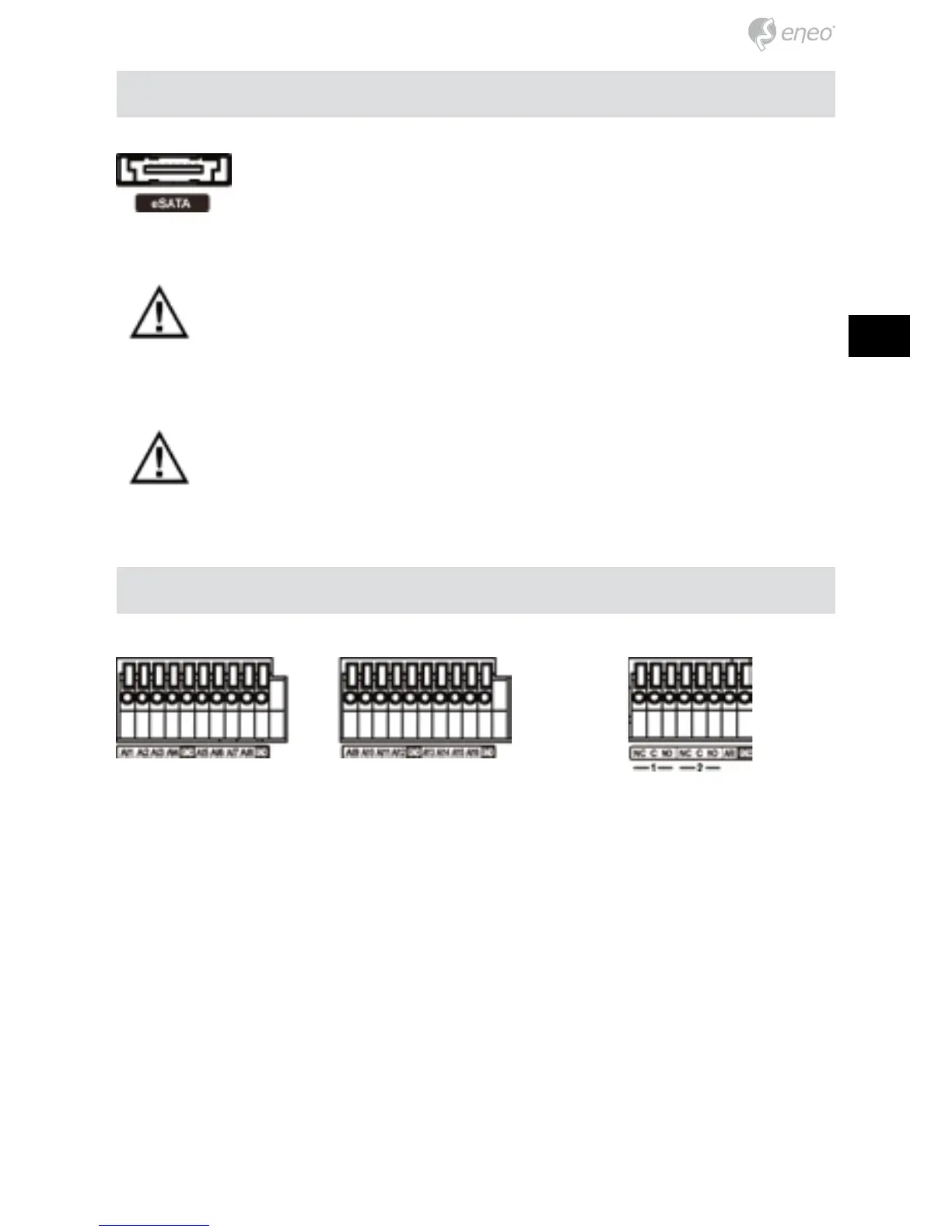
An eSATA port is provided to connect external storage devices for
recording video. Connect the external eSATA hard disk drive (RAID)
cable to the eSATA port.
CAUTION: Do NOT connect or disconnect eSATA devices while the DVR
power is on. The DVR must be powered down to connect or disconnect
eSATA devices. Power up eSATA devices so they are ready for operation
before powering up the DVR. Power down eSATA devices after powering down the
DVR and then disconnect eSATA devices.
CAUTION: If the eSATA device is shut down while the device is operating,
the DVR system might not operate normally.
AI 1 to 16 (Alarm-In): You can use external devices to signal the DVR to react to
events. Mechanical or electrical switches can be wired to the AI (Alarm-In) and GND
(Ground) connectors. The threshold voltage of electrical switches for NC (Normally
Closed) is above 2.4V and for NO (Normally Open) is below 0.3V, and should be
stable at least 0.5 seconds to be detected. The voltage range of alarm input is from
0V to 5V.
GND (Ground): Connect the ground side of the Alarm input and/or alarm output to
the GND connector.
NOTE: All the connectors marked GND are common.
NC/NO (Relay Alarm Outputs): The DVR can activate external devices such as
buzzers or lights. Connect the device to the C (Common) and NC (Normally Closed)
eSATA Port
Alarm Input/Output



 To Next Page