Device Setup
Audio
Alarm-Out
Remote Control
Network Setup
General
LAN
FEN
RTSP
WebGuard
VNC
Notification Setup
Callback
Mail
SNS
Schedule
Display Setup
OSD
Main Monitor
Spot Monitor
NOTE: For detailed descriptions of the system setup, refer to the User’s Manual on
the software CD.
Select the System menu → General → Wizard and press the
button. The Wizard
setup screen appears. The Wizard setup guides you through configuring the system
for basic operation.
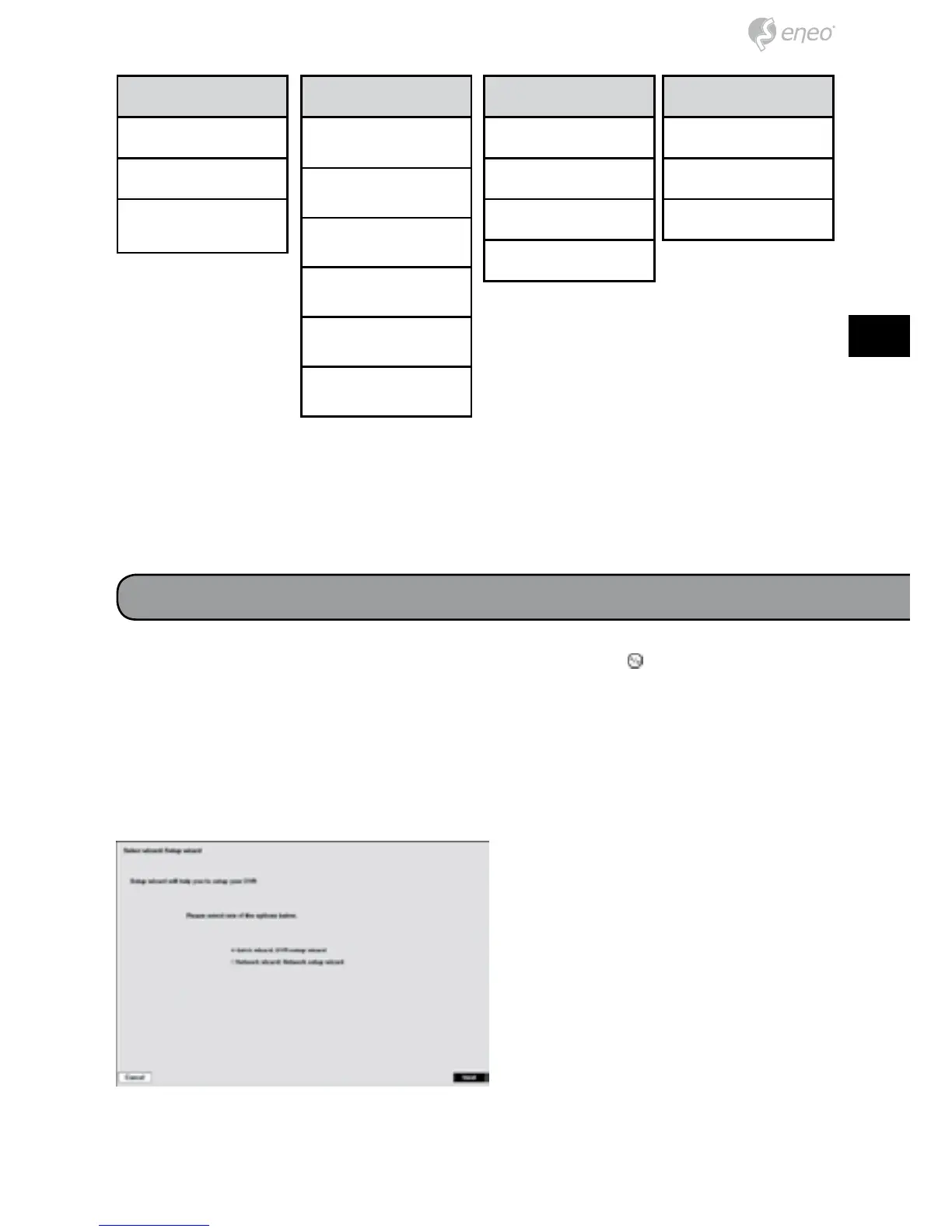
Setup Wizard
Select either Quick wizard or
Network wizard and select the Next
button to start the selected setup
wizard.



 To Next Page