Shutting down the System
Highlight Shutdown in the System menu and press the button. The Shutdown
screen displays asking you to confirm whether or not you want to shut the system
down. After selecting Shutdown in the screen and pressing the
button, a screen
will appear telling you when it is safe to disconnect power.
Initial Unit Setup
Before using your DVR for the first time, you will want to establish the initial set-
tings. This includes items such as time and date, display language, camera, remote
control, record mode, network and password. Your DVR can be set up using various
screens and dialog boxes.
Press the MENU button or move the mouse pointer on the right edge of the screen
and then select
(Login) in the Live Monitoring menu to enter the setup screens.
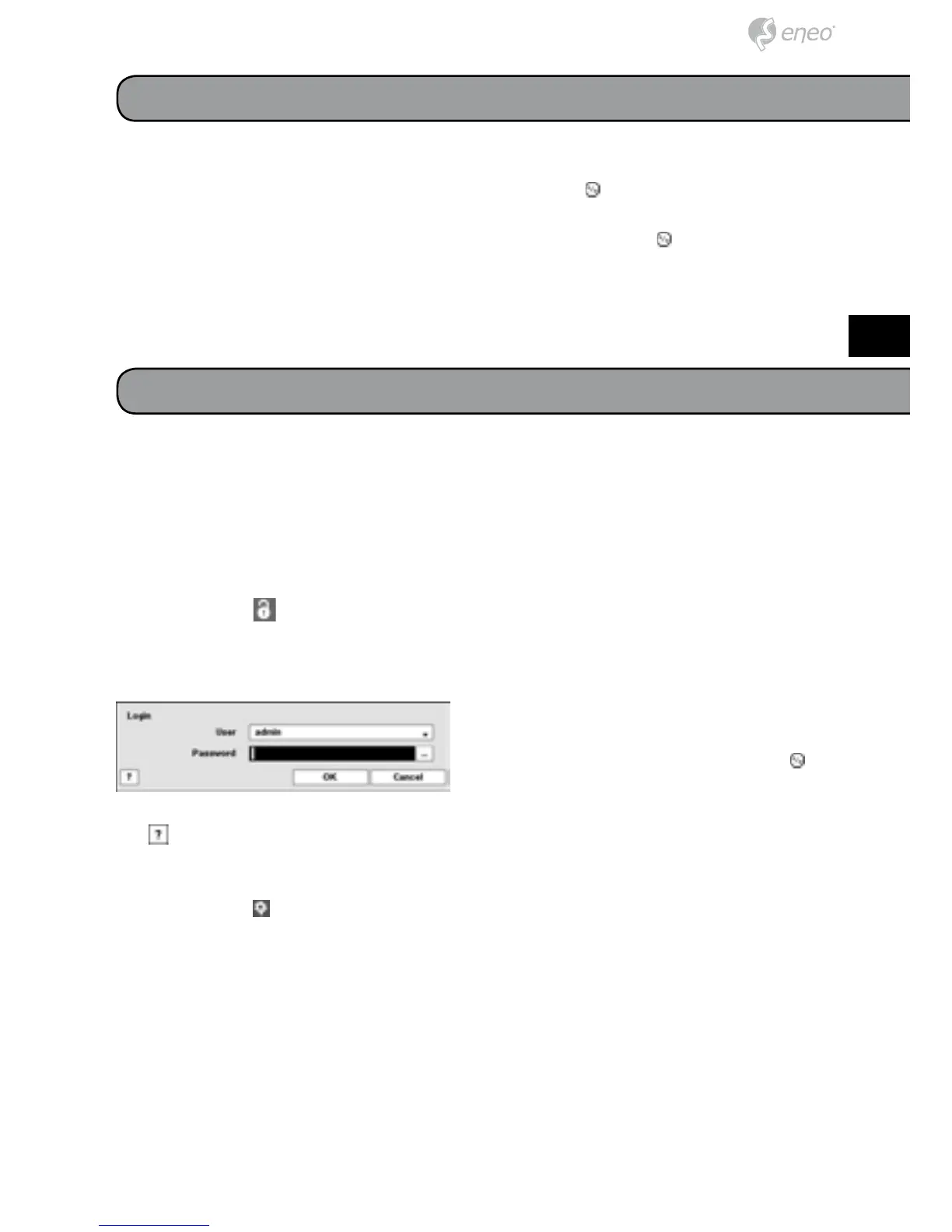
The Login screen appears.
Select a User and enter the password by
pressing the appropriate combination of
Camera number buttons and then the
button. There is no default password when
logging in the admin user for the first time. If you do not know the password, click
the
button for guidance.
Press the MENU button or move the mouse pointer on the right edge of the screen
and then select (Setup) in the Live Monitoring menu.



 To Next Page