EasyManua.ls Logo

Eneo DLR-2016/500V - User Manual

Eneo DLR-2016/500V
84 pages
Print Icon
To Next Page IconTo Next Page
Loading...
Operating Instructions
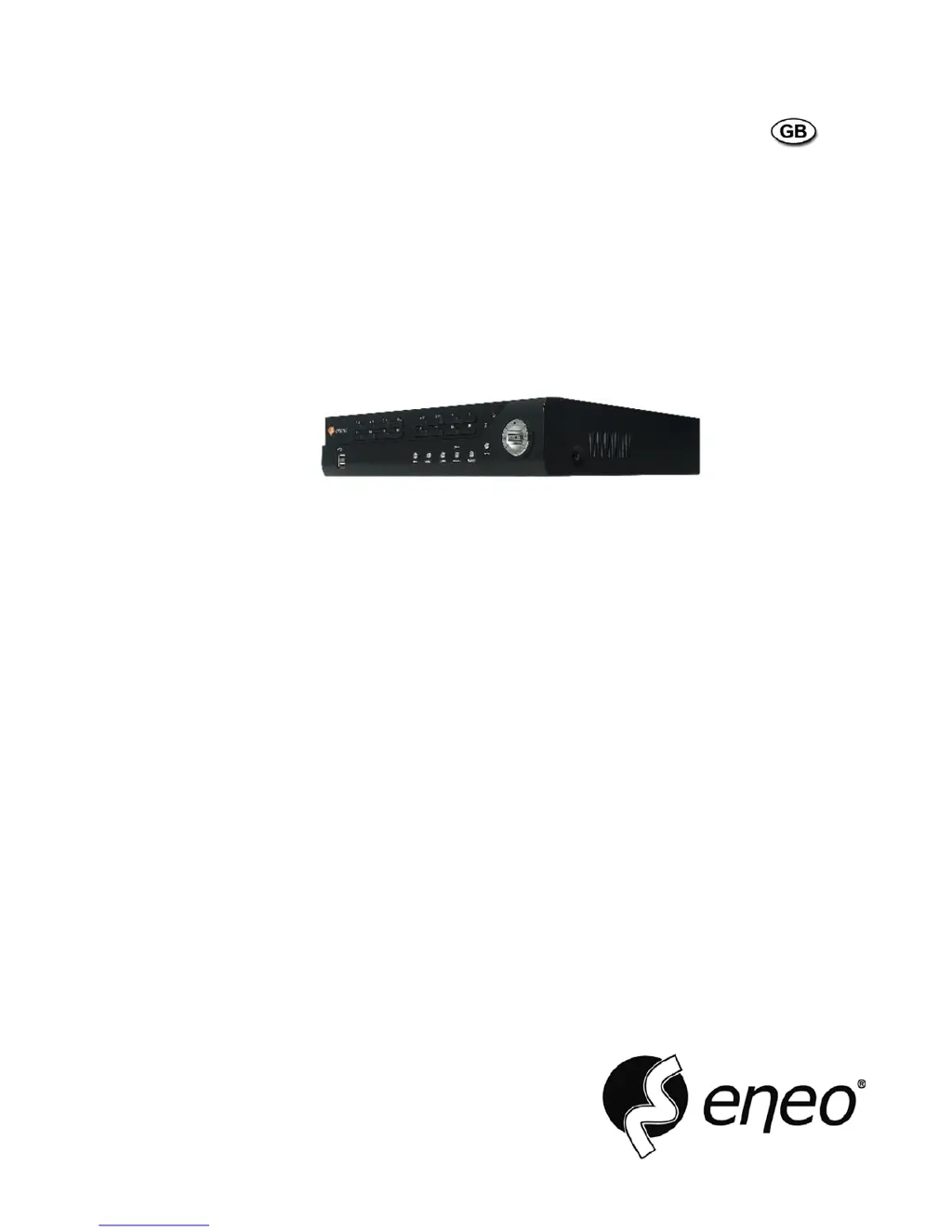
Digital Video Recorder, 16-channel, H.264
DLR-2016/500V

Table of Contents

Questions and Answers

  • C
    Catherine JohnsonAug 1, 2025
    Why is there no live video on my Eneo DVR?
    • Q
      qmendozaAug 1, 2025
      If you're experiencing no live video, check the camera video cable and connections, as well as the monitor video cable and connections. Also, confirm that the camera has power and check the camera lens settings.
  • S
    Sarah SparksAug 16, 2025
    How to troubleshoot an Eneo DVR with no power?
    • A
      Alexander AlexanderAug 16, 2025
      First, check the power cord connections. Second, confirm that there is power at the outlet.

Summary

Important Safeguards

General Safety Precautions

Lists essential safety guidelines for operating the DVR.

Chapter 1 - Introduction

Chapter 3 - Configuration

System Information and Basic Setup

Configures site, ID, language, date/time, storage, users, and wizard settings.

Network and Notification Configuration

Details network connectivity and event notification settings.

Chapter 4 - Operation

Live Monitoring and Camera Control

Displays live video, basic navigation, and camera adjustments.

Recording and Playback Functions

Covers recording video, panic recording, and playing back recorded footage.

Video Search and Export

Guides searching video by event, time, or text and exporting clips.

Appendix and Advanced Features

Eneo DLR-2016/500V Specifications

General IconGeneral
BrandEneo
ModelDLR-2016/500V
CategoryDVR
LanguageEnglish

Related product manuals