16-Channel Digital Video Recorder
71
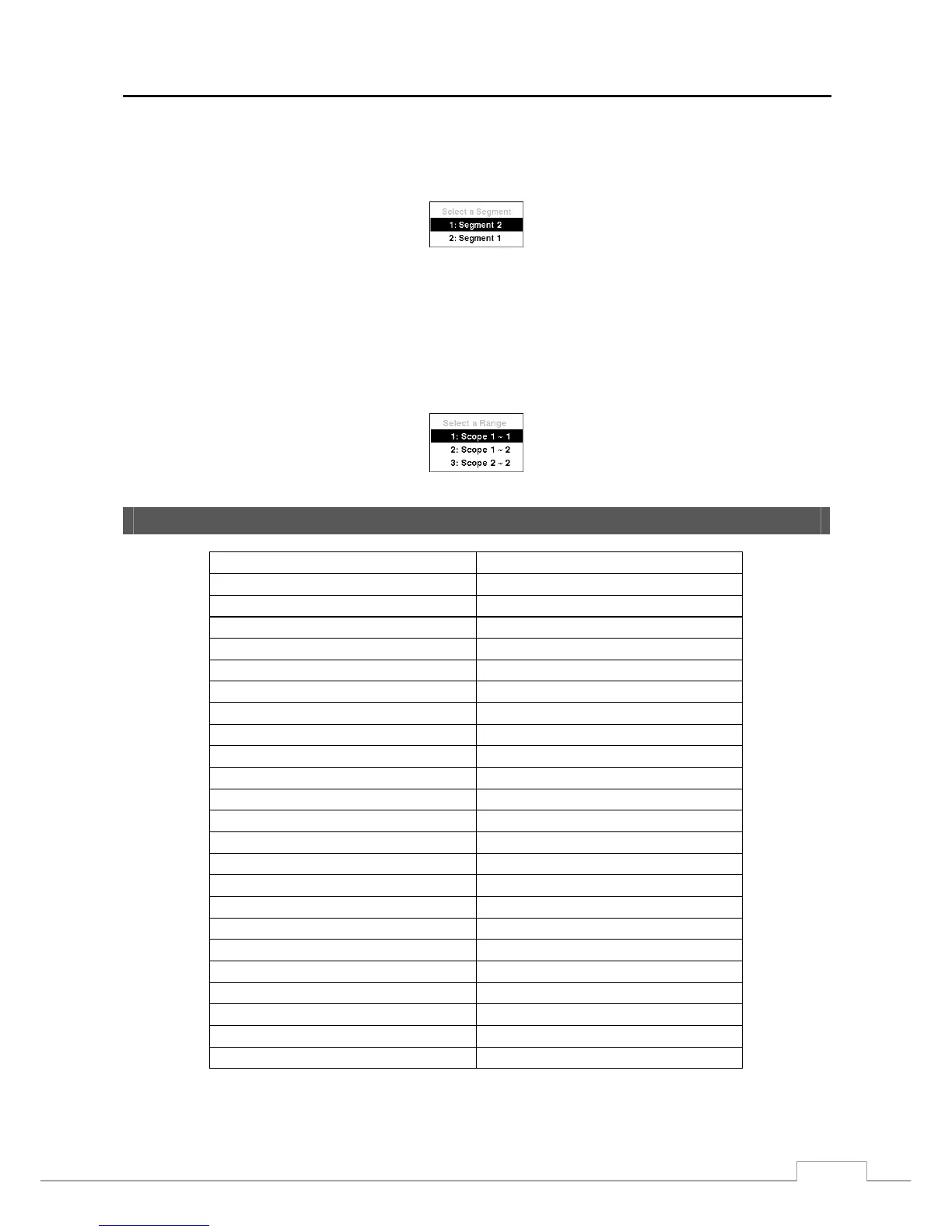
You can search overlapping video streams by selecting a specific time or time range. If you want to search recorded
video at four o’clock during the overlapping time range using a search menu such as Go to the Date/Time, select the
segment you want to search.
If you want to search recorded video from four to five o’clock during the overlapping time range using a search menu
such as Event Log Search, Text-In Search or Motion Search, it is possible for the DVR to have two overlapping
start and stop times. You will be asked to select one of the overlapping start and stop times from the search time ranges
as follows:
y From four o’clock of the first segment to five o’clock of the first segment
y From four o’clock of the first segment to five o’clock of the second segment
y From four o’clock of the second segment to five o’clock of the second segment
System Log Notices
Boot Up Panic On
Shutdown Panic Off
Restart Clear All Data
Upgrade Clear Disk
Upgrade Fail Format Disk
Power Failure Disk Full
Time Change Disk Config Change
Time Zone Change Disk ‘No’: ‘serial number’
Time Sync Disk ‘No’: Removed
Time Sync Fail Auto Deletion
Disk Bad Search Begin
Login Search End
Logout Clip-Copy Begin
Setup Begin Clip-Copy End
Setup End Clip-Copy Cancel
Remote Setup Change Clip-Copy Fail
Remote Setup Fail Clip-Copy User:
Setup Imported Clip-Copy From:
Setup Import Failure Clip-Copy To:
Setup Exported Clip-Copy Duration of Video:
Setup Export Failure Clip-Copy Camera:
Setup Export Cancel Callback Fail
Schedule On
Schedule Off



 To Next Page