34
The DVR can be controlled remotely by an external device or control sys-
tem, such as a control keyboard, using RS485 half-duplex serial commu-
nications signals. The RS485 connector can also be used to control PTZ
(pan, tilt, zoom) cameras. Connect RX+/TX+ and RX-/TX- of the control
system to the P+ and N– (respectively) of the DVR.
or C and NO (Normally Open) connectors. NC/NO is a relay output which sinks
2A@125VAC and 1A@30VDC.
ARI (Alarm Reset In): An external signal to the Alarm Reset In can be used to reset
both the Alarm Out signal and the DVR’s internal buzzer. Mechanical or electrical
switches can be wired to the ARI (Alarm Reset In) and GND (Ground) connectors.
The threshold voltage is below 0.3V and should be stable at least 0.5 seconds to
be detected. Connect the wires to the ARI and GND connectors.
An RS232 port is provided to connect a remote control keyboard.
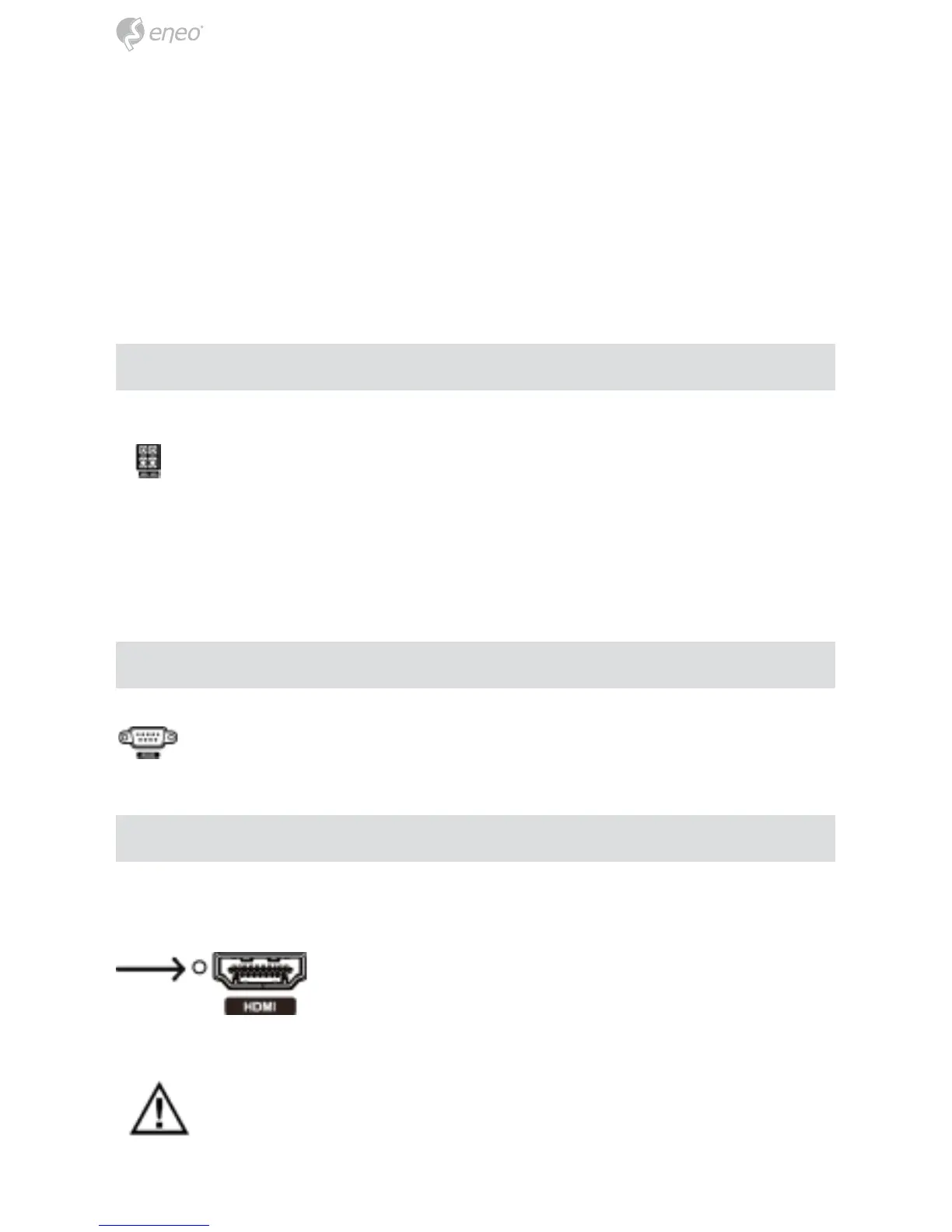
The DVR has a Factory Reset switch to the left of the HDMI
connector on the rear panel. This switch will only be used
on the rare occasions that you want to return all the settings
to the original factory settings.
CAUTION: When using the Factory Reset, you will lose any settings you
have saved.
RS485 Port
RS232 Port
Factory Reset Switch



 To Next Page