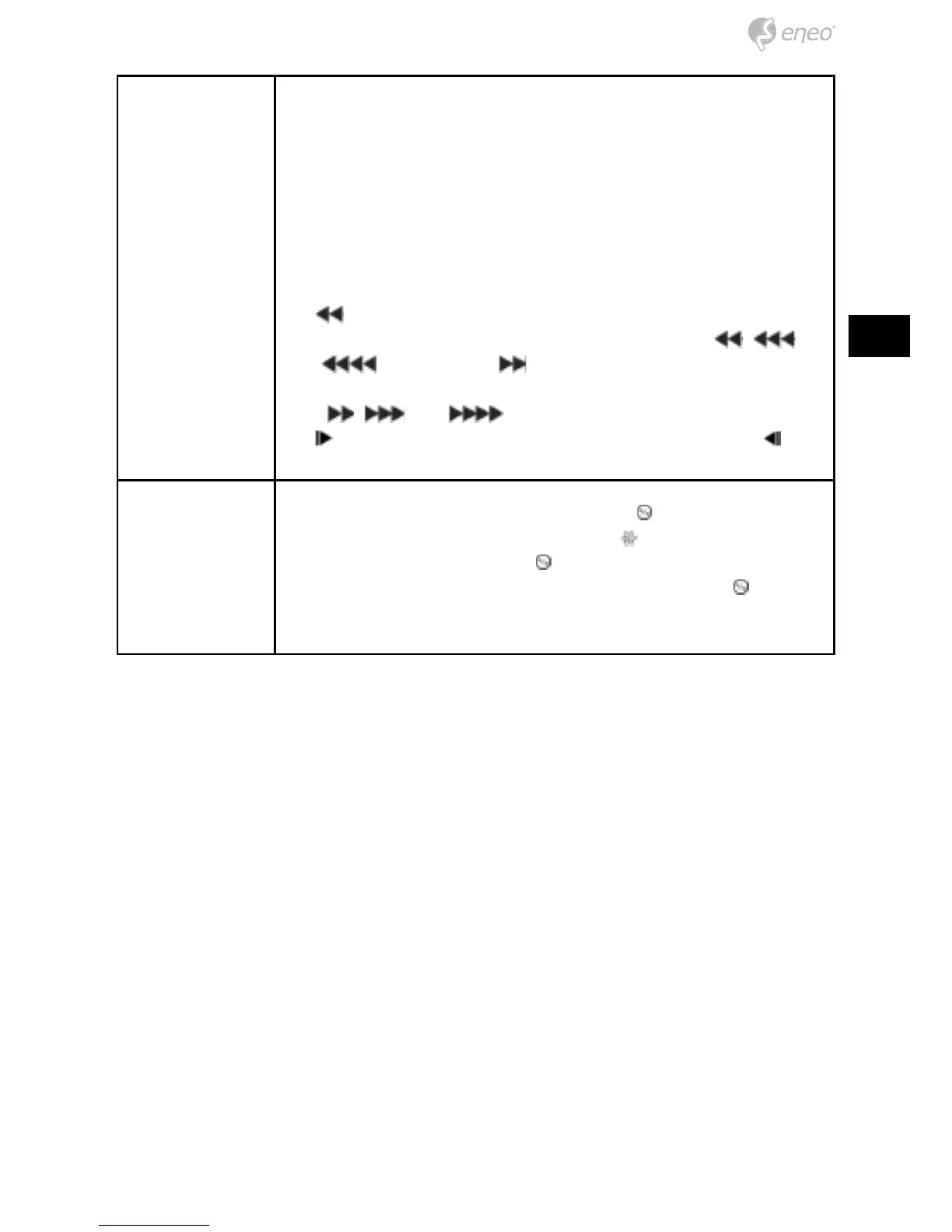
Arrow Buttons These buttons are used to navigate through menus and GUI.
You can also use them to change numbers by highlighting a
number in the menu and using the Up and Down arrow buttons
to increase or decrease the number’s value. These buttons are
also used to control Pan and Tilt when in the PTZ mode. When
in the PIP display format, pressing the Up and Down arrow
buttons moves the position of the small screen counter-clock-
wise and clockwise, and pressing the Left and Right buttons
changes the PIP screen size. In the playback mode, pressing
the
button plays video backward at high speed. Pressing
the button again toggles the playback speed from
,
and
. Pressing the button plays video forward at high
speed. Pressing the button again toggles the playback speed
from
, and . When in the pause mode, pressing
the
button moves to the next image and pressing the
button moves to the previous image.
PLAY/PAUSE
Button
In the live monitoring mode, pressing the button freezes the
current screen and the screen displays
icon. When in the
playback mode, pressing the
button plays back images at
regular speed or pauses playing video. Pressing the
button
selects a highlighted item or completes an entry that you have
made during system setup.



 To Next Page