30
Commissioning the system with the setup
wizard
The check list covers the complete setup wizard.
Make sure that the installation of the ventilation system is
complete before starting the setup wizard. If any external
sensor is not connected or if the indoor temperature is
less than +15°C, the setup wizard cannot be completed.
Alarms cannot be acknowledged in the setup wizard.
If there is an alarm during the setup wizard, it can be
acknowledged only after the setup wizard is completed.
If you pause the setting conguration, the control panel
will automatically restart the wizard next time when you
switch on the ventilation system. Then you can nalize the
settings.
If the eAir panel is showing a text about connecting to a
network and it is not connecting to the wall mount, check
the cable between the wall mount and the ventilation
unit. Do no tap the Re-connect radio button. It removes
the pairing between the wall mount and the eAir panel,
after which the eAir panel cannot be used umtil a new
pairing is formed as instructed on page 12.
Make sure before starting the settings function that all
the necessary information is available. Request necessary
Modbus parameters from the supplier of the control
system linked with Modbus, and network settings from
the administrator of the local area network (only if DHCP is
not in use).
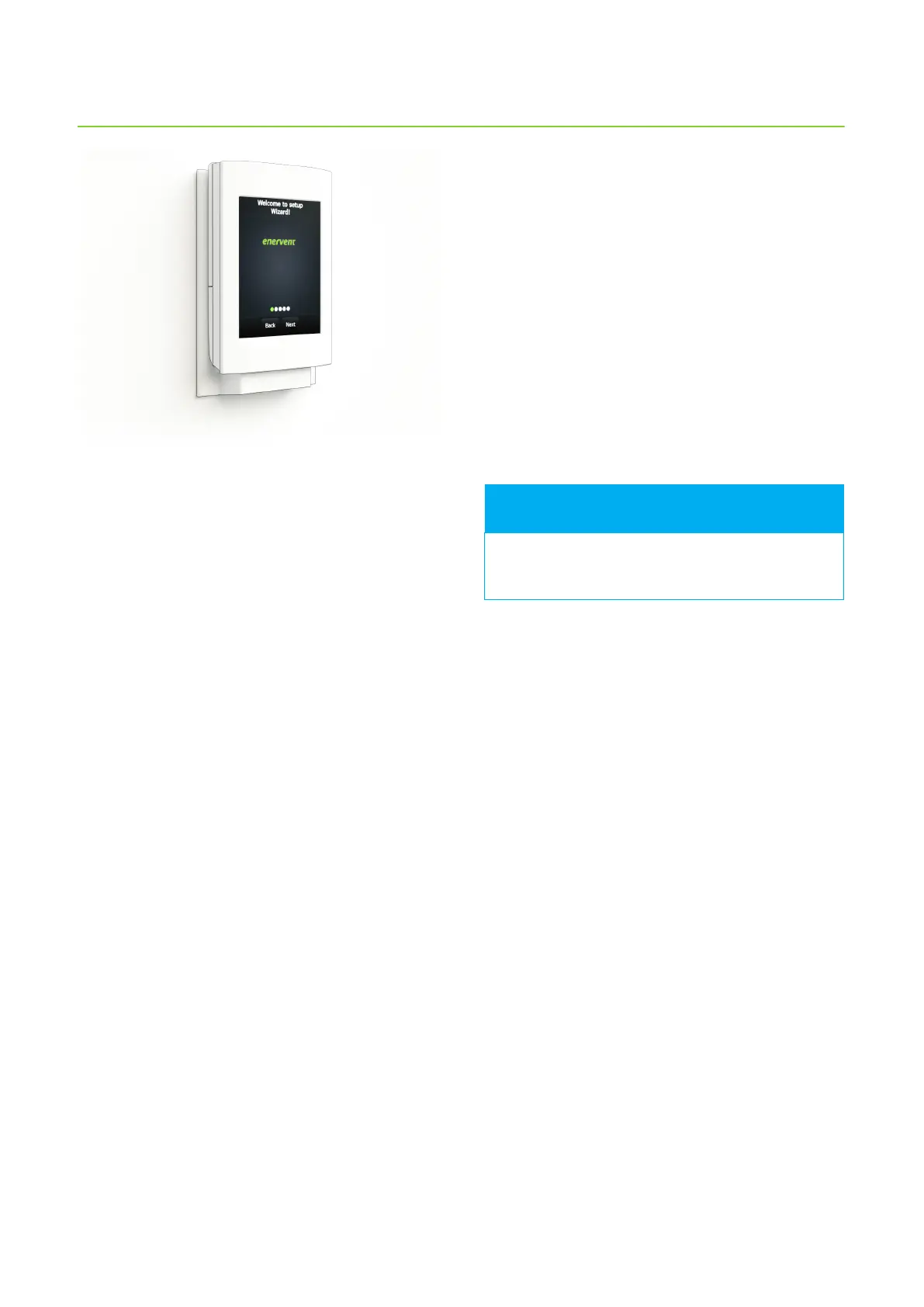
1. Switch the ventilation unit on.
2. The eAir operatin panel starts automatically and the
Enervent logo appears on the screen.
3. Wait for the language choice to appear.
4. This may take some time. Wait patiently.
5. Choose the correct language and tap Next.
6. Setup wizard opens.
7. Begin dening settings by tapping Next.
The following pages contain description on all the
settings in the setup wizard.
The fan speed settings for dierent modes must
be congured and set on a house-by-house basis.
FOR INFORMATION



 To Next Page