14
6.2 Identification of the Enfinity inverter
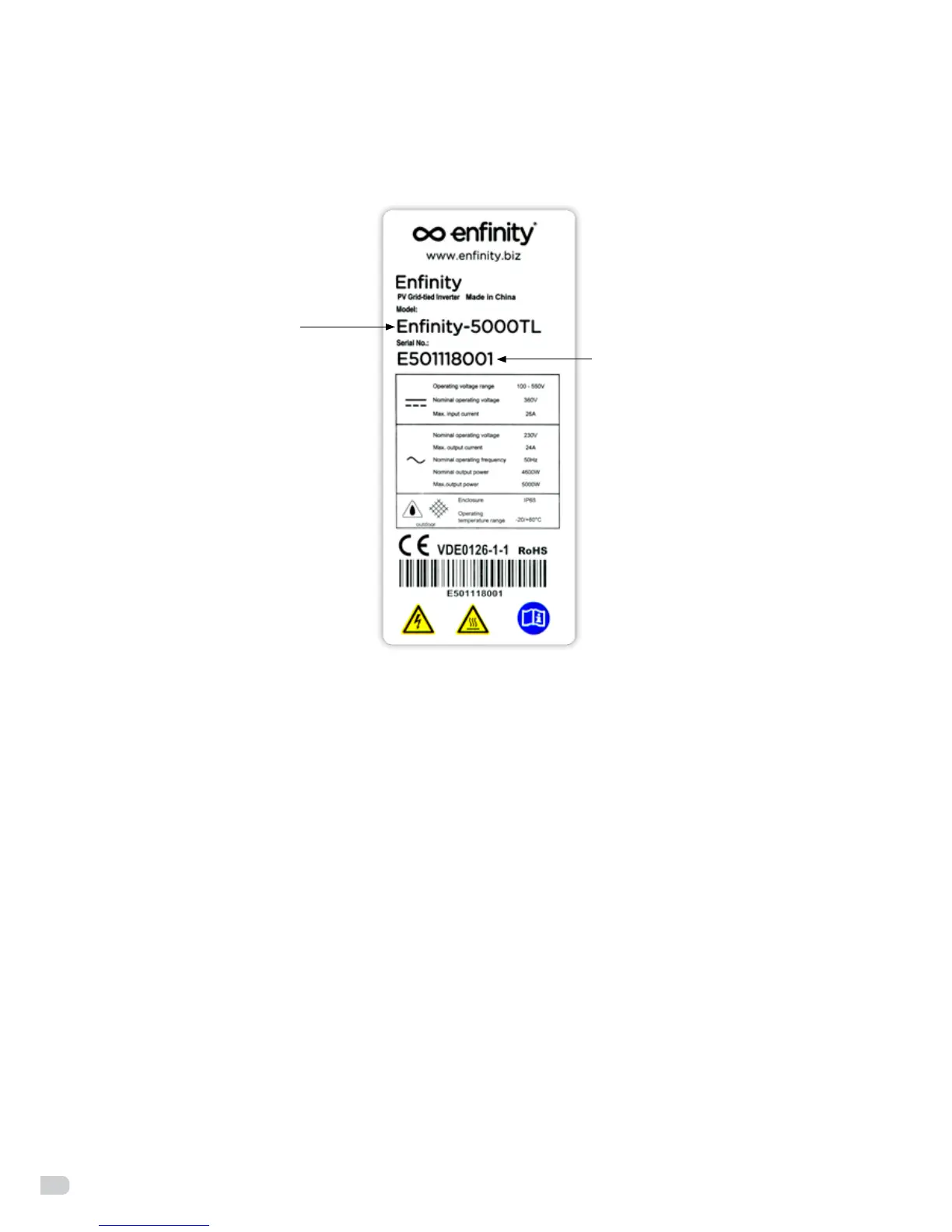
You can identify the Enfinity inverter type by the product label found on the right-hand side of the housing.
6.3 Installation precautions
Check the environment where the system is installed
Check that the installation site does not have any of the following conditions:
• Theambienttemperatureisoutsidetherangeoftolerableambienttemperature
(-20°C to +60°C, -4°F to +140°F,).
• Higherthanthealtitudeofabout2,000mabovesealevel.
• Pronetobedamagedbyseawater.
• Closetocorrosivegasorliquid(forexample,locationswherechemicalsareprocessed).
• Exposedtodirectsunlight.
• Pronetobeoodedorhighlevelsofsnowpack.
• Littleornoairowandhighhumidity.
• Exposedtosteam,vapor,orwater.
• Exposedtodirectcoolair.
• Nearthetelevisionantennaorantennacable.
• Ventilationisinsucienttocooltheinverter,thatistosay,outdoors,theinverterrequiresatleast30
cm (see table and illustration) of clearance around the unit. It is recommended that the same clearance
between the unit and the ground be used. Installing the inverter with inadequate ventilation may cause
the system to malfunction as a result of water or excessive high temperature inside the inverter.
Please advise users that Enfinity will not compensate any fault caused in this way.
• Flammableunderground.
• Don’tinstallongyprocwalltoavoidthenoiseorvibration.
Device type
Serial number
Figure 9: product label


 To Next Page