BASIC NETWORK SETTINGS VIEWING SYSTEM INFORMATION
4-3
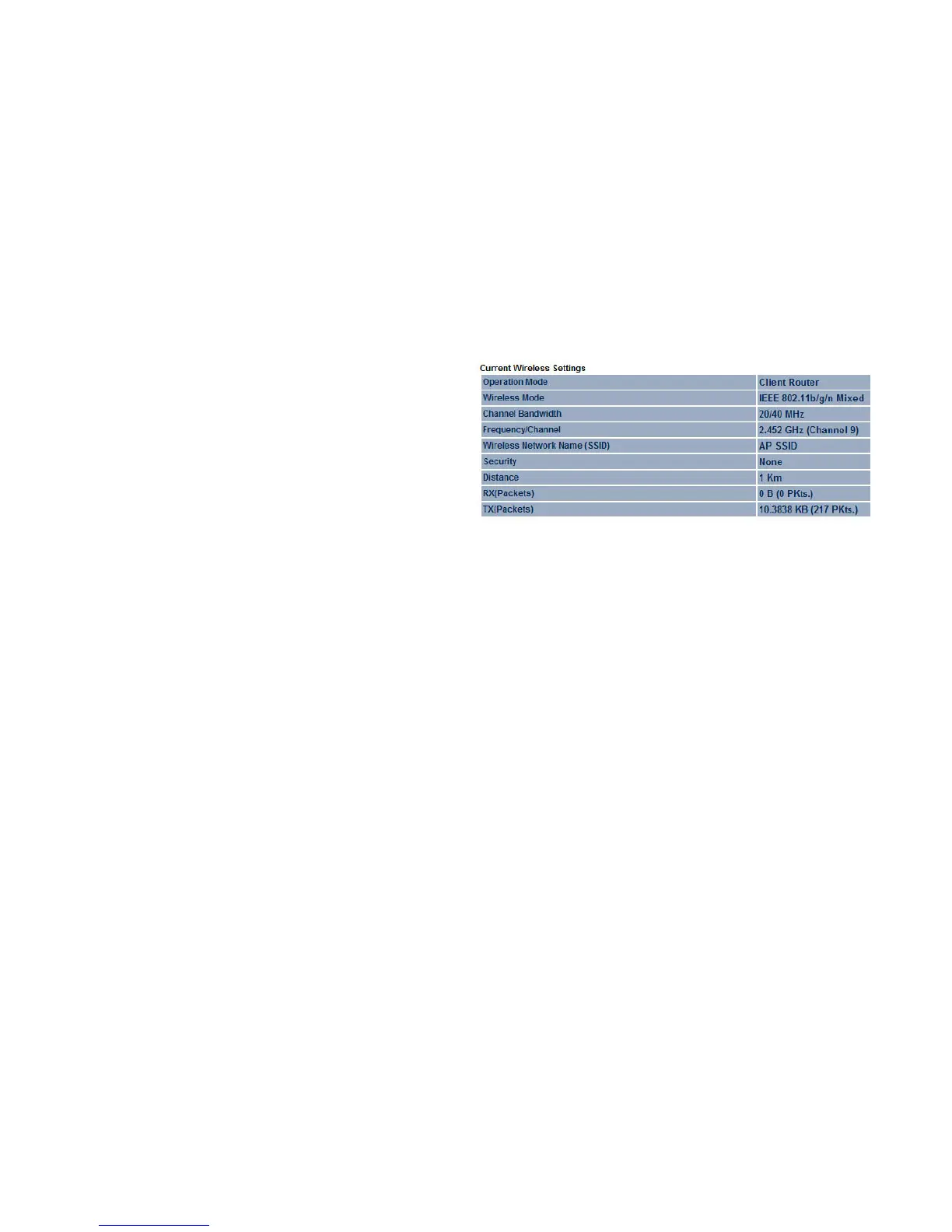
Current Wireless Settings shows wireless information such as
frequency and channel. Since the ENS200 supports multiple-
SSIDs, information about each SSID, such as its ESSID and
security settings, are displayed.













 To Next Page