BASIC NETWORK SETTINGS VIEWING CONNECTION STATUS
4-6
4.1.5 Viewing Connection Status
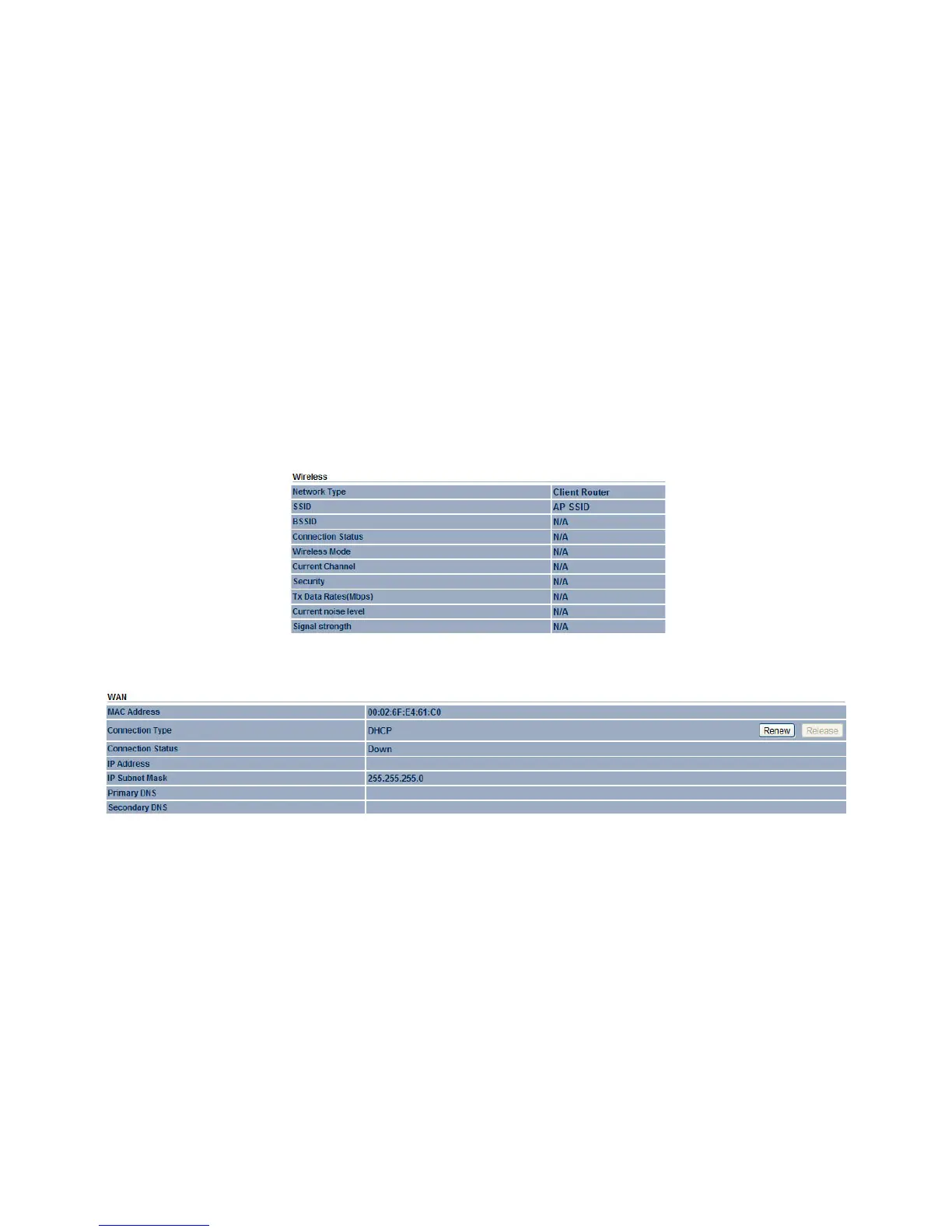
Displays the current status of the network.
The WLAN information shown includes network type, SSID, BSSID, connection status, wireless mode, current channel, security, data
rate, noise level, and signal strength.
The WAN information shown includes the MAC address, connection type, connection status, IP address, IP subnet mask, primary
DNS and secondary DNS.
Click the Refresh button to update the client list or the Clear button to remove all events.













 To Next Page