47
Radius Settings
NAS-IP: CongureyouNASserveraddresstoassigntrafc
to the destination.
NAS-Ports: Congure your port No. if you would like to
enable Network Address Servecie (NAS) under a SSID.
NAS-ID: CongureaNASIDwhichismappedwiththeSSID.
ThetrafcwillbeforwardedviathedifferentSSIDsifthese
SSIDsconguredasdifferentID.
Radius Accounting
Radius Accounting: Choose to enable or disable accounting
feature.
Radius Accounting Server: Enter the IP address of the
Radius accounting server.
Radius Accounting Port Enter the port number used for
connections to the Radius accounting server.
Radius Accounting Secret: Enter the secret required to
connect to the Radius accounting server.
Interim Accounting Interval: Species how often, in
seconds, the accounting data sends.
Note: 802.11n does not allow WPA2-PSK TKIP security
mode.
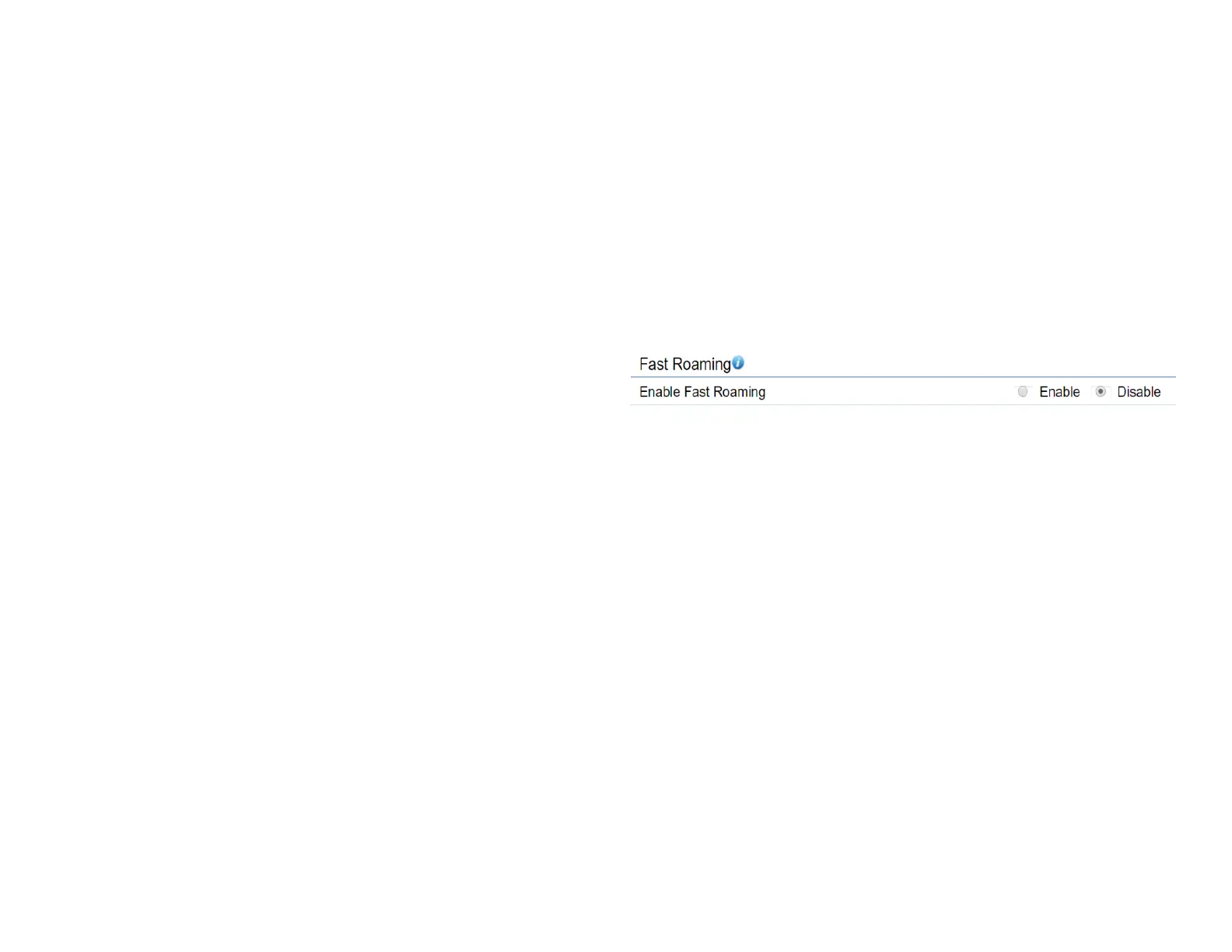
Fast Roaming
Enable the function to serve mobile client devices that roam
from Access Point to Access Point. Some applications running
on Client devices require fast re-association when they roam
to a different Access Point
PleaseenterthesettingsoftheSSIDandinitializetheSecurity
mode to WPA2 enterprise, as well as to set the Radius Server
rstly.UserscanenabletheFastRoamingandimplementthe
advanced search.
Please also set the same enterprise Encryption under
the same SSID on other Access Points and enable the
Fast Roaming. When the conguration is realized on
different Access Point, the mobile client devices can run
the voice service and require seamless roaming to prevent
delay in conversation from Access Point to Access Point.












 To Next Page