49
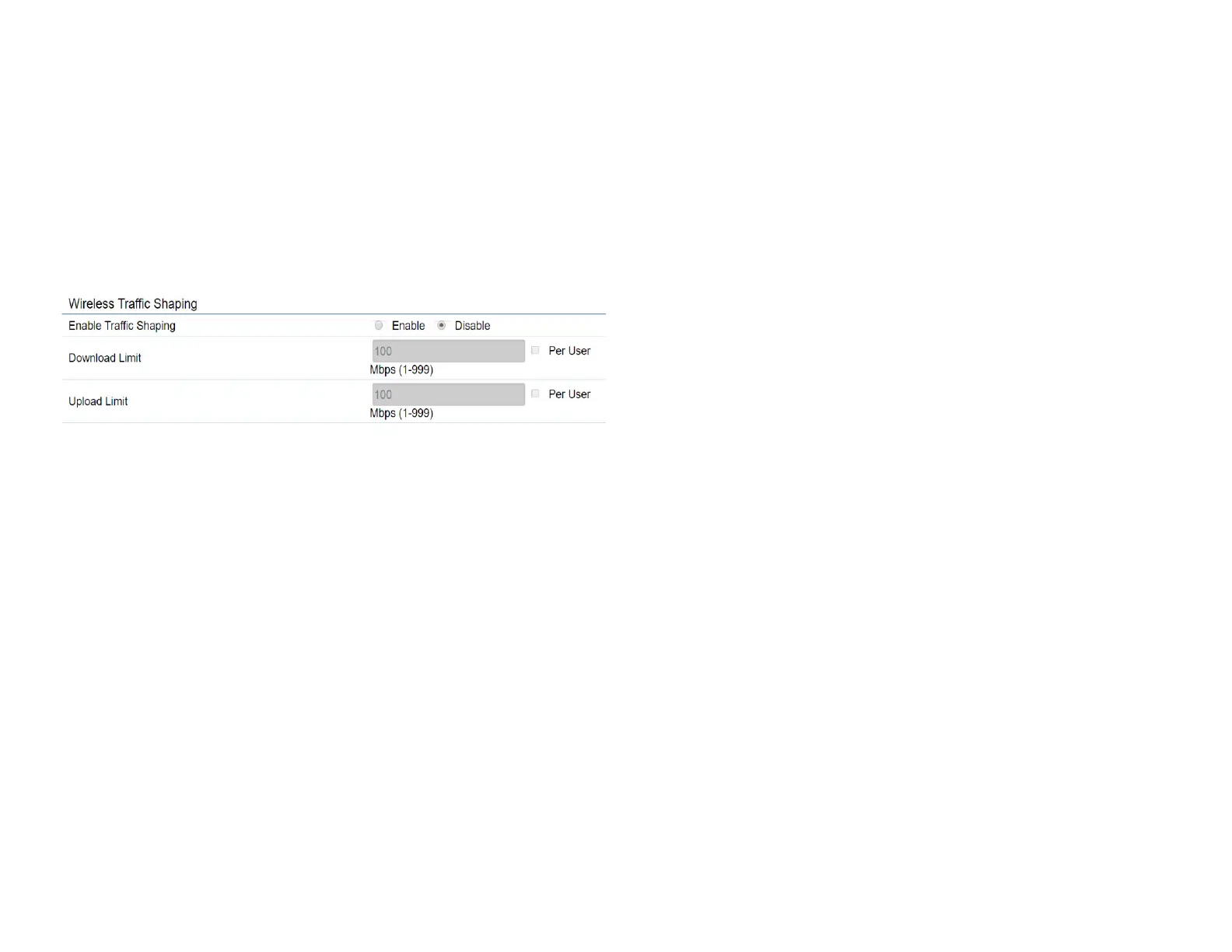
Wireless Trafc Shaping
Trafc shaping regulates the ow of packets leaving an
interfacetodeliverimprovedQualityofService(QoS).The
function will allow administrators to restrict the wireless
bandwidth per SSID or per user.
Enable Trafc Shaping: Check this option to enable
WirelessTrafcShaping.
Download Limit: Species the wireless transmission
bandwidth used for downloading.
Upload Limit: Species the wireless transmission
bandwidth used for uploading.
Save: Click Savetoconrmthechanges.













 To Next Page