11
Using DaVinci Pro for the First Time
DaVinci Pro is a CCTV & OCR product that can function in a variety of modes. The unit consists
of the Built in Monitor, Cameras and Mechanical assembly. The OCR & CCTV camera structure
can be moved or tilted depending on your target. Whichever mode you choose for your
DaVinci Pro you will have several options in how you customize it to fit your unique needs and
preferences. Please familiarize yourself with these options to discover which settings are right
for you. Once the device is connected press the Power button shown as Item 1 on DaVinci Pro
and Accessories on page 8. This will turn on your DaVinci Pro. Figure 4 Rear Panel
Connections on page 10 shows where to connect your Control Console to the USB Ports. After
your Device is on and connected it will be ready to use.
Button Combinations
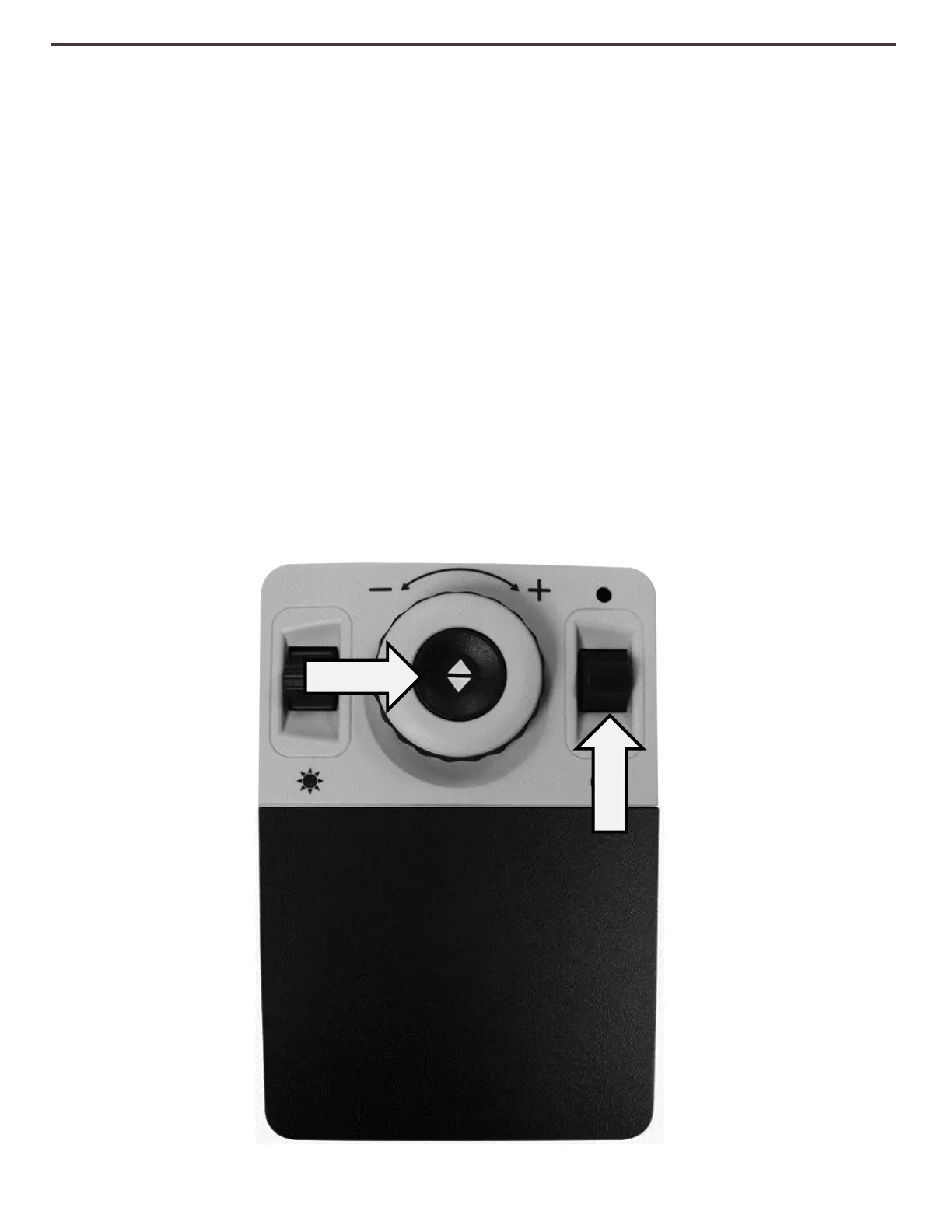
Some Features on DaVinci Pro are accessed through a combination of buttons on your control
console. Throughout the User Manual there will be references to these ‘button combinations’
(e.g. Press “[Mode Up] and [Find/Enter]”). This indicates that the buttons should be pressed
together. Control buttons, levers, etc. are enclosed in [ ].
Figure 5 Combination Keys



 To Next Page