17
Using DaVinci Pro in CCTV Mode
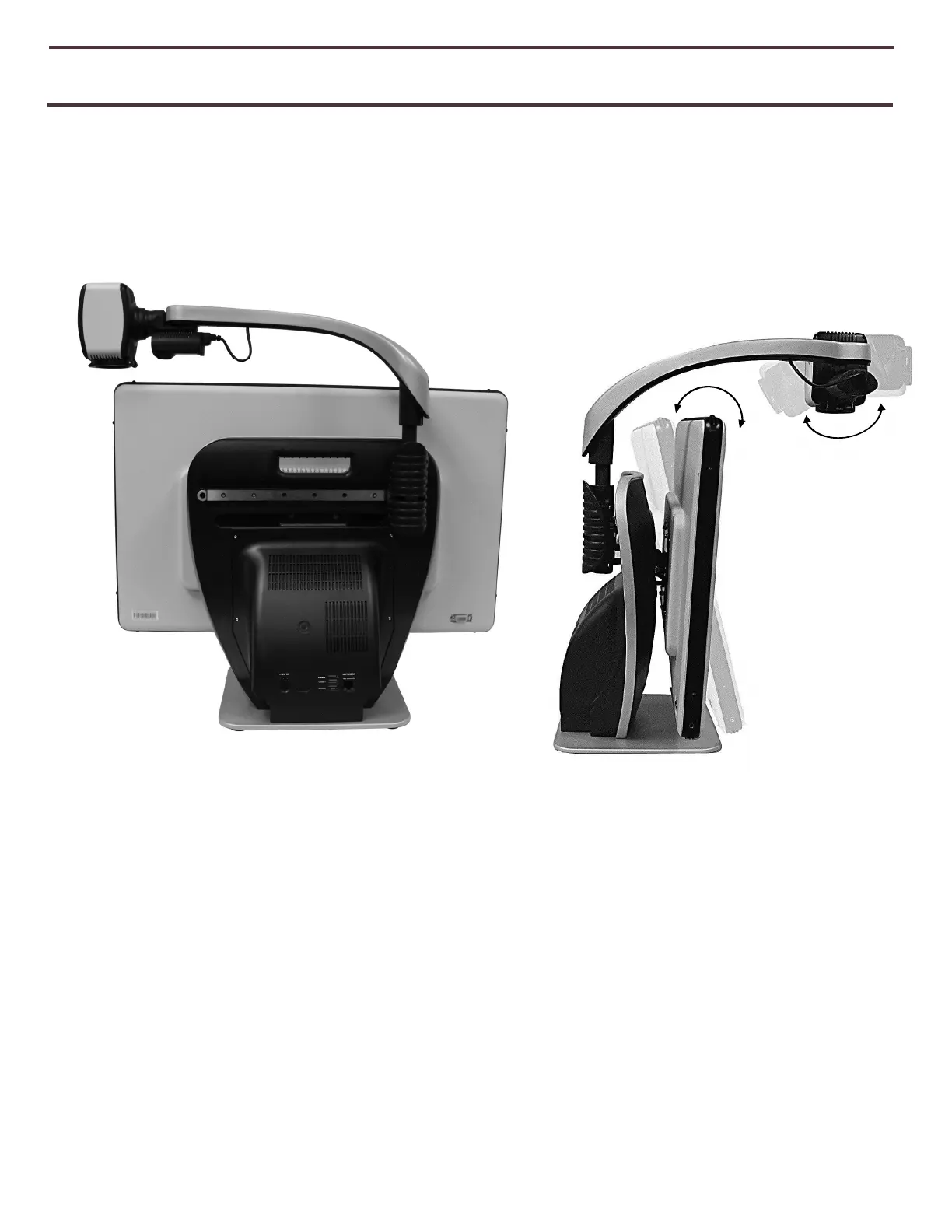
DaVinci Pro camera is attached to a specifically designed arm that allows the camera to
slide left to right or to pivot in multiple directions. When the Device is in CCTV mode it
is operated by simply moving this arm or camera assembly and pointing it at your target.
The image will then be viewable on the LCD Monitor.
DaVinci Pro LCD is mounted on to a bracket that allows the user to tilt the screen to
adjust for the best viewing position. Choose an angle or position that is most
comfortable for viewing.
Figure 7 Range of Motion



 To Next Page