33
Using DaVinci Pro OCR/Text-To-Speech Mode
Using the OCR Mode
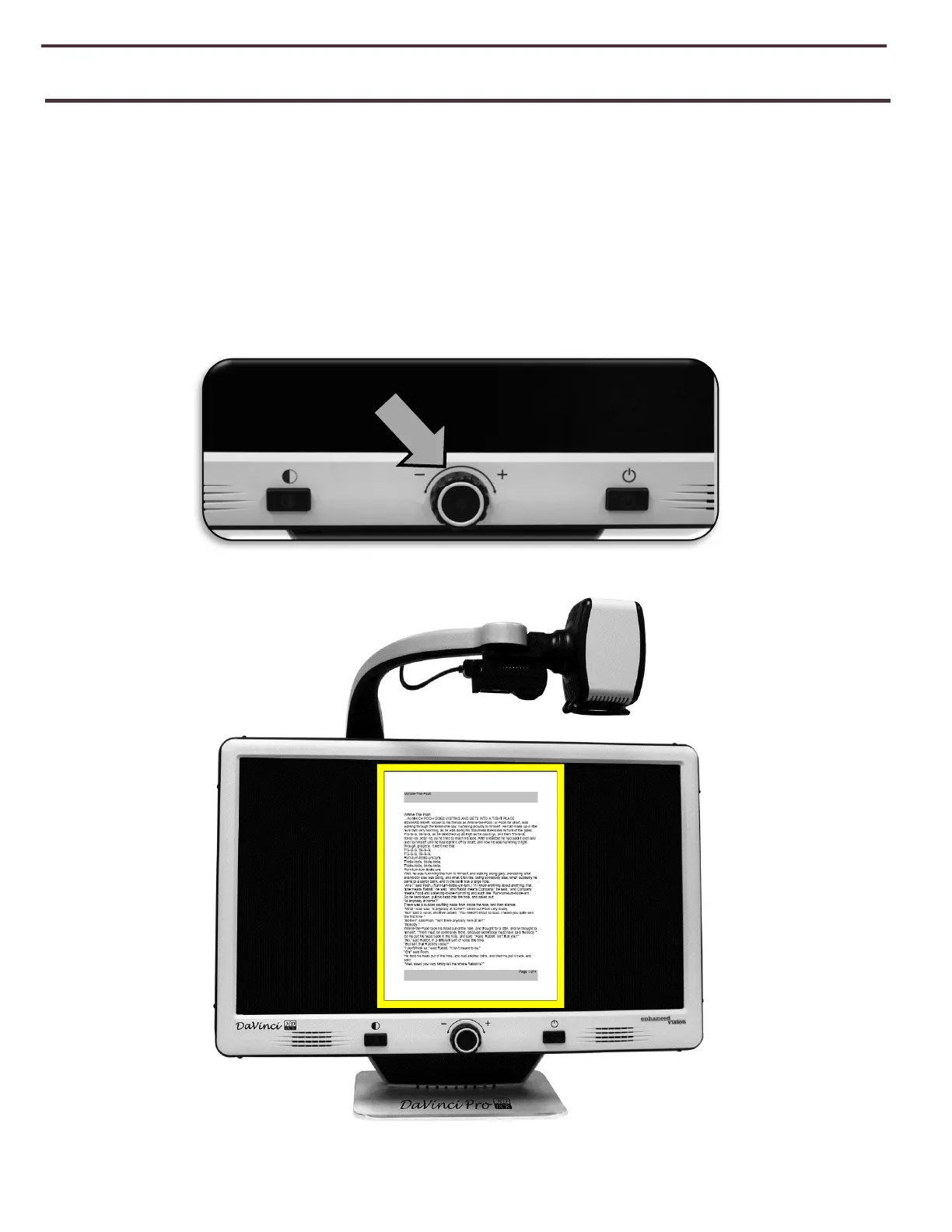
DaVinci Pro is switched from CCTV Mode to OCR Mode by pressing the Center Knob on the
Front Panel Shown below. The device will request that you place your target document within
the “Guide Frame” which will display the entire viewable area and what will be read to you. In
Basic mode the system will begin reading immediately. If the device is in Advanced mode
there will be a lot of other features you can utilize which will be covered in greater detail
throughout the rest of this manual.
Figure 17 OCR Guide Frame
Figure 16 OCR Mode Toggle



 To Next Page