36
DaVinci Pro System Menu Overview
System Menu
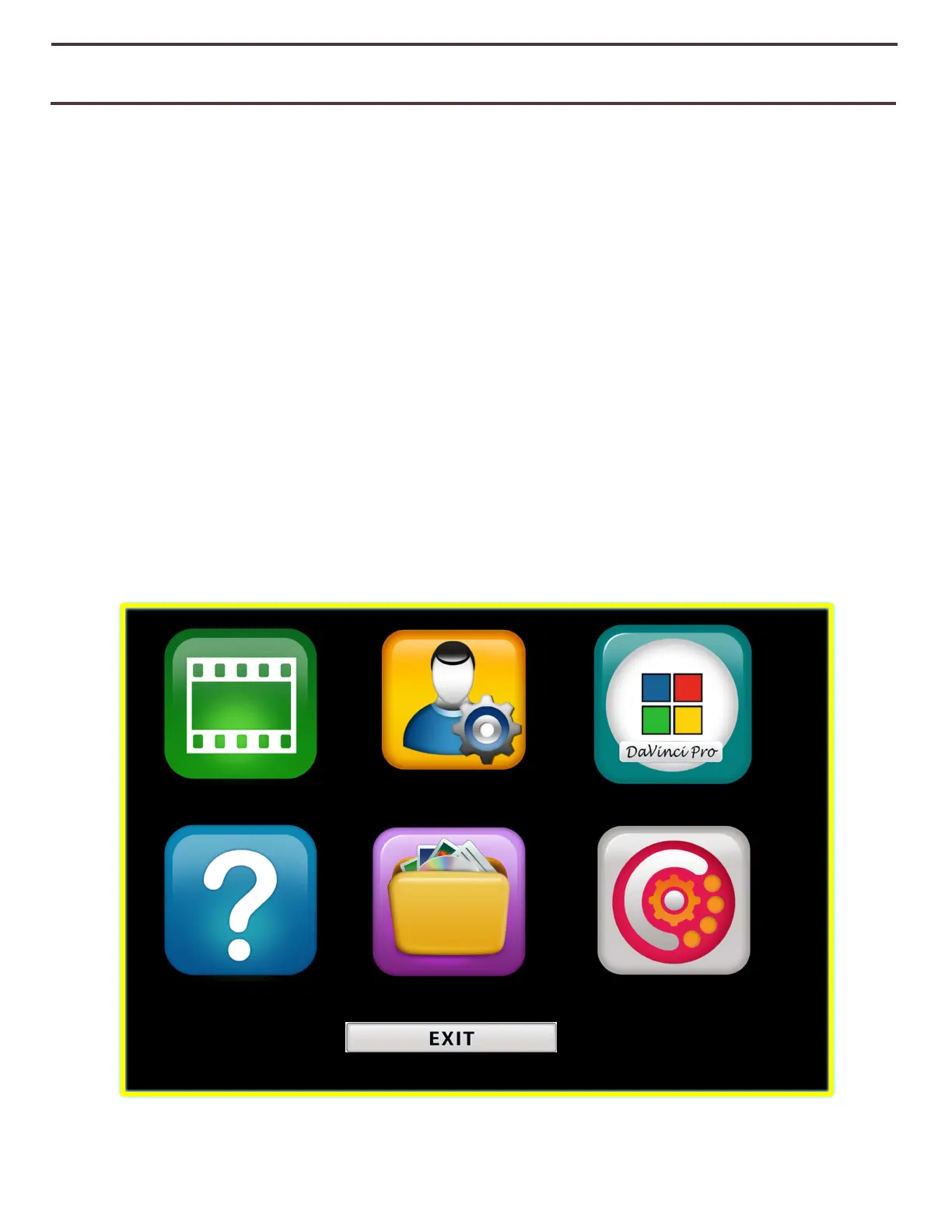
Once DaVinci Pro has been set up and turned on, you have the option to personalize your
DaVinci Pro settings to your own personal preferences. While in CCTV Mode press [Mode Up]
and [Find/Enter] to access your DaVinci Pro system menu. Then turn the [Zoom Wheel] in
single increments to scroll through your available options. DaVinci Pro will announce each
potential item as you turn the Zoom Wheel. Use the [Find/Enter] button on the Control
Console or Front Panel to make a selection. (Please note that Library will be un-
selectable/greyed out in simple mode).
The list of available choices is provided below.
1. Introduction
2. User Settings
3. Product Settings
4. Factory Settings
5. Library
6. Help
7. Exit
Figure 19 System Menu
Help Library Factory Settings



 To Next Page