37
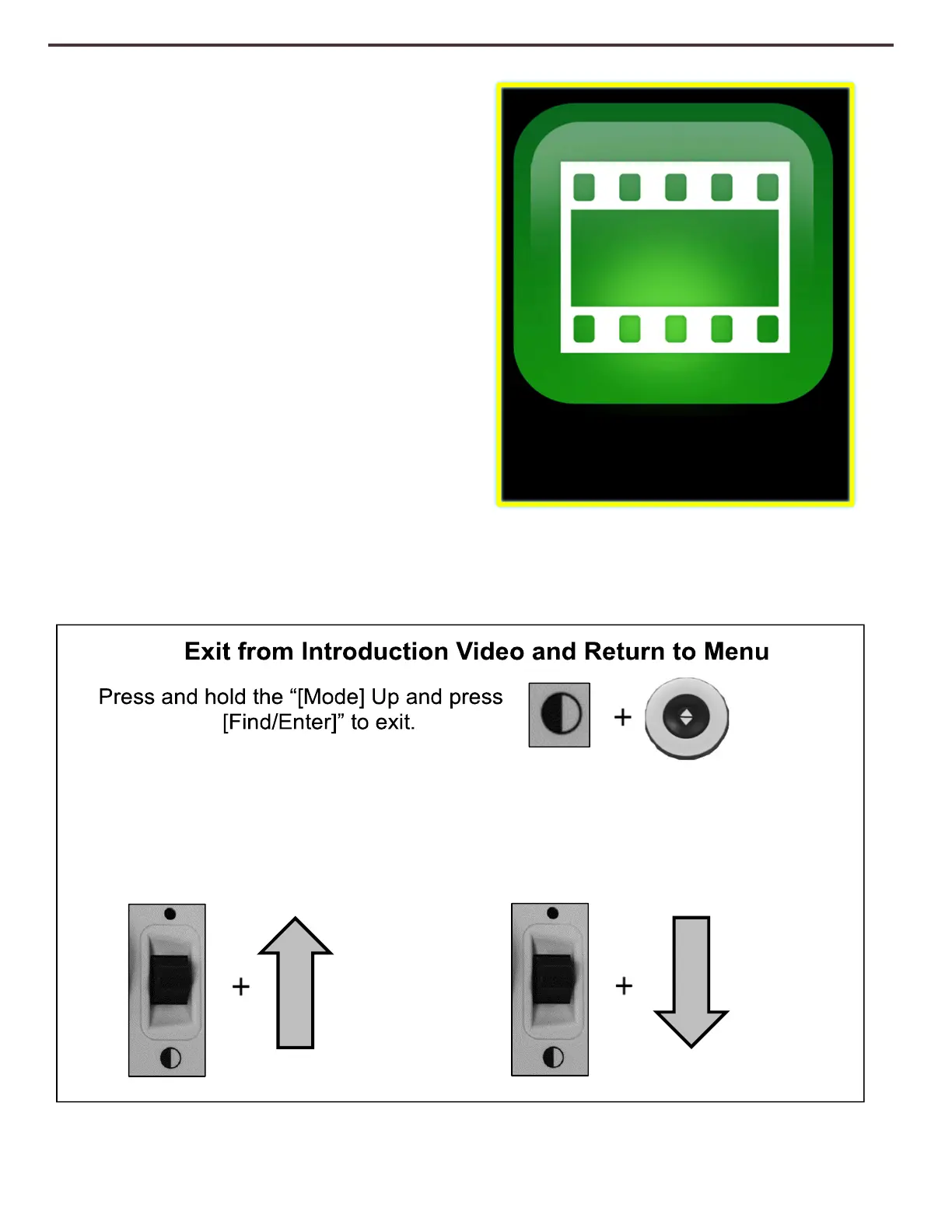
Introduction Video
An introduction video has been included with
your DaVinci Pro that will give you a brief
overview of all the features in an easy to view
format. This allows you to brush up on all of
the great features and functions available with
your DaVinci Pro with the instructions built-in!
Use your control console to Pause, Play or exit
the video playback. To play the video from the
Main Menu select it and press the [Find/Enter]
Key.
Use [Mode] Up to Pause Video
Playback
Pausing the Video
Use [Mode] Down to Resume
Video Playback
Resuming the Video



 To Next Page