16
DaVinci Modes Overview
DaVinci Modes
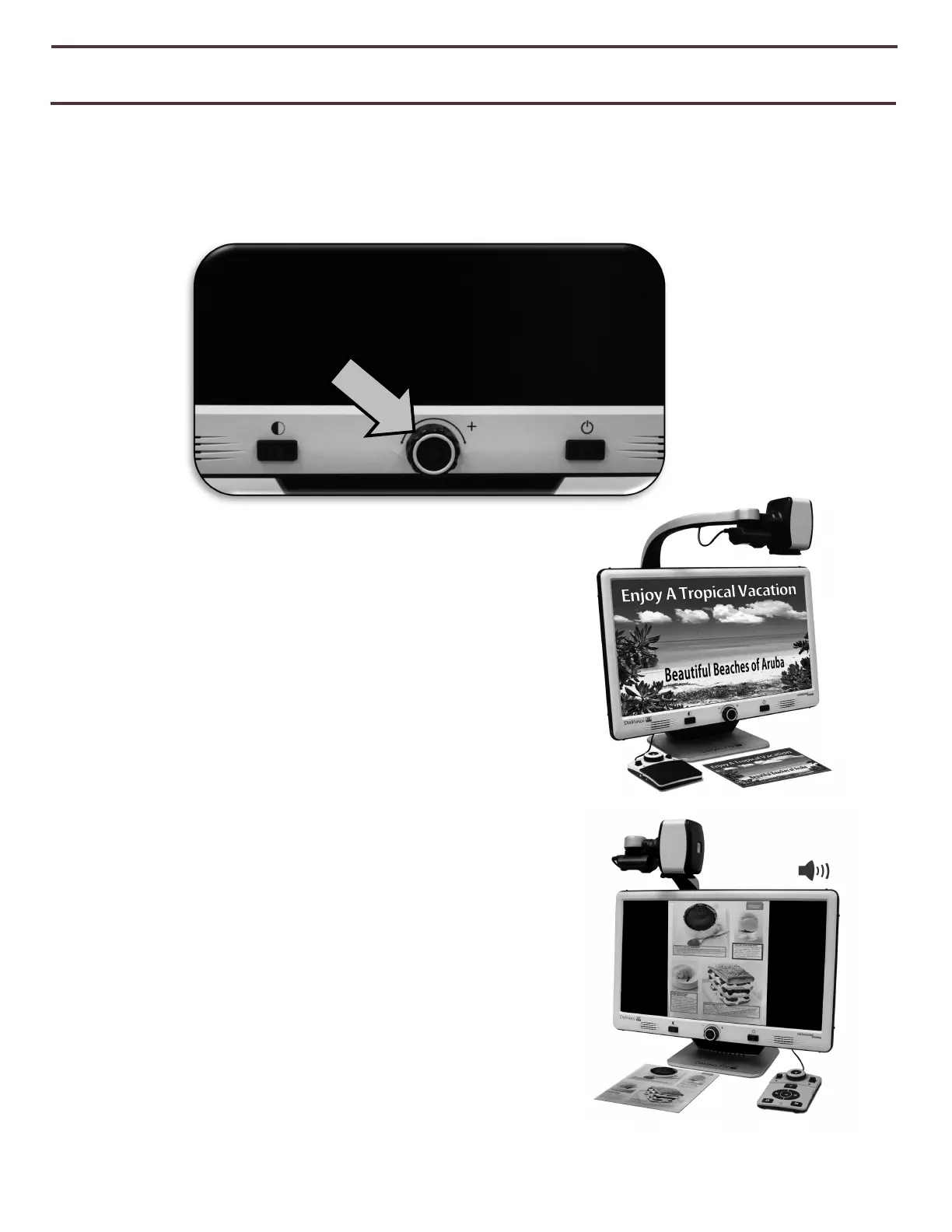
Davinci Pro has two main “Modes” of operation that can be switched/toggled by pressing the
CCTV/OCR Front Panel Center Button which is shown below.
CCTV Mode
The CCTV Mode is the default mode that will display
immediately after you power the device on. This is a
high quality live image that is designed for Real-Time
1080p High Definition viewing.
OCR Mode
The OCR Mode is designed to assist you in reading
documents automatically by scanning documents for
OCR (Optical Character Recognition) and then reading
these documents back with our Premium TTS Engine
(Text to Speech).
Figure 6 CCTV/OCR Toggle



 To Next Page