42
Product Settings
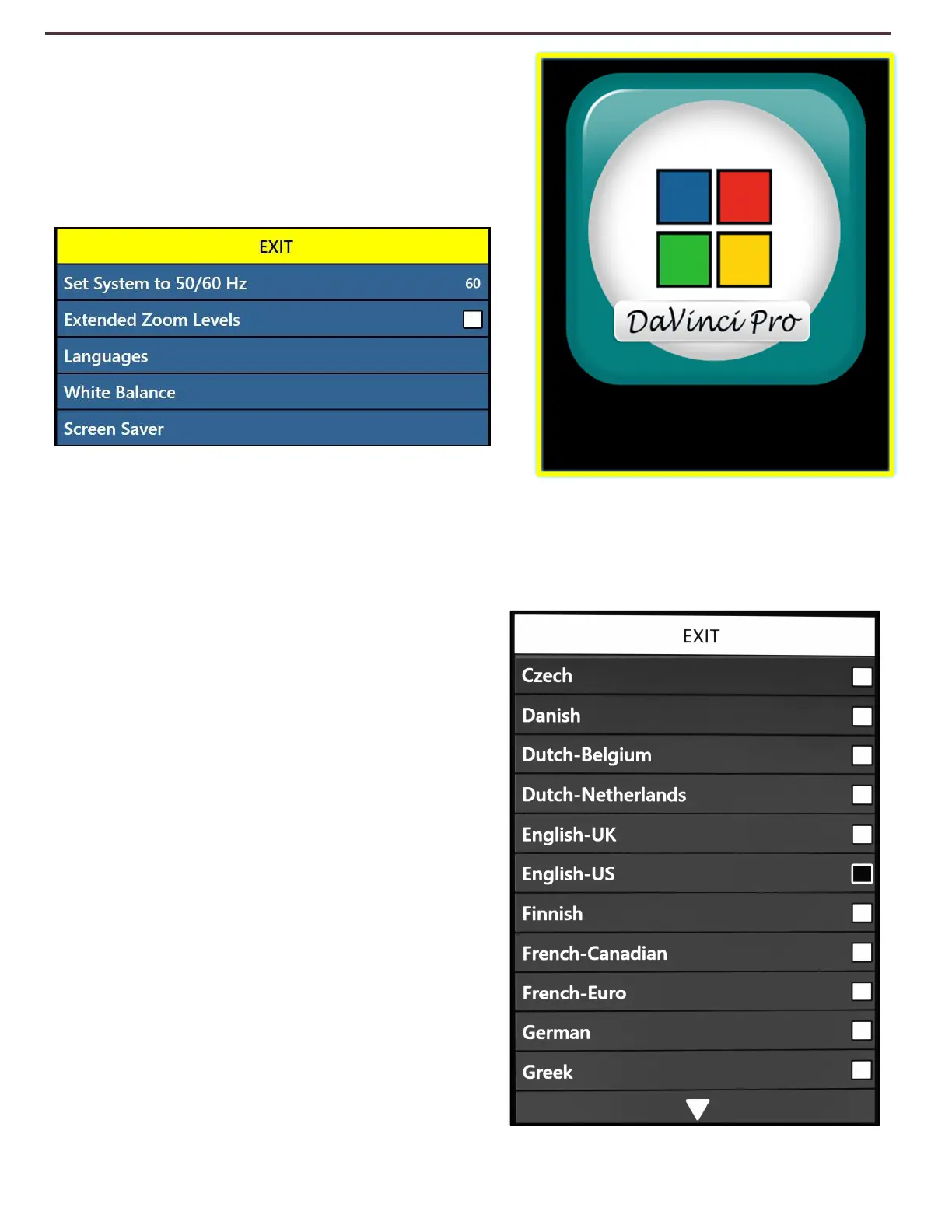
This menu allows you to change some of the
various system settings such as Screensaver, zoom
levels or configure the system for International
Markets.
Set System to 50/60 Hz
This configures the light frequency for your locale and the environment in which you are using
DaVinci Pro. If you notice any visible flicker in the live image you may need to adjust to 50 or
60.
Extended Zoom Levels
The user has the option to select extended
magnification levels which adds the 77.0x
magnification range. This becomes the new
Maximum Magnification level on the device.
Languages & Setting the Primary Language
(English-US by default)
This menu sets the primary language for DaVinci
Pro. All the text and prompts will be displayed in
the selected language. To change your Language
Preference follow these steps.
1. While in the User Settings Sub-Menu Press
“[Mode Up] and [Find/Enter]” located on DaVinci
Pro Control Console to enter the Menu.
2. Turn the [Zoom Wheel] clockwise until
“Languages” is highlighted.
3. Press the [Find/Enter] button to select the
“Languages” sub menu. To select an option, turn
Product Settings



 To Next Page