45
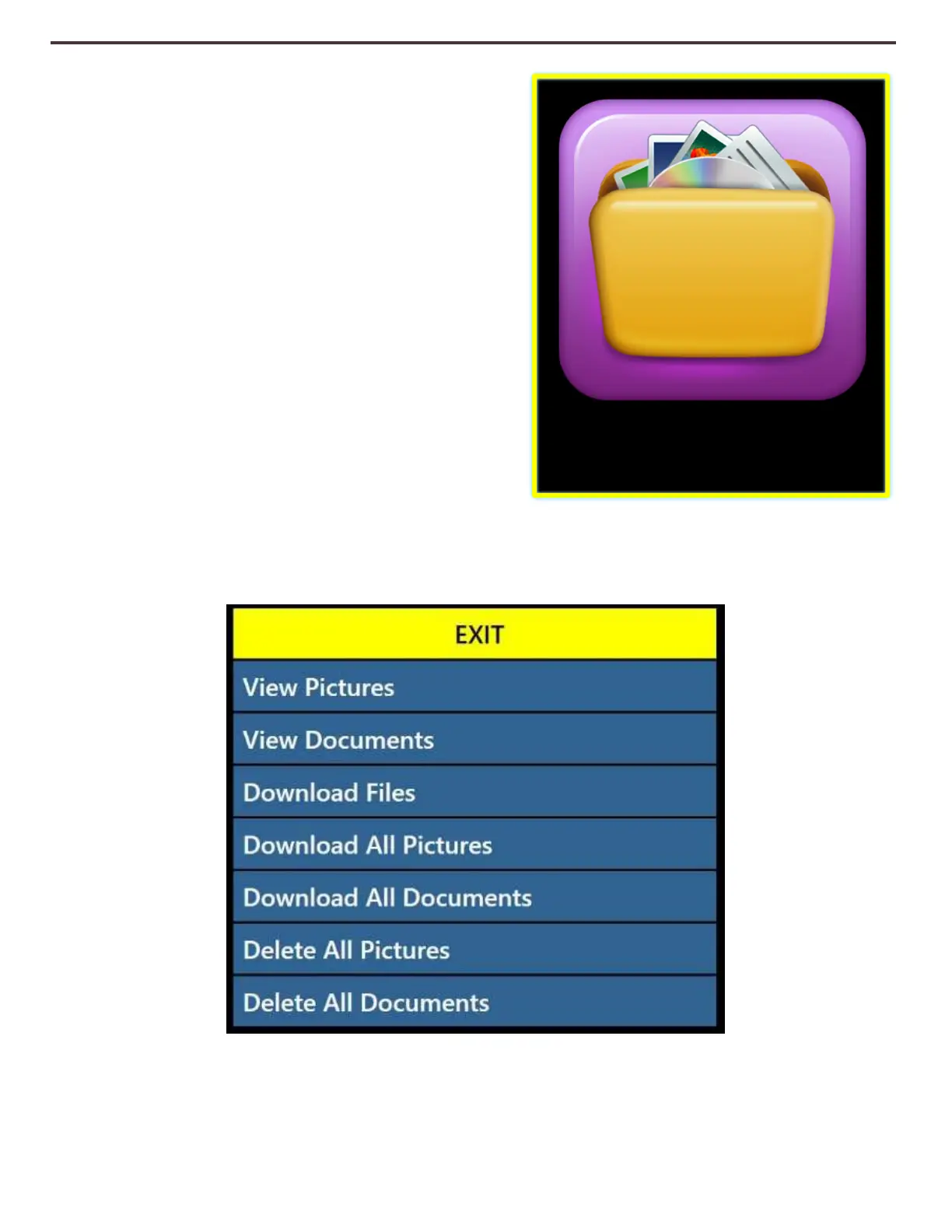
Library Menu
The Library function stores all of your saved pictures,
pages and books. To enter into the library you may
do so via the system menu, CCTV mode or OCR mode
by pressing the “Library” button on the advanced
control Console. Items are saved into the library as
either a Picture or a Document.
• Picture – To save something as a picture simply
press the “Save” button while you are in OCR
mode.
• Page – To save an Item as a Page simply press
the save key while device is in OCR Readback
Mode. When prompted if you would like to
save as a page or book simply choose Page.
• Book – To save an Item as a book simply press
the save key while in OCR Readback Mode and
when asked if you would like to append more pages choose the Green Checkmark indicating
“Yes”. When you are done simply choose the Red X indicating “No”.
Library



 To Next Page