18
Desktop Mode
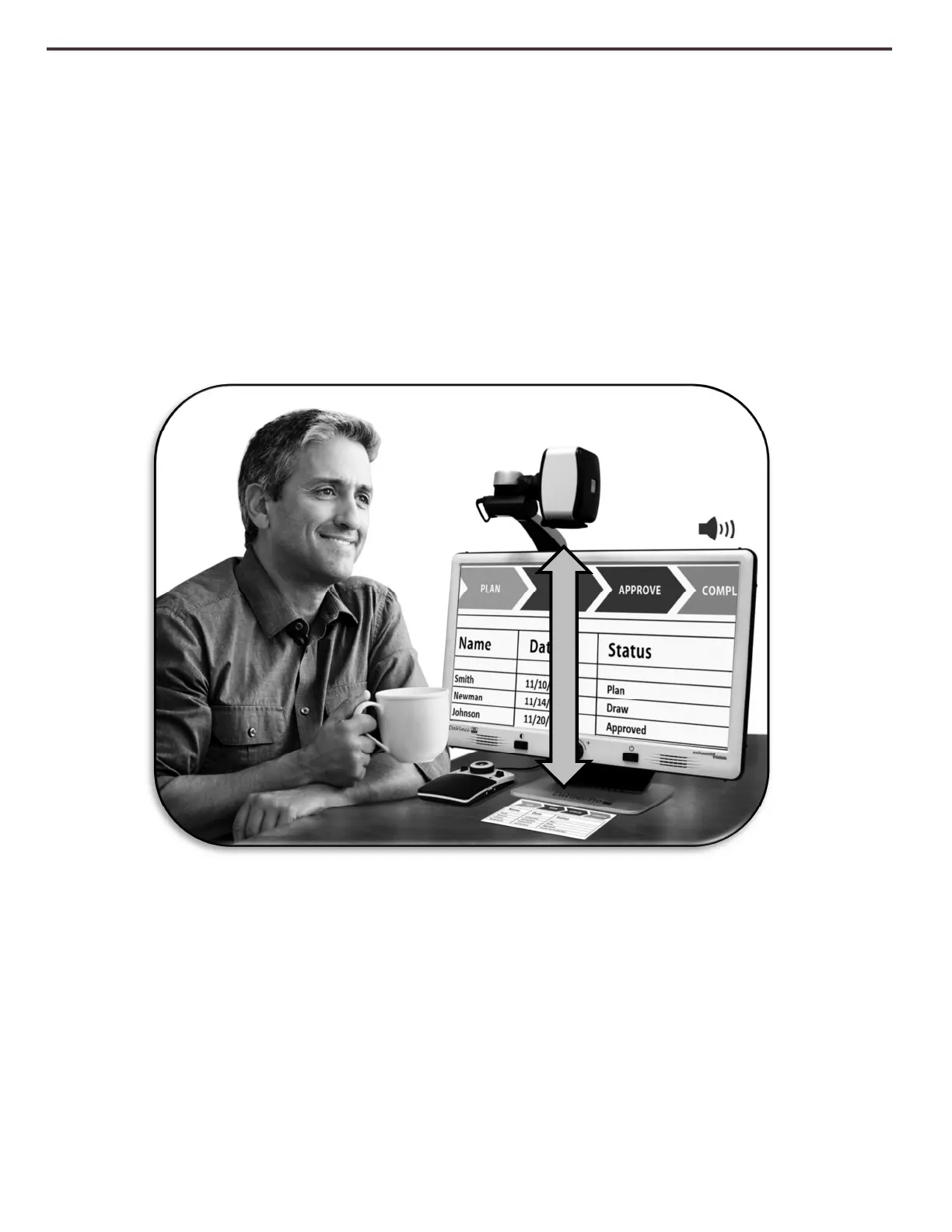
The Camera can be adjusted downward for reading, writing and enjoying crafts or other
hobbies. This makes it ideal for classroom use. When the camera is rotated downward,
“Desktop” is announced. DaVinci Pro can slide freely, left or right, along the specially
designed bracket mechanism. It is best to close the Close-up Lens when objects are
placed 12”-19” away from the Camera for optimal viewing clarity.
12” - 19” (Recommended)



 To Next Page