47
Library Features in depth
Navigating DaVinci Pro Display List
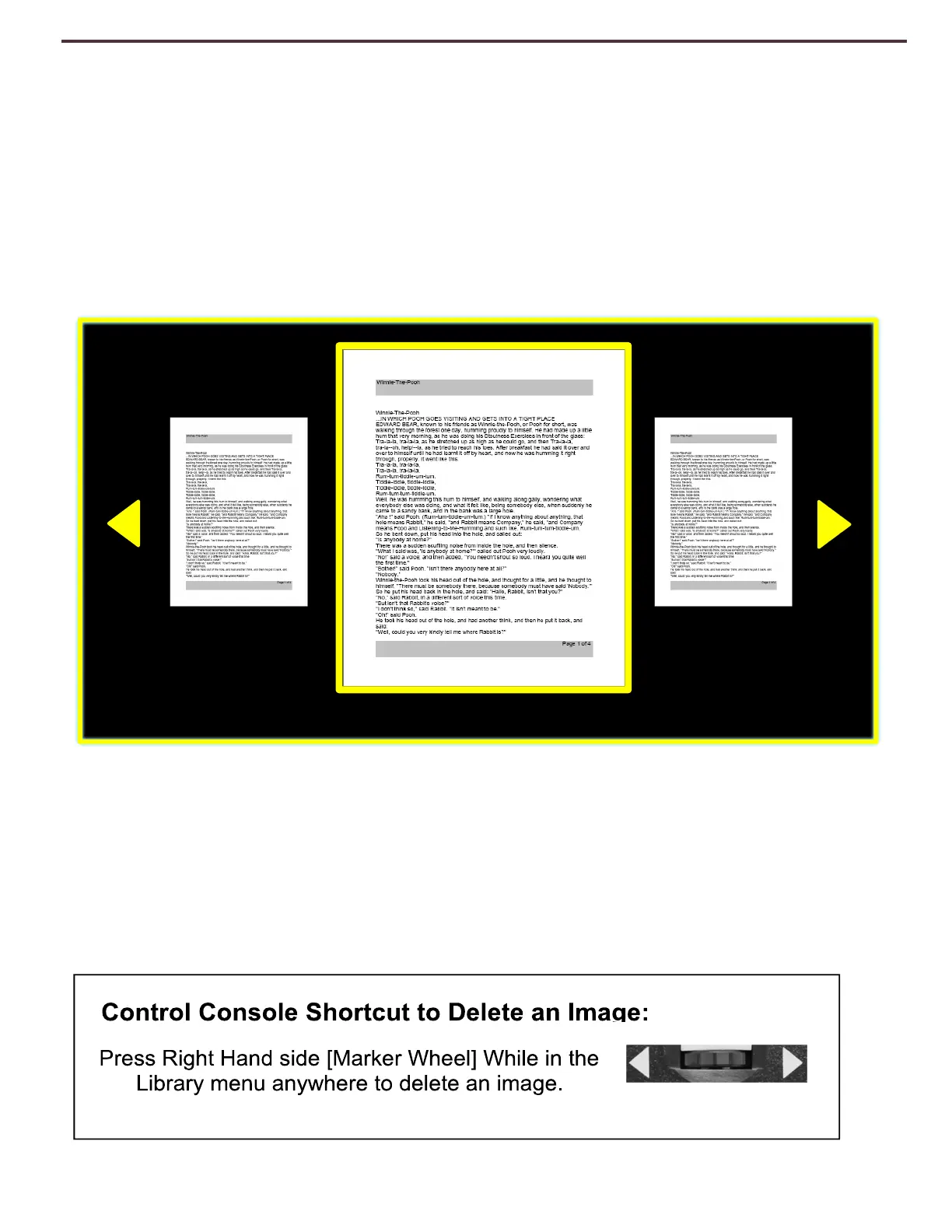
Once you enter your library you will enter the “Display List” which will show you a preview of your
Book, Page or Picture. Use the [Next Line] or [Previous Line] to cycle through all of your saved
documents. You should also notice previews for the next and previous lines will change as you
navigate between the different options. Press [Find/Enter] to make a selection and proceed to OCR
Readback for Books and Documents or Picture Viewing Mode for Pictures.
Deleting a Single Item from the Display List
While in the Library Display List or while viewing any type of saved image simply press the right
hand side console wheel in briefly. A garbage pail icon will display indicating that the image has
been deleted.
Figure 21 Library Display List



 To Next Page