8
7. Place your material such as a book,
newspaper, or photograph, on the movable
X-Y table.
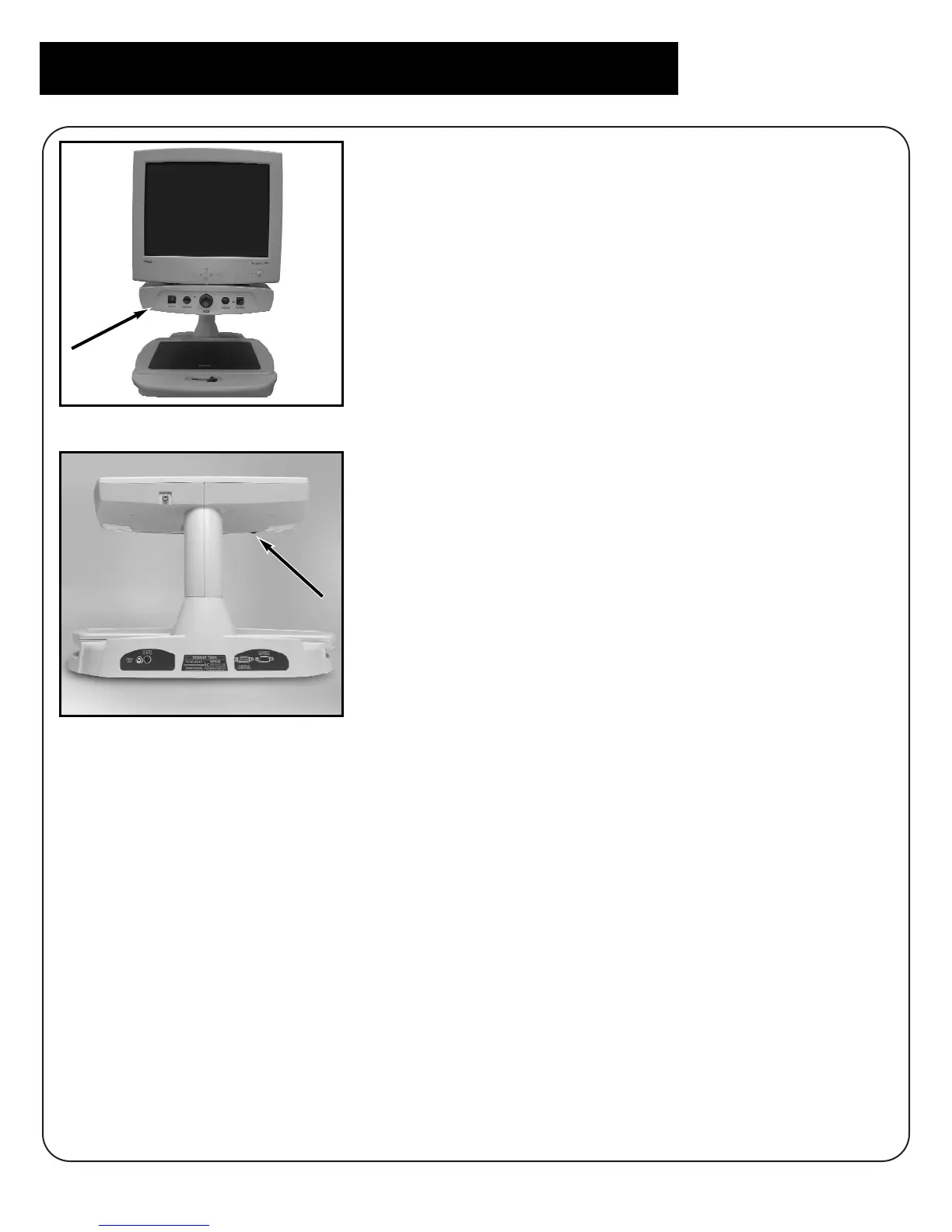
8. Selecting Display –
To select display from the Merlin video
magnifier or your computer you must use the
toggle switch located under the upper
control panel on the left side of the front of
the unit. (Figure 5 and Figure 5A)
To use the Merlin video magnifier the switch
must be set forward, towards you, to show
zero, “0.” To use your computer or CPU
toggle the switch back, away from you, to
show “I.”
figure 5A
Setting up Merlin with VGA Monitor
figure 5



 To Next Page