18
Training Merlin for Voice Recognition
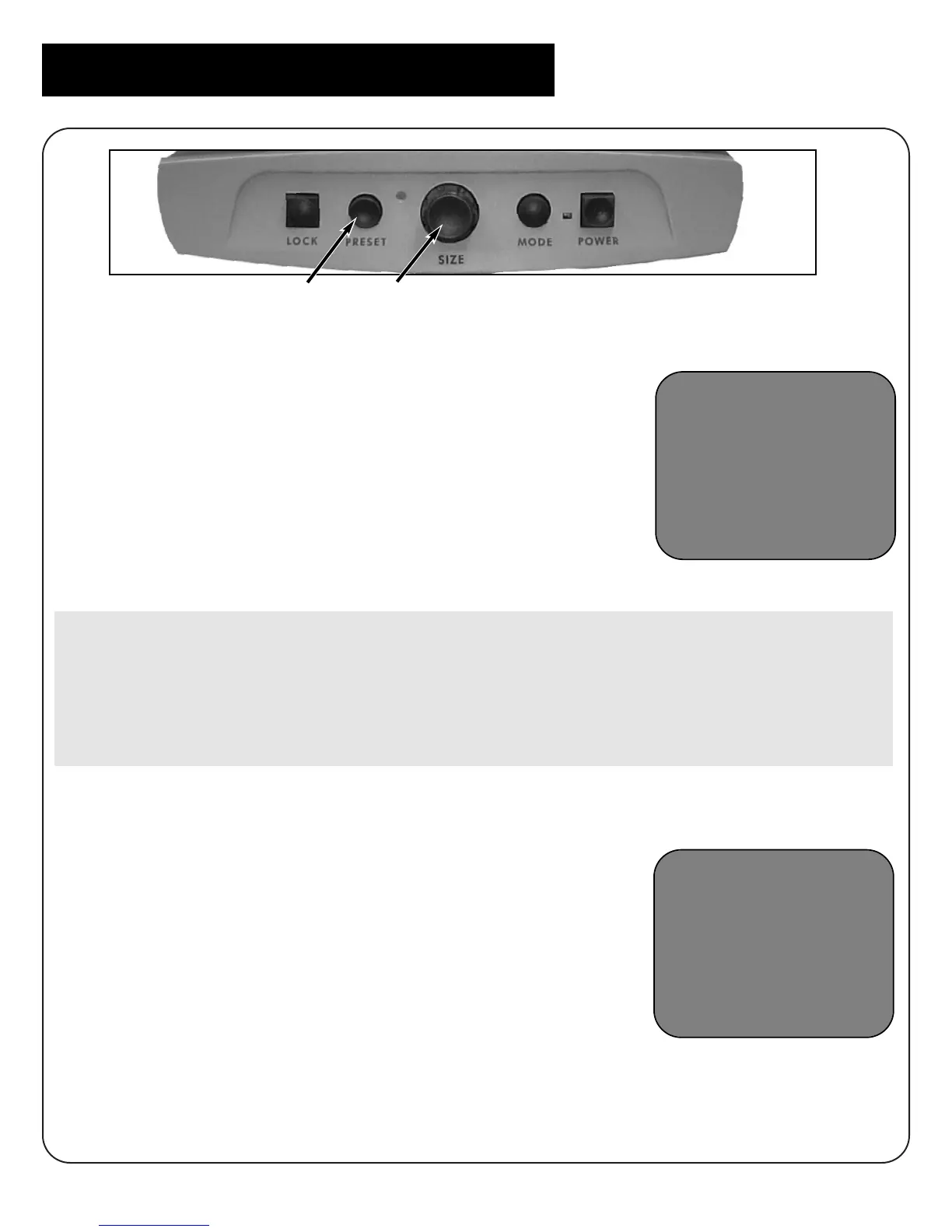
1. After you have entered setup, turn the Size dial (#1
above) clockwise or to the right to scroll through
menu options until the words “TRAIN ME” appear.
2. Press the Preset button (#2) to select that option.
3. Merlin will request that you speak the words
“change,” “bigger,” and “smaller” two times each, and
will verbally confirm when that process is complete.
Make sure there are NO background noises such as a radio, TV or people
talking during the training session. If there is an unusual noise that occurs
while you are recording, such as a cough or a door closing loudly, simply
remain silent for approximately 10 seconds and Merlin will exit the training
session automatically. To restart, begin with step 2 again.
Exiting Setup
1. Turn the Size dial all the way counterclockwise, or
to the left, until the word “EXIT” appears.
2. Press Preset to exit set-up. Merlin will say
“Exiting set-up.”
Your Merlin is now trained for voice recognition.
EXIT
Programming Setup Options
TRAIN-ME
#2 #1



 To Next Page