When Merlin is turned on, it is automatically set on auto focus. This is the
most convenient setting for everyday activities, such as reading anything
from a single page to a thick book, reading a prescription bottle, or working
with arts and crafts.
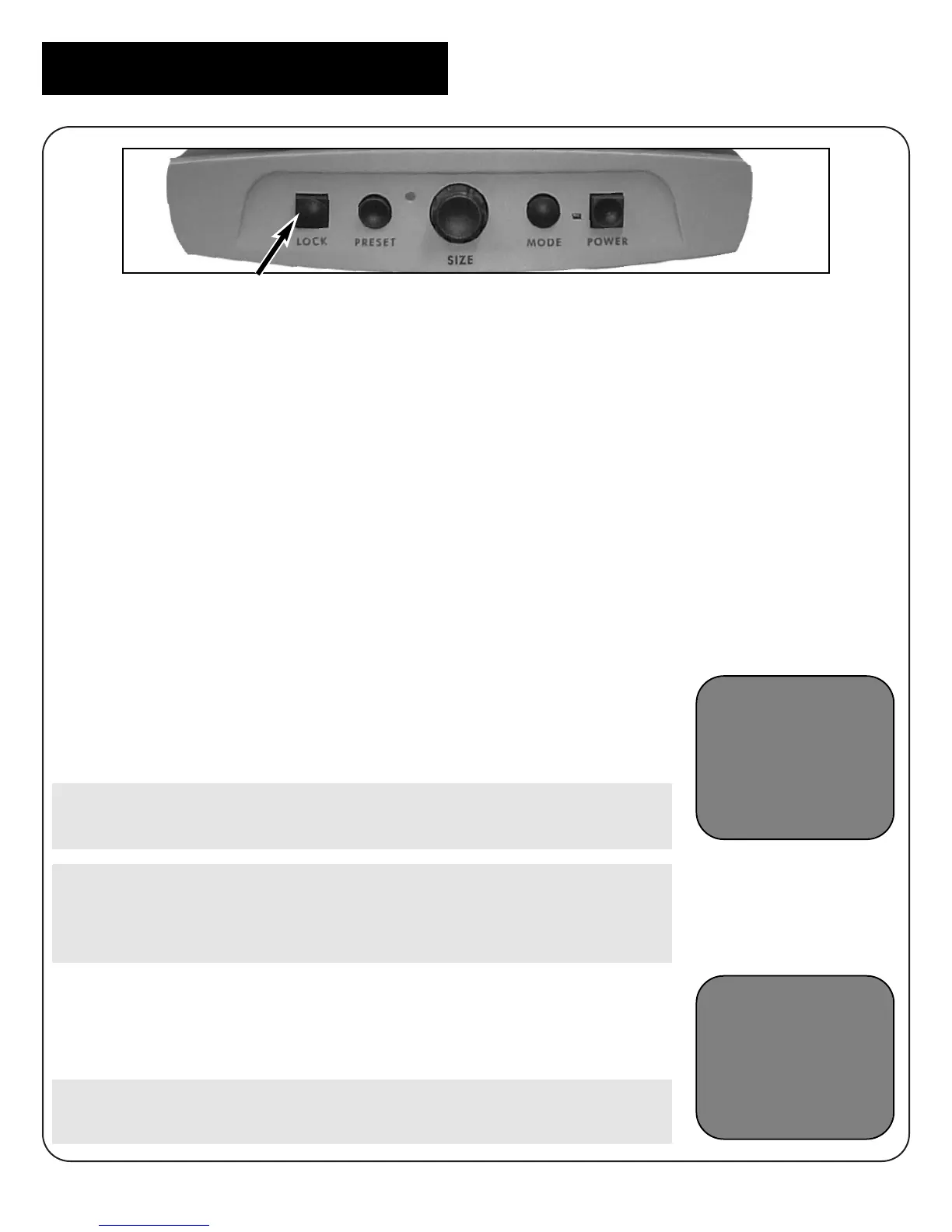
Focus lock allows you to maintain focus on a specific object at a fixed
distance, such as writing. Merlin’s Intelligent Focus Lock feature will
automatically refocus on the object you are viewing after changing
magnification size.
To Use Focus Lock for Writing
1. Place your note paper, stationery, checkbook or other
writing material on the X-Y table.
2. Press the Lock button on the control panel. The letters
“FL” will appear and remain in the upper left corner of
the monitor.
Merlin will now keep your writing in focus, rather than
your hand when it comes into the camera’s frame.
If you change magnification sizes, Intelligent Focus
Lock will automatically refocus on the desired object
or page.
3. To return to auto focus, press the lock button. The
letters “AF” will appear in the upper left corner of
the monitor.
On the voice recognition model only, Merlin will verbally
confirm your selection of focus lock or auto focus.
Intelligent Focus Lock
AF
FL
14



 To Next Page