11
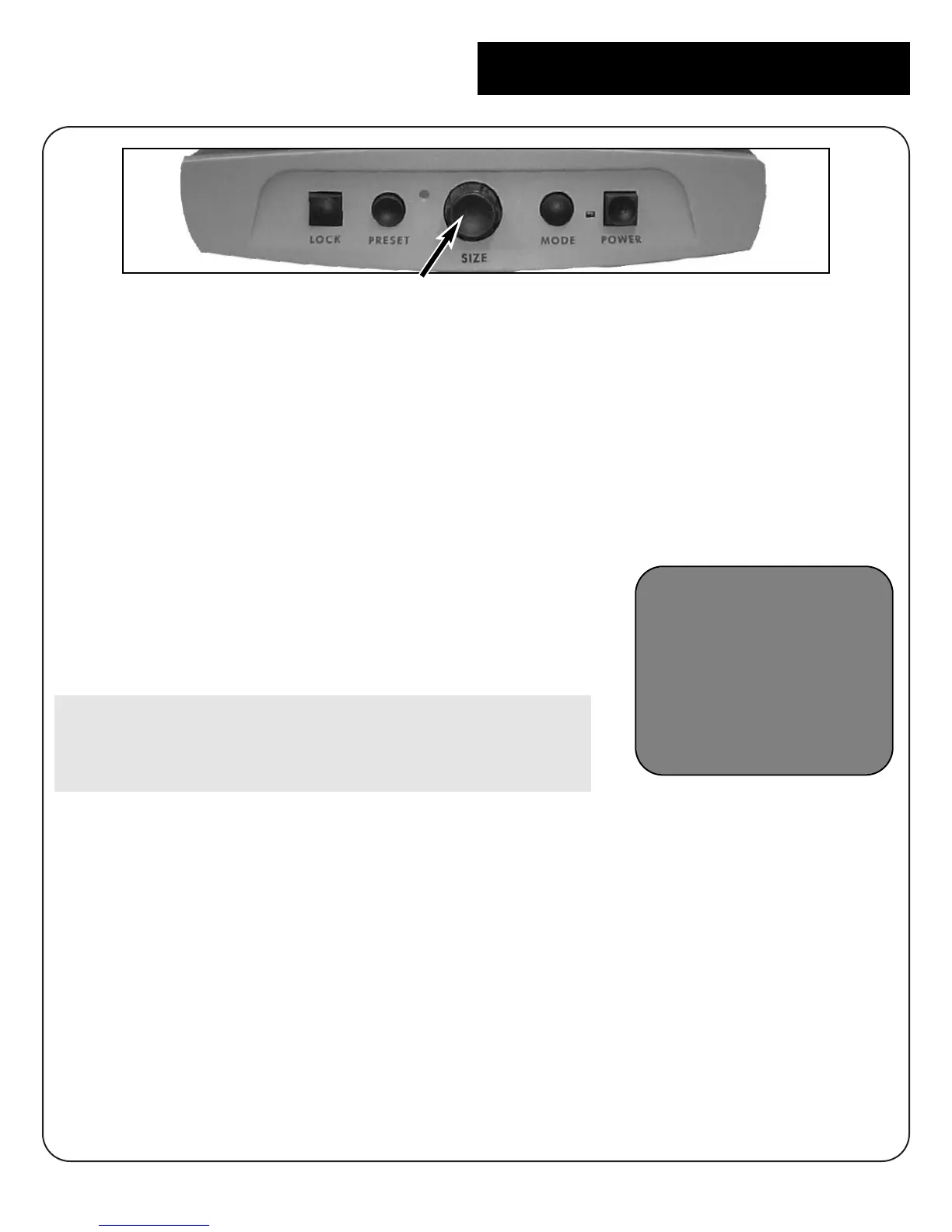
You can increase or decrease the size of the image by using the Size dial at
the center of the control panel.
There are sixteen levels of magnification
available on Merlin.
• To increase the size of the image,
turn the dial clockwise, or to the right.
• To decrease the size of the image, turn
the dial counterclockwise, or to the left.
The size you selected will be displayed in the
upper left corner of your monitor. (Figure 1)
On the voice recognition model only, Merlin
will verbally confirm the magnification size you
have selected.
Changing Magnification
SIZE-7
figure 1



 To Next Page