Merlin Color Select
Now that you have familiarized yourself with the standard viewing modes,
let’s walk through how to choose a viewing mode and program color select
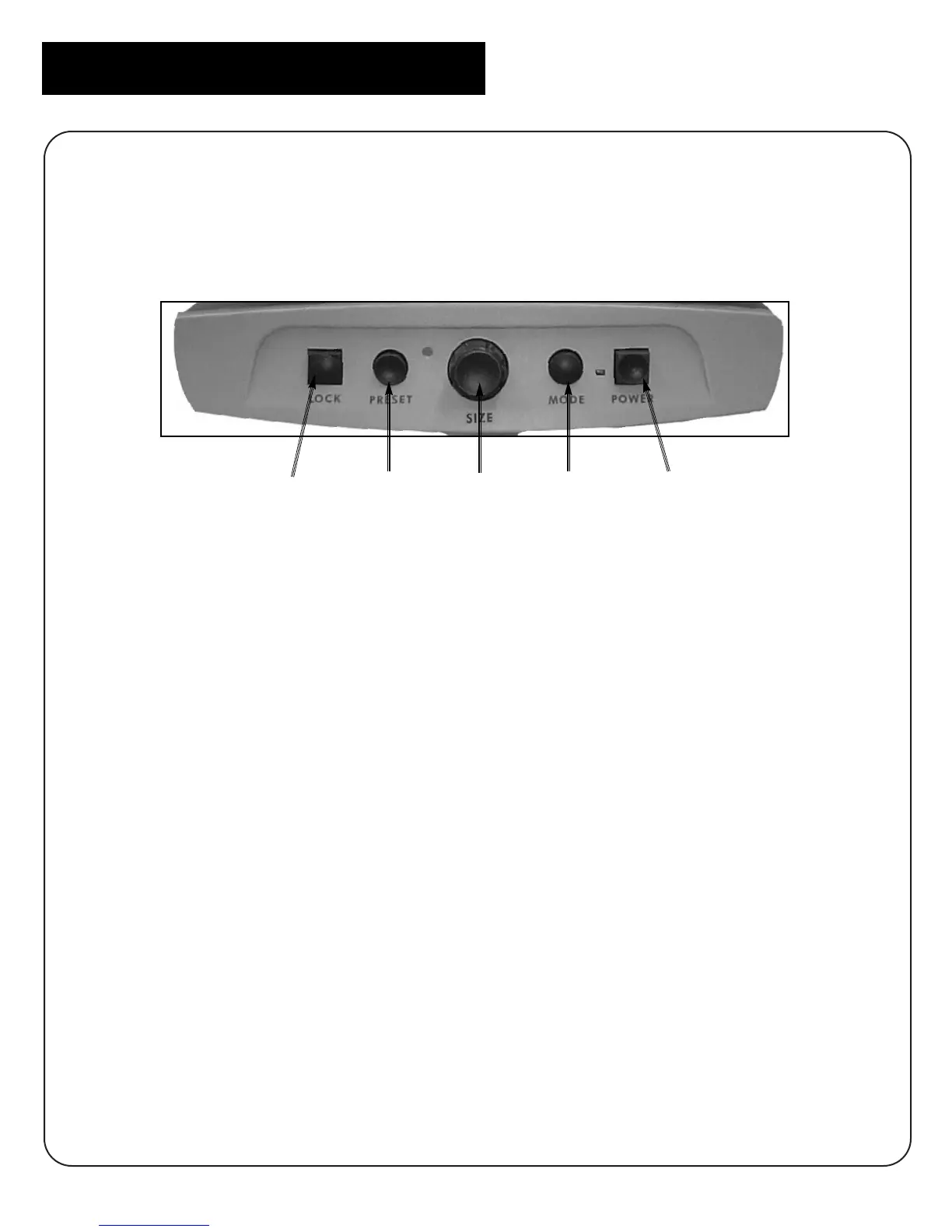
options. You can familiarize yourself with the front control panel below.
Choosing a Viewing Mode
As described in the Merlin User’s Manual, you can change viewing modes by
simply pressing the MODE button on the front console of your Merlin.
When your Merlin with Color Select is turned on for the first time the display
is automatically in the vivid color mode. Press the MODE button to cycle
through all viewing options until you make a selection. The mode you have
selected will briefly display in the upper corner of your monitor.
NOTE: After your first session using your Merlin with Color Select, each time
you turn Merlin on it will automatically go back to the viewing mode you
were using when last turned off.
20
Merlin with Color Select
LOCK
PRESET SIZE
MODE
POWER



 To Next Page