Envoy Installation and Operation
2014 Enphase Energy Inc. 141-00011 Rev 05
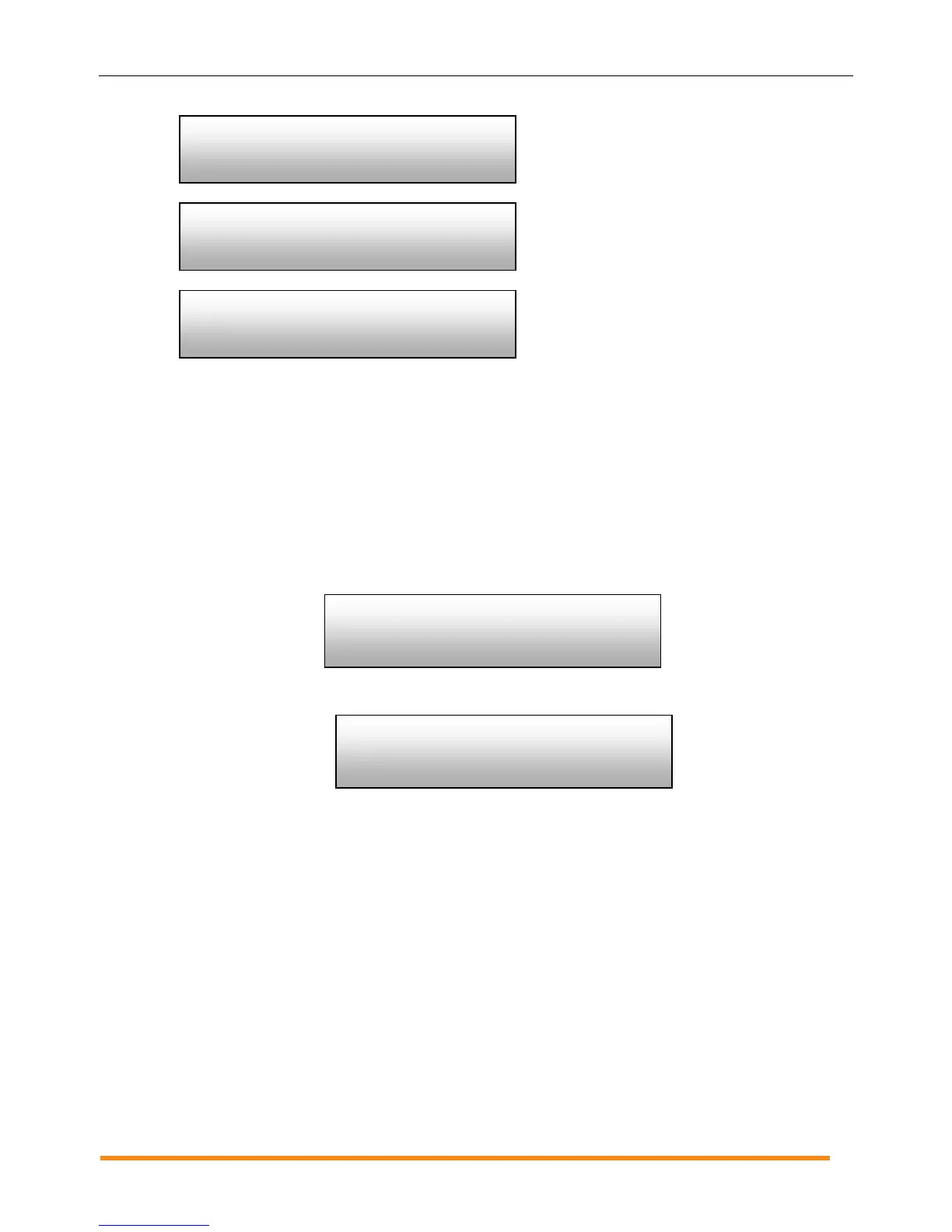
Number of microinverters that are in the
process of being set and the name of the
specification being used.
Number of devices that failed to be set
with a grid profile.
Updating grid configuration data.
Getting a New IP Address
The Get New IP Address menu item makes the Envoy request a new IP address from the broadband router.
To get a new IP address:
1. Press and hold the Envoy Menu button. After two seconds the Envoy menu appears.
2. Continue holding the Menu button. When the LCD screen displays “Get New IP Address”,
release the Menu button.
The LCD screen now reads:
Once the new IP address has been requested, the LCD will return to the default display.
Checking grid config
Select to exit
(n)are propagating
with (local spec)






 To Next Page